
Key takeaways
- Beginners who want to learn stick control without crashing real hardware suit an entry-friendly simulator like DRL Simulator or the free Velocidrone trial tracks, while competitive racers and freestyle pilots chasing realistic physics suit Liftoff or the full version of…
Beginners who want to learn stick control without crashing real hardware suit an entry-friendly simulator like DRL Simulator or the free Velocidrone trial tracks, while competitive racers and freestyle pilots chasing realistic physics suit Liftoff or the full version of Velocidrone, which both emphasize tunable physics and precise control response over simplified arcade handling.
As an Amazon Associate, we earn from qualifying purchases made through links on this page.
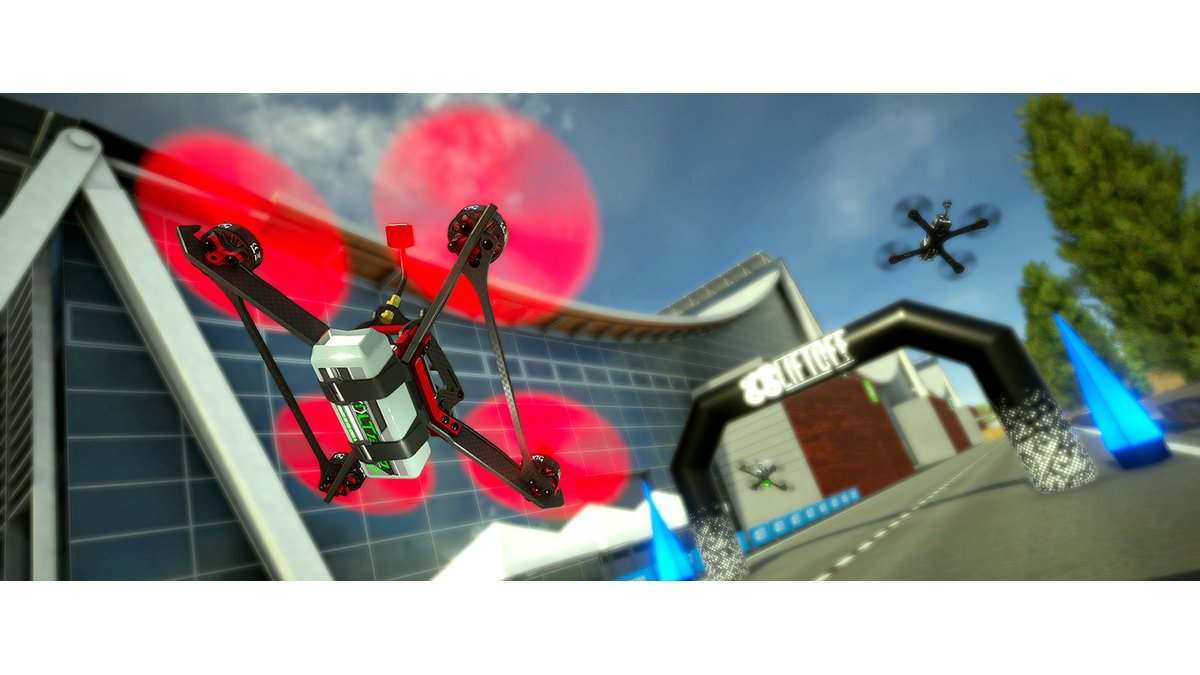
FPV drone simulators let pilots practice stick control, racing lines, and freestyle maneuvers on a computer using a real FPV-style radio controller connected over USB or a wireless module, without risking a physical quadcopter. The category splits mainly along two lines: how closely the physics model matches a real drone’s handling, and how much the simulator leans toward structured racing content versus open freestyle and cinematic flying. Most serious simulators support importing or approximating a pilot’s actual drone rates and PID-style feel, which matters because muscle memory built on unrealistic physics can translate poorly to real flight.
What Matters Most When Choosing
Physics accuracy is the headline feature for anyone using a simulator to prepare for real FPV flight. Liftoff and Velocidrone are both frequently cited by the FPV community for offering adjustable physics and rate settings that let pilots approximate the feel of their actual drone setup, which helps the transition between sim and real flight feel more consistent. Content focus is the second major differentiator: some simulators lean heavily into competitive racing with gates, leaderboards, and track design tools, while others emphasize open freestyle maps, cinematic flying, or a mix of both. Controller compatibility matters too, since most FPV simulators expect a standard radio transmitter connected via USB, a compatible USB dongle, or a simulator-specific joystick adapter, and pilots should confirm their specific transmitter model is supported before buying. System requirements are worth checking as well, since some simulators are more demanding on graphics hardware than others, particularly at higher resolutions or with detailed freestyle maps.
Racing-Focused Picks
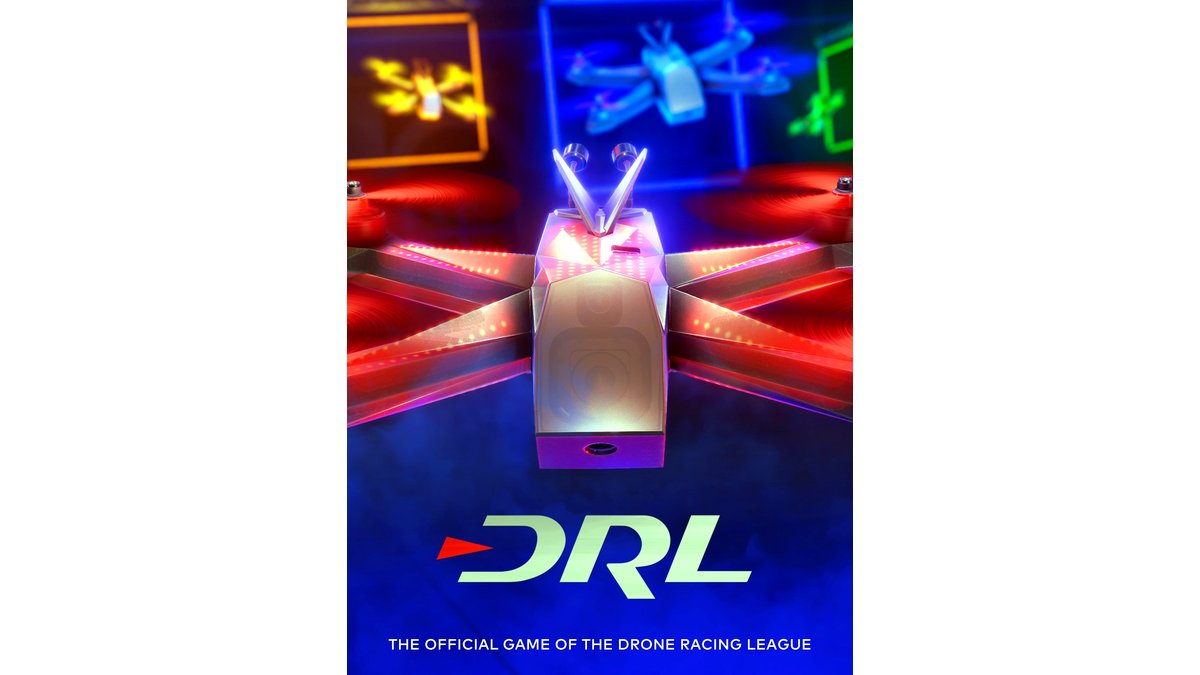
Velocidrone has built a reputation in the competitive FPV community for hosting official and community racing leagues directly inside the simulator, with track design tools that let pilots practice on recreations of real-world race courses. DRL Simulator, built around the Drone Racing League brand, leans into structured race content and official DRL track recreations, and it offers a free trial that makes it a common first stop for newcomers deciding whether FPV racing interests them before investing in real hardware. Both are commonly recommended specifically for pilots who want competitive ladder play or structured lap-time practice rather than open-ended freestyle exploration.
Freestyle and All-Around Picks
Liftoff is frequently recommended across FPV forums and review outlets as a strong all-around simulator, offering a mix of freestyle maps, racing tracks, and a drone customization system that lets pilots build virtual quads resembling their real setups. Its broader map variety and freestyle-friendly design make it a common pick for pilots who want to practice flips, dives, and proximity flying rather than focusing purely on lap times. Velocidrone also supports freestyle flying outside its racing leagues, giving it some crossover appeal for pilots who want both racing and freestyle practice in one package.
At a Glance
| Simulator | Best For | Key Stated Specs | Limits |
|---|---|---|---|
| Liftoff | All-around practice, freestyle, proximity flying | Drone customization, varied freestyle and race maps, adjustable physics | Racing leaderboard scene smaller than Velocidrone’s dedicated racing community |
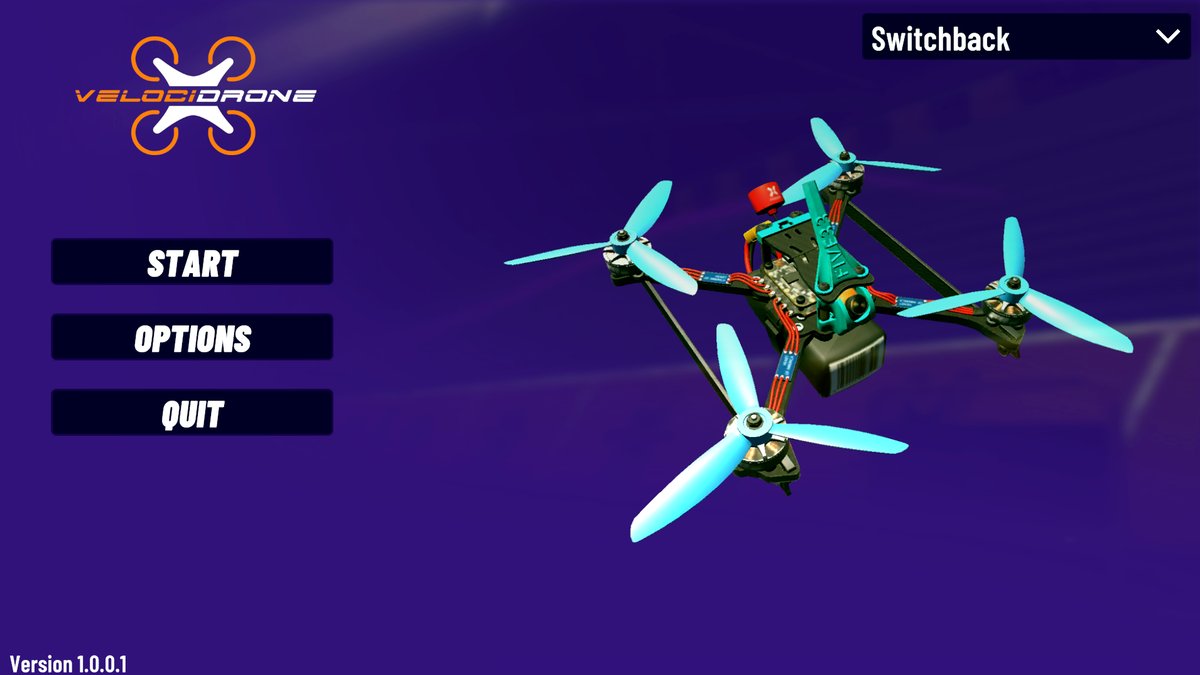
| Velocidrone | Competitive racing, lap-time practice | Track editor, active racing leagues, adjustable rates and physics | Interface and track editor have a steeper learning curve for newcomers |
| DRL Simulator | Newcomers exploring FPV racing, DRL-branded content | Official DRL track recreations, free trial availability | Narrower focus on racing; less freestyle content than Liftoff |
| Free trial / entry-level options | Testing hardware compatibility before buying a full simulator | Limited track or map selection compared to paid versions | Restricted content; meant as a trial rather than long-term use |
Pick This If…
| Situation | Recommended Simulator |
|---|---|
| New to FPV, want to test if a transmitter works before buying a full sim | DRL Simulator free trial |
| Want to practice freestyle tricks and proximity flying | Liftoff |
| Training for competitive racing leagues or lap-time improvement | Velocidrone |
| Want the closest match to a specific real-world drone’s feel | Any simulator with adjustable rates; manually tune settings to match the real drone’s configuration |
| Limited budget, want to confirm transmitter compatibility first | Start with a free trial version before purchasing the full simulator |
Compatibility Notes
Before buying, confirm the simulator supports the specific FPV transmitter in hand, since connection methods vary between direct USB connection, a USB dongle receiver, or a simulator-specific joystick mode on the transmitter itself. Some older or budget transmitters may need a firmware update or a specific mode enabled to register correctly as a joystick on a computer. Pilots should also check whether their computer’s graphics hardware meets the simulator’s stated minimum requirements, since freestyle maps with more visual detail can run less smoothly on older integrated graphics than simpler racing tracks.
2-3 Alternatives
Pilots on a tighter budget or using uncommon controllers might start with a free or low-cost simulator trial to confirm hardware compatibility and interest level before investing in a full paid title. Console-based flying or racing games are not a substitute for true FPV physics practice, but some newcomers use them as a very rough introduction to drone-style camera movement before moving to a dedicated FPV simulator. Pilots who already own a real FPV drone and are comfortable with basic flight might skip simulators focused on beginner tutorials and go straight to a racing-league simulator like Velocidrone to practice specific tracks or maneuvers relevant to their goals.
Building a Practice Routine
Pilots who get the most out of a simulator generally treat it as structured practice rather than casual play, which is a distinction FPV coaches and community guides frequently emphasize. Setting specific goals for a session, such as holding a consistent line through a technical section of a track or landing a particular freestyle combo cleanly several times in a row, tends to translate into faster improvement than open-ended flying without a target. Many pilots also record their simulator sessions, either through built-in replay features or separate screen-capture software, to review their line choices and stick inputs afterward, since spotting small inefficiencies on a replay is often easier than noticing them in the moment while flying.
Simulator time is also commonly used to rehearse specific maneuvers before attempting them on a real drone, particularly maneuvers with real consequences for a crash, such as low proximity flying near obstacles or tight indoor gaps. Because a simulator removes the cost and repair time associated with crashing real hardware, pilots can repeat a difficult maneuver dozens of times in a single session, building the stick memory needed to attempt it safely outdoors. That said, community guides consistently note that simulator practice should supplement, not fully replace, real flight time, since wind, battery sag, and video link behavior do not translate into a simulated environment in the same way stick inputs do.
Frequently Asked Questions
Do FPV simulators actually translate to real-world flying skill?
Many experienced pilots and FPV outlets report that simulator practice, especially with rates and physics tuned to match a real drone, helps build stick muscle memory that carries over to actual flight. The transfer is generally considered strongest for basic control and reaction time, with real-world factors like wind and video latency still requiring in-person practice.
Can I use any FPV radio transmitter with these simulators?
Most popular transmitters are supported through USB connection or a compatible dongle, but support varies by simulator and transmitter model, so checking the simulator’s listed compatible controllers before buying avoids a mismatch. Some transmitters need a specific internal mode or firmware setting enabled to work as a simulator controller.
What computer specs do I need to run an FPV simulator smoothly?
Requirements vary by title and by map complexity, with racing tracks generally running lighter than detailed freestyle environments. Checking each simulator’s published minimum and recommended system requirements against a specific computer’s graphics card and processor is the most reliable way to avoid performance issues.
Are free trial simulators good enough to learn on?
Free trials are commonly used by newcomers to confirm their transmitter works and to get a feel for FPV-style control before committing to a purchase, but they typically offer a limited subset of maps or tracks compared to the full paid versions. Pilots who stick with the hobby usually move to a full simulator for broader practice content.
How do I match simulator physics to my real drone?
Simulators like Liftoff and Velocidrone include adjustable rate and physics settings that pilots can tune to approximate their real quad’s response, often by matching rate curves or weight settings to their actual flight controller configuration. Some pilots fine-tune these settings over several sessions by comparing simulator feel to recent real-world flights.
Is racing or freestyle practice better for a beginner?
Many instructors and community guides suggest starting with basic racing-style practice on simple tracks to build fundamental throttle and turning control, then moving into freestyle maps once basic stick control feels consistent. The better starting point ultimately depends on which style of flying the pilot wants to pursue long-term.








