Key takeaways
- Renters and anyone who wants the simplest setup should look at a plug-in or battery-powered indoor camera with no wiring required, households wanting continuous recording without a monthly subscription should prioritize a model with local storage (microSD or a local…
Renters and anyone who wants the simplest setup should look at a plug-in or battery-powered indoor camera with no wiring required, households wanting continuous recording without a monthly subscription should prioritize a model with local storage (microSD or a local hub), and anyone watching over a baby or pet should look specifically for pan-tilt models with two-way audio and a wide field of view rather than a fixed-lens camera.
As an Amazon Associate, we earn from qualifying purchases made through links on this page.
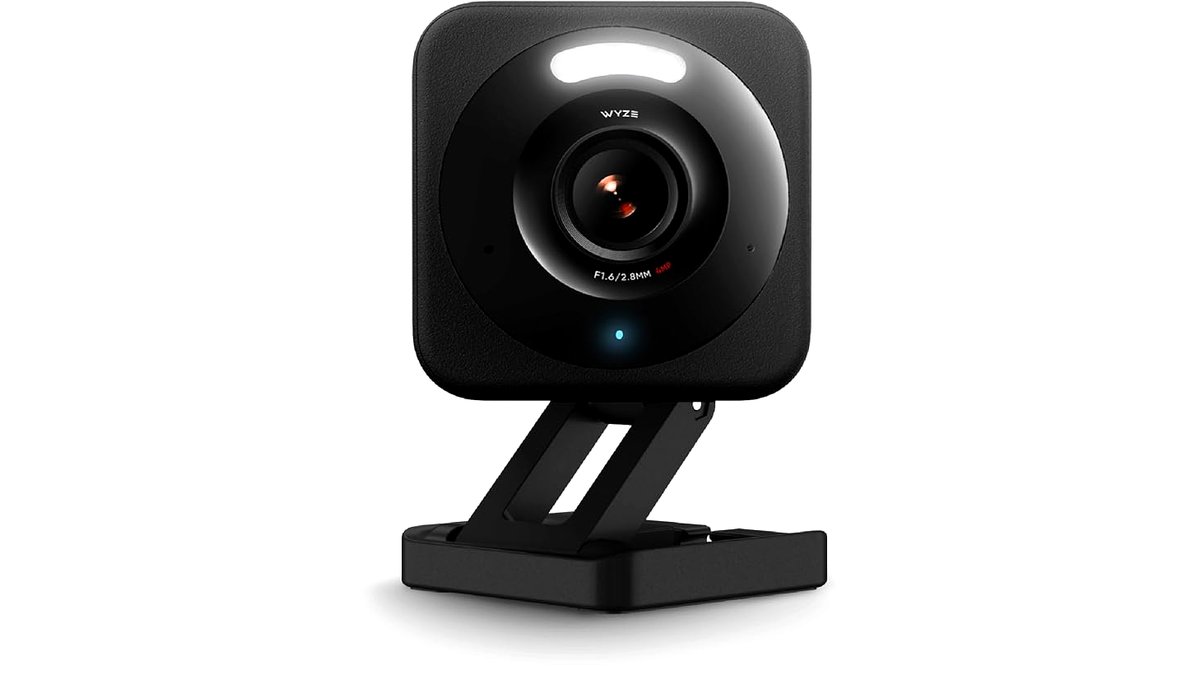
Indoor security cameras vary mainly along a few lines: whether they need a subscription for cloud video storage, whether they can pan and tilt or stay fixed, how they connect to power, and what smart-home ecosystems they integrate with. None of these is universally “best”; the right mix depends on budget tolerance for ongoing fees, the specific room being monitored, and whether local storage or cloud backup matters more for peace of mind.
Indoor Camera Categories
Plug-in fixed-lens cameras
These are the most common and typically most affordable indoor cameras, powered continuously through a wall outlet and aimed at a fixed area such as a living room, entryway, or nursery. The maker lists features like motion detection, night vision, and smartphone alerts as standard across most models in this category. Because they are not battery-powered, they do not need periodic recharging, but they do need a nearby outlet and a visible cable run.
Pan-tilt cameras
Pan-tilt cameras can remotely rotate to cover a wider area than a fixed lens, either through manual control in an app or automatic motion tracking. Reviewers covering home security gear frequently recommend this type for larger rooms or for monitoring pets and children, since the camera can follow movement around the space rather than only covering one fixed angle.
Battery-powered and wire-free cameras
Primarily marketed for outdoor or semi-outdoor use, some wire-free battery cameras are also used indoors in spots without a convenient outlet, such as a shelf or detached area of a home. The tradeoff is periodic battery recharging or replacement, with the stated battery life varying significantly by brand, recording frequency, and settings like continuous versus motion-triggered recording.
Cloud-connected versus local-storage cameras
Many indoor cameras default to cloud storage, generally requiring a paid subscription beyond a free introductory tier or a short rolling clip history, to keep a longer video history. Other models support local storage through a microSD card slot or a local hub/base station, avoiding ongoing subscription costs but requiring the user to manage storage capacity and physical security of the storage media.
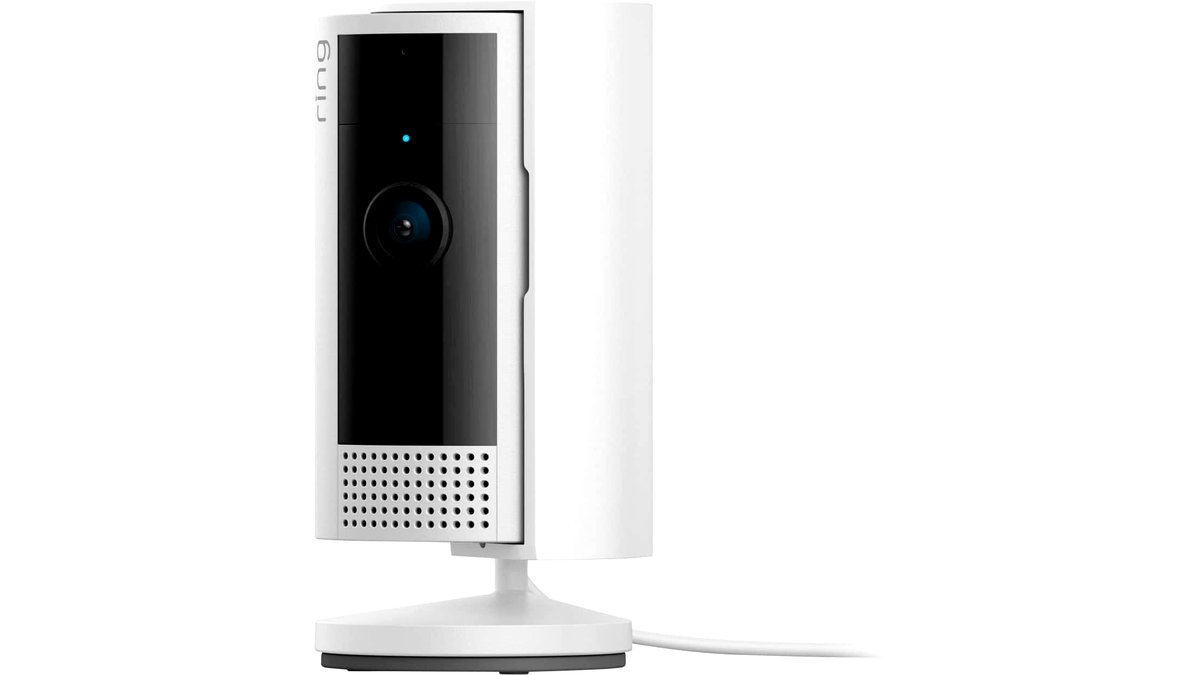
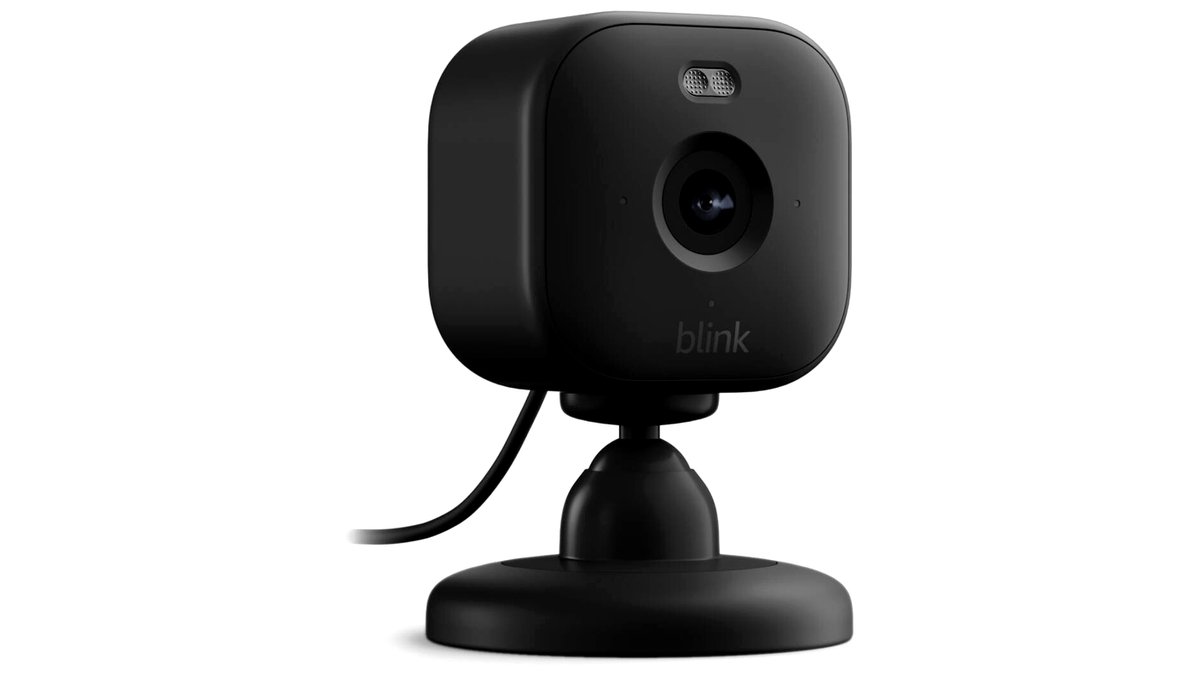
At a Glance: Indoor Camera Types Compared
| Type | Best for | Key stated features | Limits |
|---|---|---|---|
| Plug-in fixed-lens | Entryways, living rooms, nurseries near an outlet | Continuous power, motion alerts, night vision | Fixed field of view, needs a visible power cable |
| Pan-tilt | Larger rooms, pet and child monitoring | Remote or automatic panning, wider effective coverage | Generally costs more than fixed-lens models |
| Battery-powered/wire-free | Spots without a nearby outlet | No wiring needed, flexible placement | Periodic recharging or battery replacement required |
| Local-storage camera | Avoiding ongoing subscription costs | MicroSD or local hub storage, no cloud fee required for basic use | User must manage storage capacity and card/hub security |
What to Check Before Buying
Subscription requirements
Checking what a camera’s free tier actually includes, such as a short rolling clip history versus no recorded history at all without a subscription, avoids a surprise after setup. Subscription costs and terms vary by brand and can change over time, so checking the current terms directly on the maker’s site before buying is worth the few extra minutes.
Field of view and placement
A camera’s stated field of view, usually in degrees, determines how much of a room is visible from a single mounting spot. Corner or high-shelf placement generally captures more of a room than a camera placed against a flat wall, and pan-tilt models reduce the importance of getting placement perfectly right the first time.
Two-way audio
Two-way audio lets a user speak through the camera’s speaker remotely, which reviewers note is useful for talking to a pet, child, or visitor from outside the home. Audio quality and any noticeable delay vary by model and by the strength of the home’s Wi-Fi connection at the camera’s location.
Smart home and privacy settings
Many indoor cameras integrate with smart home platforms such as Alexa-based systems, Google Home, or Apple HomeKit; checking compatibility with an existing smart home setup avoids buying a camera that cannot be controlled alongside other devices. Separately, cameras placed in private spaces like bedrooms should have a privacy or physical shutter feature checked, since some users prefer a camera that can be physically covered or powered off rather than relying only on a software toggle.
Night vision range and quality
Night vision is typically achieved through infrared LEDs, and the maker’s stated range in feet or meters indicates how far the camera can see clearly in darkness. Reviewers testing cameras in actual dark rooms sometimes find real-world night vision clarity falls short of the stated range, particularly for cameras at the lower end of a brand’s lineup.
Pick X If… Decision Table
| If your situation is… | Consider… |
|---|---|
| Renting and want the simplest, most reversible setup | A plug-in or battery-powered camera with no wiring or drilling needed |
| Monitoring a larger room, a pet, or a young child | A pan-tilt camera with two-way audio |
| Want to avoid an ongoing monthly subscription | A camera with local microSD or hub storage |
| Already using a specific smart home platform | A camera confirmed compatible with that platform |
| Placing a camera somewhere with no nearby outlet | A battery-powered wire-free model, checking the stated battery life |
Placement and Privacy Notes
Indoor cameras generally work best mounted or placed above typical eye level, angled slightly downward to capture a wider area of the room without aiming directly into a doorway’s glare from outside light. Avoid placing cameras where they could capture neighboring private spaces through a window, and check local laws regarding audio recording in shared or rented spaces, since some jurisdictions have specific consent rules around recording audio of other people. For cameras near children’s rooms or shared family spaces, choosing a model with a clear physical or software privacy indicator, and discussing camera placement with everyone in the household, helps avoid misunderstandings about when and where recording is active.
Alternatives Worth Considering
Doorbell cameras: For monitoring entryways specifically, a dedicated doorbell camera combines a wide-angle view of the front door area with the same motion alert and two-way audio features as an indoor camera, often a better fit than an indoor camera aimed through a window or glass door.
Full smart home security systems: Households wanting sensors on doors and windows in addition to cameras may prefer a bundled smart home security system that combines indoor cameras with door/window sensors and a central hub, rather than buying indoor cameras as a standalone product.
Baby monitors with camera features: For nursery-specific monitoring, a dedicated baby monitor with camera, often including features like temperature readouts and lullaby playback, may suit that specific use case better than a general-purpose indoor security camera.
Frequently Asked Questions
Do I need a subscription to use an indoor security camera?
It depends on the model and brand; many cameras offer live viewing and motion alerts without a subscription but require a paid plan for extended cloud video history, while others support local microSD or hub storage that avoids a subscription entirely. Checking the specific free-tier terms for a given model before buying helps avoid surprises later.
Is a pan-tilt camera worth the extra cost over a fixed camera?
A pan-tilt camera is generally worth it for larger rooms or for following a moving pet or child around a space, since it covers more area than a single fixed angle. For a small room or a specific fixed point like a front entryway, a fixed-lens camera is often sufficient and more affordable.
How far can indoor cameras see in the dark?
Night vision range varies by model and is usually stated in feet or meters by the manufacturer, generally relying on infrared LEDs. Real-world clarity at the stated maximum distance can vary, with reviewers sometimes noting it falls short of the advertised figure, particularly on lower-cost models.
Can indoor cameras be hacked or accessed by unauthorized people?
Any internet-connected camera carries some risk if account security is weak, so using a strong, unique password, enabling two-factor authentication where offered, and keeping the camera’s firmware updated are commonly recommended steps to reduce that risk. Choosing a manufacturer with a clear security and privacy policy is also worth checking before buying.
Is it legal to record audio with an indoor camera?
Audio recording laws vary by location, and some jurisdictions require consent from people being recorded in certain situations, particularly in shared or rented spaces. Checking local law and discussing camera placement with others in the household is a reasonable step before relying heavily on audio recording features.
What is the difference between battery-powered and plug-in cameras?
Plug-in cameras draw continuous power from a wall outlet and do not need recharging, but they require a nearby outlet and a visible cable. Battery-powered cameras can be placed without any wiring but need periodic recharging or battery replacement, with battery life varying by brand and recording settings.