
Key takeaways
- Resolution: Higher resolution (4K vs 1080p) fills storage faster; many systems let you set a lower resolution for continuous recording and reserve full resolution for motion events.
- Recording mode: Continuous recording gives a complete record but needs far more storage than motion-activated recording.
- Number of cameras: Storage needs scale directly with camera count on a shared NVR, so a 4-camera system needs roughly four times the storage of a single-camera setup at the same settings.
Homeowners who want footage to keep recording even if the internet goes down should choose a system with an onboard NVR/DVR and hard-drive storage, while anyone wanting a simpler setup with no monthly fee can use standalone cameras with microSD slots instead. Local storage means your video never has to leave the house to be saved, which matters for both reliability and privacy.
As an Amazon Associate, we earn from qualifying purchases made through links on this page.
Why Choose Local Storage Over Cloud
Cloud-based camera systems typically require a subscription to keep more than a short rolling window of footage, and recording stops syncing if your internet connection drops. Local storage—whether a microSD card in the camera or a central hard drive in an NVR/DVR—keeps recording independent of your internet connection and avoids recurring fees, though it shifts the burden of managing storage capacity and backup onto you.
Two Main Local-Storage Architectures
| Architecture | How It Works | Best For | Limits |
|---|---|---|---|
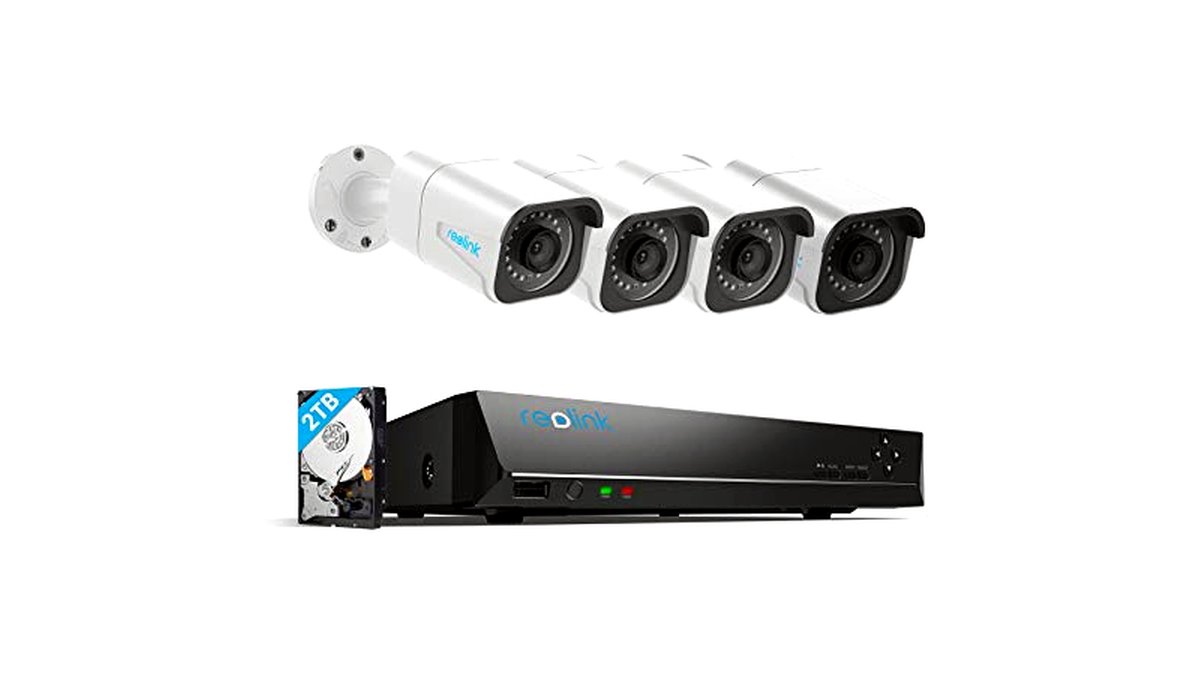
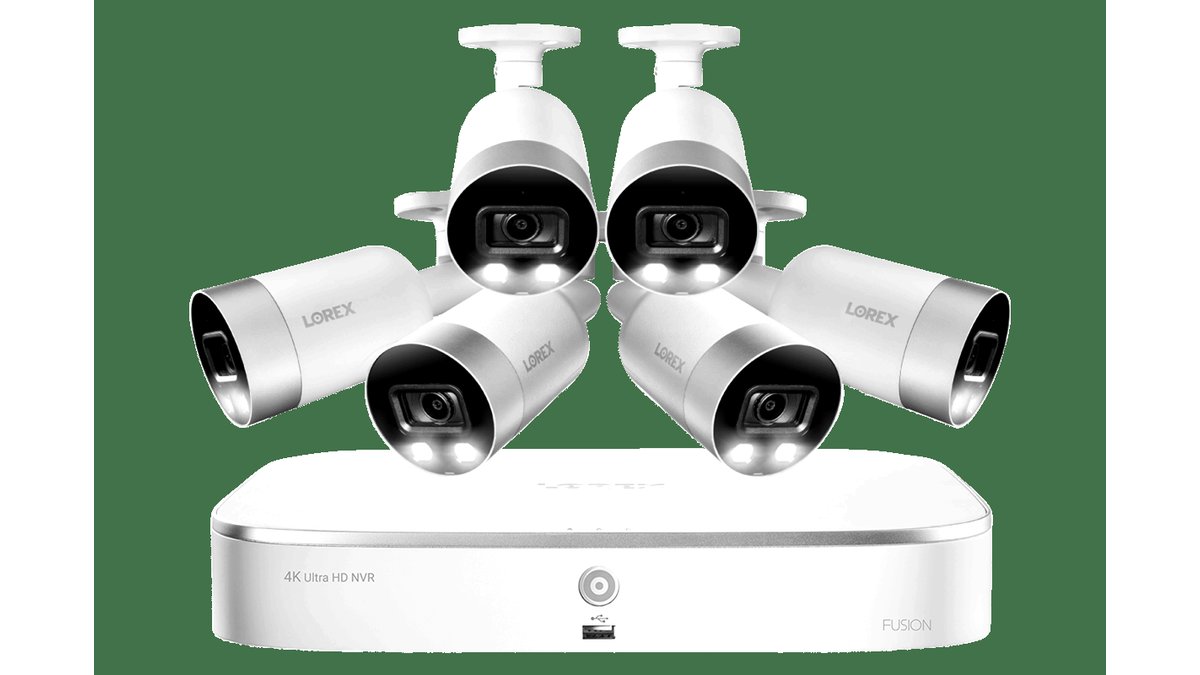
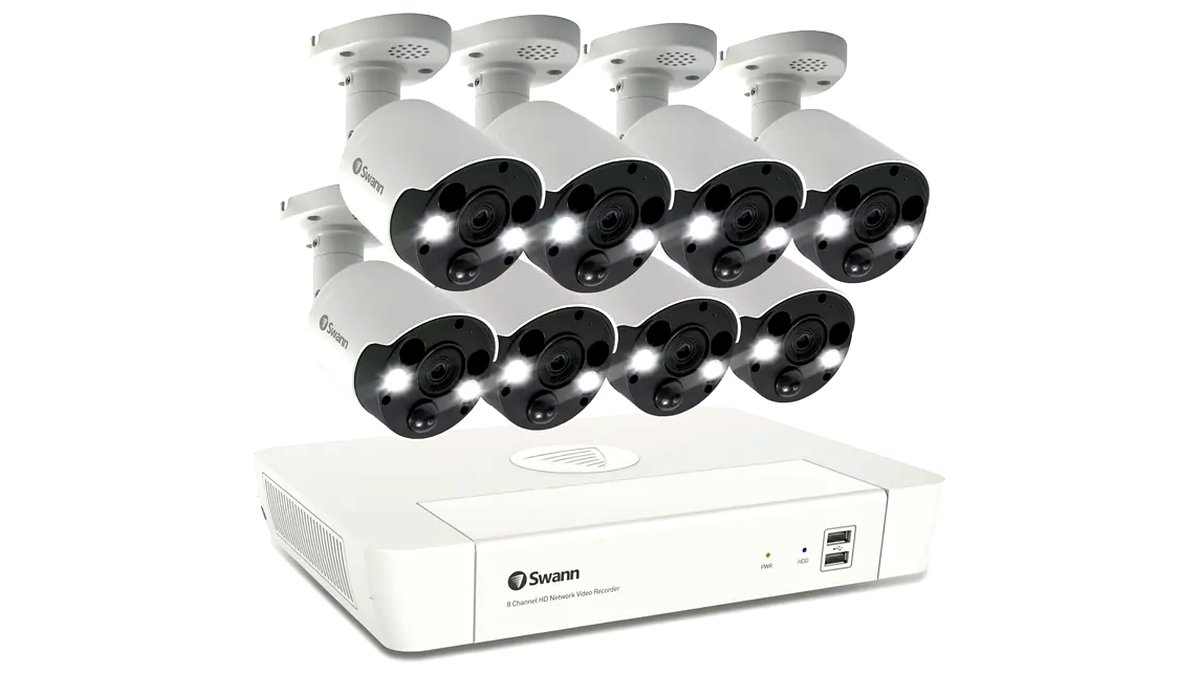
| NVR/DVR with wired or PoE cameras | Central recorder with a hard drive; cameras feed footage directly to the box | Whole-home coverage, multiple cameras, long retention | More complex install, often needs cabling or a PoE switch |
| Standalone cameras with microSD | Each camera stores its own footage on a removable card | Single entry points, rentals, simple add-on coverage | Limited card capacity, no central viewing hub, cards can be removed if camera is stolen |
Storage Capacity and Retention
How much footage you can keep depends on resolution, frame rate, whether cameras use motion-triggered or continuous recording, and total storage size. NVR systems support much larger hard drives (commonly multiple terabytes) than any microSD card, translating into weeks or months of continuous footage versus days for a card-based camera. Motion-triggered recording extends effective retention significantly compared to 24/7 continuous recording, since it only writes footage when the camera detects activity.
- Resolution: Higher resolution (4K vs 1080p) fills storage faster; many systems let you set a lower resolution for continuous recording and reserve full resolution for motion events.
- Recording mode: Continuous recording gives a complete record but needs far more storage than motion-activated recording.
- Number of cameras: Storage needs scale directly with camera count on a shared NVR, so a 4-camera system needs roughly four times the storage of a single-camera setup at the same settings.
Wired vs Wireless Local-Storage Systems
Wired NVR/PoE systems generally offer more reliable recording (no Wi-Fi dropouts) and support larger camera counts, but require running cable or at least placing cameras near a PoE switch. Wireless systems with local storage are easier to install without drilling or cabling but depend on a stable Wi-Fi signal to each camera, and some wireless local-storage cameras still require a brief cloud touch for initial setup or notifications even though video itself stays local—check the maker’s privacy policy if a fully offline setup matters to you.
Backup and Theft Considerations
Local-only storage has one clear weakness: if the storage device or camera itself is stolen or damaged, the footage goes with it. Mitigate this with cameras mounted out of easy reach, an NVR hidden in a closet or locked cabinet rather than next to the front door, and where supported, a secondary backup option such as scheduled export to a separate drive or a hybrid plan that also keeps a short cloud buffer.
Pick X If…
| If you… | Choose |
|---|---|
| Want whole-home coverage with months of retention | Wired NVR/PoE system with a multi-terabyte hard drive |
| Rent or can’t run cable | Wireless standalone cameras with microSD, mounted securely |
| Want zero monthly fees and full control of footage | Any local-only system with no mandatory cloud tier |
| Need backup against hardware theft | NVR hidden away from entry points, or a hybrid local-plus-cloud plan |
Installation and Compatibility Notes
Before buying, confirm how many camera channels the NVR/DVR supports and whether that matches your planned camera count, since adding channels later may require a different recorder entirely. For PoE systems, check whether a PoE switch or injector is included or needs to be bought separately, as cameras won’t power on without one. For microSD-based cameras, confirm the maximum supported card size, since using an oversized card beyond the camera’s rated limit can cause it to fail to format or record reliably.
Safety and Privacy Notes
Local storage reduces the amount of footage leaving your home, but outdoor cameras covering public sidewalks or neighboring property can raise privacy and, in some areas, legal concerns; check local regulations on camera placement and audio recording before installing. For any system with audio recording enabled, confirm your local laws around recording conversations, since rules vary by location and some jurisdictions require all-party consent for audio recording even on private property.
Alternatives Worth Considering
- Hybrid local-plus-cloud systems: Some systems record locally by default but offer an optional cloud backup tier, giving a safety net against local hardware theft without full reliance on a subscription.
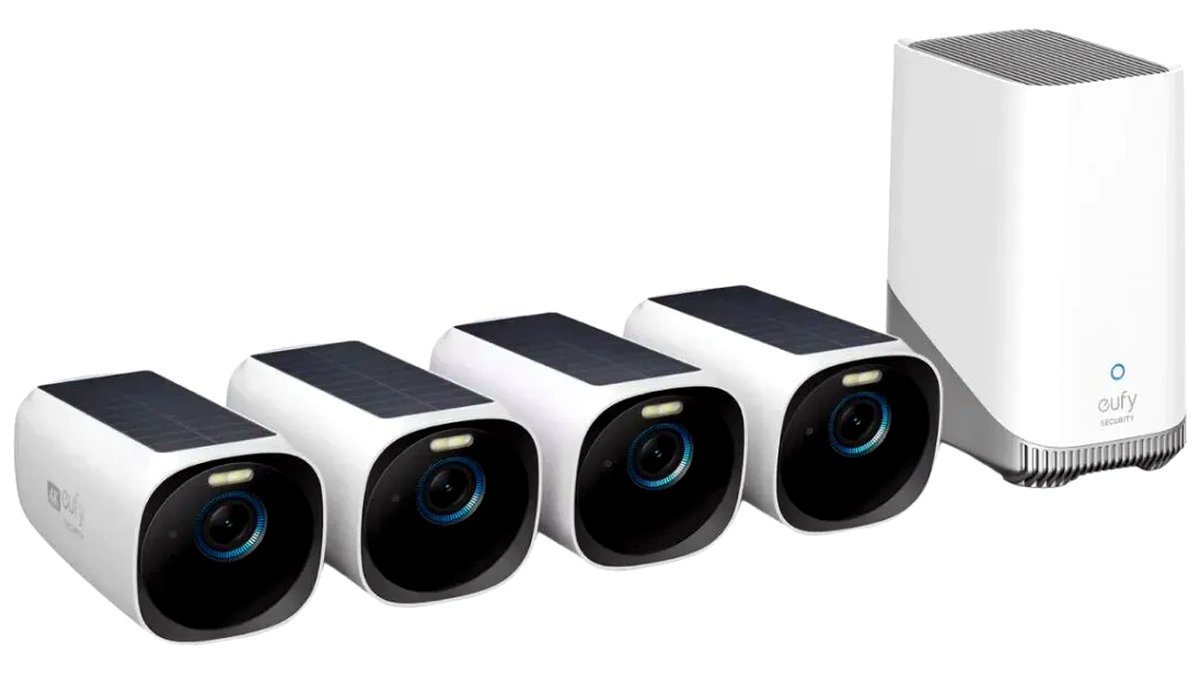
- Battery-powered cameras with removable storage: For spots without easy power access, battery cameras with a microSD slot trade some retention and continuous-recording capability for installation flexibility.
- Smart doorbell cameras with local storage options: A subset of video doorbells now offer local storage instead of requiring a subscription, worth considering if your main concern is the front door rather than whole-property coverage.
Viewing and Managing Local Footage Day to Day
Most local-storage NVR and standalone camera systems still pair with a mobile app for live viewing and clip playback, even though the footage itself never has to leave your network. Confirm whether remote viewing (checking cameras while away from home) requires any cloud component at all, since some systems route the live feed through the manufacturer’s servers for remote access even while recordings stay local, while others support true peer-to-peer remote connections. If keeping all data entirely off outside servers matters to you, read the specific system’s network architecture details rather than assuming “local storage” automatically means “fully offline” in every respect.
Frequently Asked Questions
How much hard drive space do I need for a 4-camera NVR system?
It depends heavily on resolution and recording mode, but a 2-4TB drive is a common starting point for motion-triggered recording across four cameras at 1080p-4K resolution, often providing several weeks of retention. Continuous 24/7 recording at high resolution will fill that same drive much faster, sometimes in days rather than weeks.
What happens to my footage if someone steals the camera or the NVR?
With local-only storage, footage stored on that specific device is lost if it’s stolen or destroyed, which is the main trade-off against cloud storage. Mounting cameras out of easy reach and placing the NVR in a locked or hidden location reduces this risk significantly.
Do local-storage camera systems still need an internet connection?
Recording itself doesn’t require internet access, but most systems still need Wi-Fi or an internet connection for remote viewing on your phone, firmware updates, and initial setup. If you want a fully offline system, check the maker’s specifications closely, since full offline operation is uncommon even among local-storage systems.
Can I mix wired and wireless cameras on the same local-storage system?
Some NVR systems support both PoE wired cameras and Wi-Fi cameras simultaneously, but this varies by manufacturer and model, so check the specific system’s compatibility list before assuming mixed setups will work together.
How long does footage typically stay before it’s overwritten?
Most local-storage systems record in a loop, automatically overwriting the oldest footage once storage fills up, unless you manually export clips you want to keep. Retention length depends on storage size, resolution, and recording mode, and the maker’s manual or app settings usually show an estimated number of days remaining.
Is microSD storage reliable enough for continuous recording?
MicroSD cards rated specifically for continuous video recording (often labeled “high endurance” by the card maker) hold up better under constant read/write cycles than standard consumer cards, which can wear out faster under 24/7 recording. Check that your card meets the camera manufacturer’s stated endurance and speed requirements.
Do I need a separate monitor or screen to view local footage at home?
Most local-storage NVR and DVR systems support connecting directly to a television or monitor via an HDMI cable for on-site viewing, in addition to app-based viewing on a phone or tablet. This isn’t strictly required for daily use, but it’s a convenient option for households that prefer checking footage on a larger screen rather than exclusively through a mobile app.








