Key takeaways
- Drivers who mainly want solid evidence in case of an accident should prioritize a single-channel front dash cam with sharp daytime and nighttime footage at this budget cap, while anyone who also wants to document what happens behind or inside…
Drivers who mainly want solid evidence in case of an accident should prioritize a single-channel front dash cam with sharp daytime and nighttime footage at this budget cap, while anyone who also wants to document what happens behind or inside the car should look for a front-and-rear or front-and-cabin two-channel model, which is available at this price point but with some trade-offs in resolution or feature set. The right pick depends on how much coverage matters versus how much footage clarity and extra features matter within a limited budget.
As an Amazon Associate, we earn from qualifying purchases made through links on this page.
What “Under $100” Realistically Buys in Dash Cams
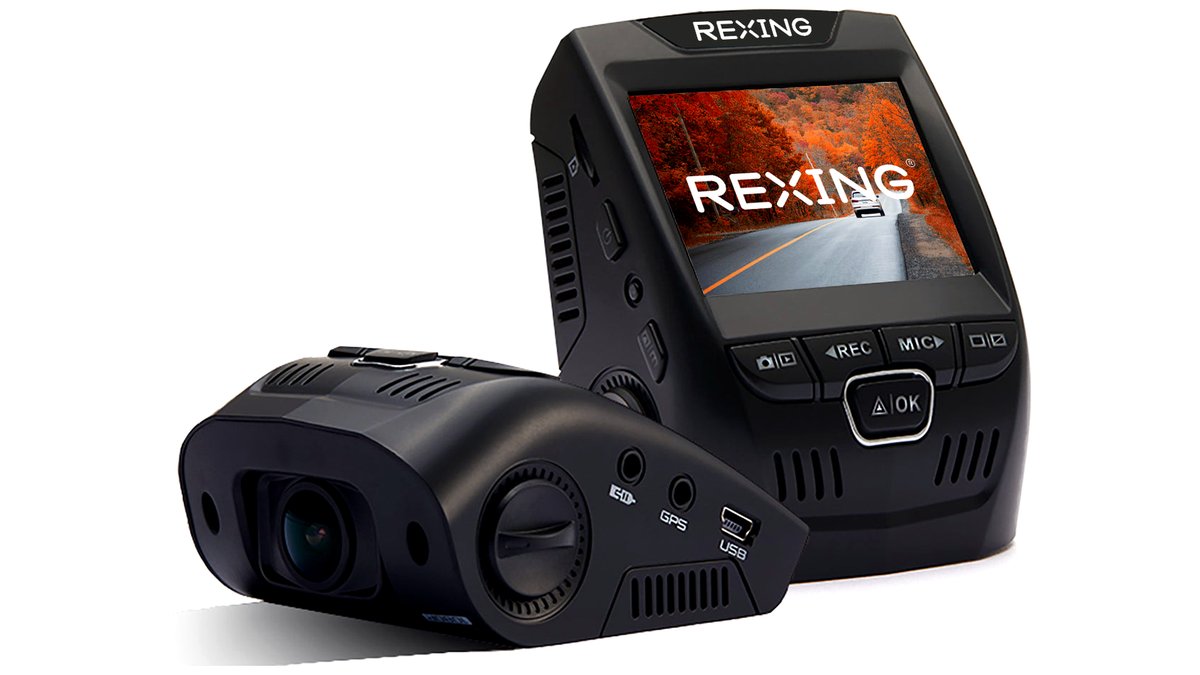
At this budget cap, buyers are mostly choosing between single-channel front-facing cameras and entry-level two-channel (front and rear, or front and cabin) systems from established budget-friendly brands such as Vantrue, Rexing, Wolfbox, APEMAN, and Vava. Reviewers at outlets covering dash cams consistently note that at this price tier, the biggest differences between models usually come down to night recording quality, app/companion software polish, and whether parking mode (continued recording or motion detection while parked) is included, rather than headline resolution numbers alone.
Most budget dash cams in this range record in 1080p, with some newer or higher-value models offering 1440p or 2K on the front channel; actual footage clarity depends heavily on the lens and image processing, not just the stated resolution, so checking independent sample footage or reviews is more useful than comparing spec sheets alone.
Single-Channel Front Dash Cams
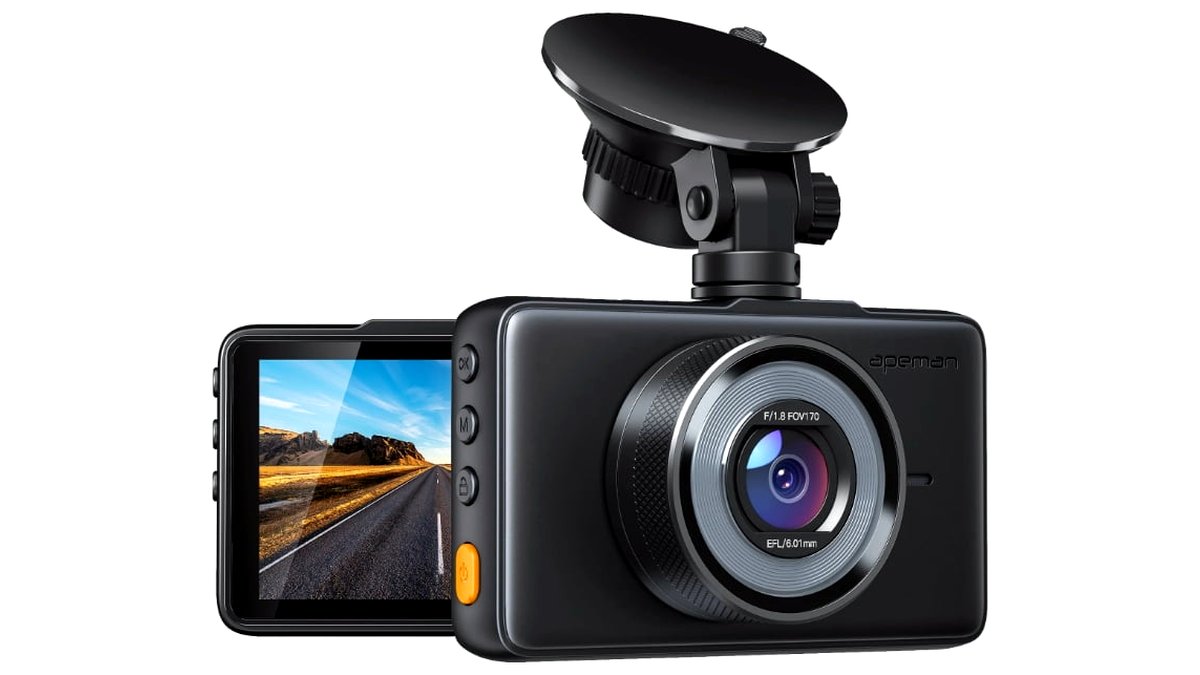
A single front-facing camera is the simplest and most common choice at this budget, focused entirely on recording the road ahead. Models from Rexing’s entry lines and APEMAN are frequently mentioned in budget dash cam roundups for offering a loop-recording front camera with basic parking mode and a wide-angle lens, which the makers typically state in the 140-170 degree range to capture multiple lanes.
The simplicity of a single-channel setup also means fewer cables to route and an easier installation, which appeals to drivers who want straightforward evidence of front-end collisions without dealing with a rear camera wire running across the headliner.
Front-and-Rear or Front-and-Cabin Two-Channel Dash Cams
Several brands, including Vantrue and Wolfbox, offer two-channel kits at or near this budget cap, pairing a front camera with either a rear-facing camera (useful for rear-end collisions and license plate capture) or an interior cabin camera (useful for rideshare and delivery drivers documenting passenger interactions). The maker typically lists a lower resolution for the second channel compared with the front camera, which is a common trade-off at this price tier to keep the total system under budget.
At a Glance Comparison
| Option | Best For | Key Stated Specs | Limits |
|---|---|---|---|
| Single-channel front dash cam (e.g., Rexing/APEMAN entry models) | Simple front-collision evidence and easy installation | 1080p-1440p front recording, wide-angle lens, loop recording per maker | No rear or cabin coverage |
| Front-and-rear two-channel dash cam (e.g., budget Vantrue/Wolfbox kits) | Drivers wanting rear-collision and tailgating evidence | Front camera plus lower-resolution rear camera per maker specs | Rear camera install requires routing a cable to the back window |
| Front-and-cabin two-channel dash cam | Rideshare and delivery drivers documenting in-car incidents | Front road camera plus interior-facing camera, often with infrared night capability per maker | Cabin camera raises privacy considerations for passengers |
| Budget dash cam with parking mode | Drivers wanting protection against hit-and-runs while parked | Motion-triggered or continuous parking recording per maker’s listing | Continuous parking mode may require a hardwire kit sold separately |
Fit, Installation, and Compatibility Notes
Most budget dash cams plug into a vehicle’s 12V accessory outlet, which is simple but means the camera only records while the car is on unless paired with a separately sold hardwire kit that taps into a fused power source for parking mode; installing a hardwire kit involves working near the vehicle’s fuse box, so drivers uncomfortable with that step should have it installed by a professional or stick to accessory-outlet power. Check the dash cam’s stated microSD card requirements (card class and maximum supported capacity), since many budget cameras need a high-endurance card rated for continuous loop recording, and using an incompatible or low-endurance card is a common cause of recording failures. Confirm the mount type (suction or adhesive) suits the windshield, and check local laws on windshield-mounted device placement, since some regions restrict where a dash cam can obstruct the driver’s view.
Footage Quality Factors Beyond the Resolution Number
Resolution is only one part of what makes dash cam footage actually useful as evidence. Bitrate, which controls how much detail is preserved per frame, varies between models even at the same stated resolution, and a lower-bitrate 1440p recording can sometimes look less clear than a well-processed 1080p recording from a different camera. Reviewers who compare sample footage side by side consistently point out that license plate legibility, especially on fast-moving traffic or at night, is the real-world test that matters most, rather than the resolution figure printed on the box.
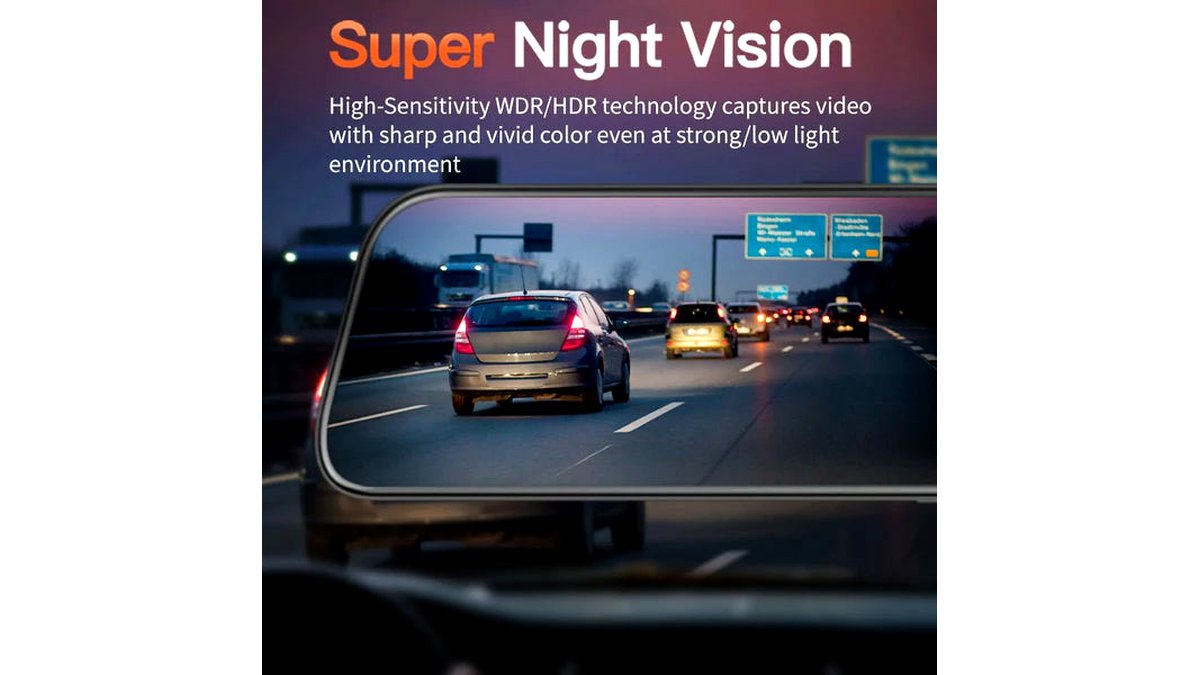
Lens quality and sensor size, which budget brands rarely publish in detail, affect how well a camera handles the wide range of light conditions a vehicle encounters, from bright midday sun to headlight glare and complete darkness. Some budget cameras apply aggressive sharpening or noise reduction to compensate for a smaller sensor, which can make footage look sharper in good light but introduce more smearing or noise in dark conditions. This is another reason sample footage comparisons tend to be more informative than spec sheets at this price tier.
Firmware and companion app quality also vary more than buyers expect. Some budget brands’ apps make it straightforward to transfer and review flagged collision footage, while others have a clunkier process for pulling files off the memory card. Checking recent user feedback on the companion app experience, not just the camera hardware, can save frustration later when footage actually needs to be retrieved and shared after an incident.
Pick X If… Decision Table
| If you… | Pick |
|---|---|
| Just want simple, reliable front-facing evidence | A single-channel front dash cam |
| Worry about rear-end collisions or want to capture tailgaters’ plates | A front-and-rear two-channel dash cam |
| Drive for rideshare or delivery and need interior documentation | A front-and-cabin two-channel dash cam |
| Park in areas with hit-and-run or vandalism risk | A model with parking mode, paired with a hardwire kit if continuous recording is wanted |
Alternatives Worth Considering
Drivers who want GPS-tagged speed and location data on their footage should check listings carefully, since GPS logging is less common on dash cams at this exact budget tier and is more consistently found in mid-range models above $100. Those who want the absolute sharpest nighttime footage may need to step above this budget cap, since larger sensors and better night-specific image processing are generally found in pricier dash cam lines. Drivers who only occasionally want footage and don’t need continuous recording might also consider a simpler action camera mounted to the windshield, though it lacks dash-cam-specific features like automatic loop recording and collision-triggered file protection.
Frequently Asked Questions
Do I need a special memory card for a budget dash cam?
Yes, most makers recommend a high-endurance microSD card rated for continuous read/write cycles, since standard consumer cards can wear out quickly under constant loop recording. Checking the dash cam’s manual for the recommended card class and maximum capacity avoids recording failures.
Will a dash cam under $100 record clearly at night?
Night performance varies significantly even within this budget tier, and it’s generally the area where cheaper cameras show the most weakness compared with pricier models. Checking independent reviewer sample footage, rather than relying on marketing claims alone, is the most reliable way to judge night performance before buying.
Does parking mode drain my car’s battery?
Continuous parking mode can draw down a 12V battery over time, which is why many hardwire kits include a low-voltage cutoff that stops recording before the battery drains too far. Motion-triggered parking mode uses less power than continuous recording, which some drivers prefer for this reason.
Is dash cam footage actually accepted as evidence after an accident?
Insurance companies and, in many cases, law enforcement commonly accept dash cam footage as supporting evidence in accident claims, though acceptance and weight given to the footage can vary by insurer and jurisdiction. Keeping footage unedited and promptly backed up after an incident helps preserve its usefulness as evidence.
Is it legal to record inside my car with a cabin-facing dash cam?
Laws on audio and video recording of passengers vary by location, and rideshare or delivery drivers in particular should check local and platform-specific rules before relying on a cabin camera. When in doubt, informing passengers that recording is in use is a common practice to address both legal and courtesy concerns.
How do I install the rear camera cable neatly on a two-channel dash cam?
Most front-and-rear kits include a long cable meant to be tucked along the headliner and door trim from the windshield to the rear window, and the manufacturer’s manual typically shows a suggested routing path. Taking care not to pinch the cable in weatherstripping or trim clips helps avoid damage during installation.