
Key takeaways
- Power source. Battery/solar wire-free cameras install almost anywhere without running cable but need periodic charging or a solar panel accessory; wired PoE or plug-in cameras need a cable run but give continuous power and generally more reliable recording.
- Connectivity. PoE (Power over Ethernet) cameras run both power and data over one cable to a compatible PoE switch or NVR, which the maker states gives more stable video than Wi-Fi in congested or distant locations. Wi-Fi-only cameras are easier to install but depend on router signal strength reaching the camera location.
- Storage. Reolink cameras typically support a local microSD card, a local NVR/hub, or cloud storage subscription; check which options a specific model supports, since not every camera includes an NVR-compatible PoE connection.
- Resolution and field of view. Higher resolution helps with license plate or face detail at distance, while a wider field of view covers more area per camera; some models add a second lens or pan-tilt motor to cover a wider area without multiple fixed cameras.
- Detection features. Reolink’s spec sheets list person/vehicle detection powered by onboard AI processing on many current models, which reduces false alerts from branches, shadows or small animals compared with basic motion detection.
- Weatherproofing. Outdoor models carry a stated IP66 or similar weather rating; confirm the rating before mounting any camera in an exposed location, especially in climates with heavy rain, snow or temperature swings.
Buyers wanting a simple battery-powered camera for a porch or yard should look at Reolink’s wire-free Argus-series models, while anyone wiring a permanent whole-property system will get more reliability and features from the wired PoE RLC-series lineup. Reolink’s catalog splits mainly along three lines: wire-free battery cameras, wired Wi-Fi or PoE cameras, and video doorbells, and the right pick depends on whether power and internet wiring already run to the install location.
As an Amazon Associate, we earn from qualifying purchases made through links on this page.
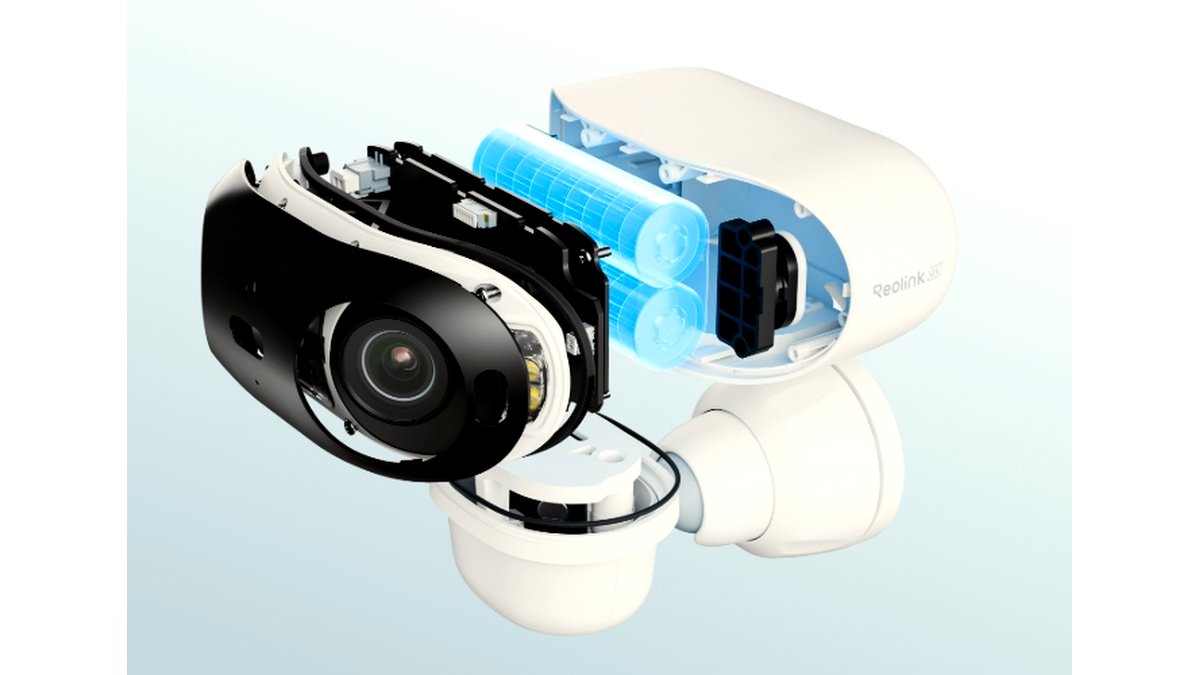
How to choose a Reolink camera
- Power source. Battery/solar wire-free cameras install almost anywhere without running cable but need periodic charging or a solar panel accessory; wired PoE or plug-in cameras need a cable run but give continuous power and generally more reliable recording.
- Connectivity. PoE (Power over Ethernet) cameras run both power and data over one cable to a compatible PoE switch or NVR, which the maker states gives more stable video than Wi-Fi in congested or distant locations. Wi-Fi-only cameras are easier to install but depend on router signal strength reaching the camera location.
- Storage. Reolink cameras typically support a local microSD card, a local NVR/hub, or cloud storage subscription; check which options a specific model supports, since not every camera includes an NVR-compatible PoE connection.
- Resolution and field of view. Higher resolution helps with license plate or face detail at distance, while a wider field of view covers more area per camera; some models add a second lens or pan-tilt motor to cover a wider area without multiple fixed cameras.
- Detection features. Reolink’s spec sheets list person/vehicle detection powered by onboard AI processing on many current models, which reduces false alerts from branches, shadows or small animals compared with basic motion detection.
- Weatherproofing. Outdoor models carry a stated IP66 or similar weather rating; confirm the rating before mounting any camera in an exposed location, especially in climates with heavy rain, snow or temperature swings.
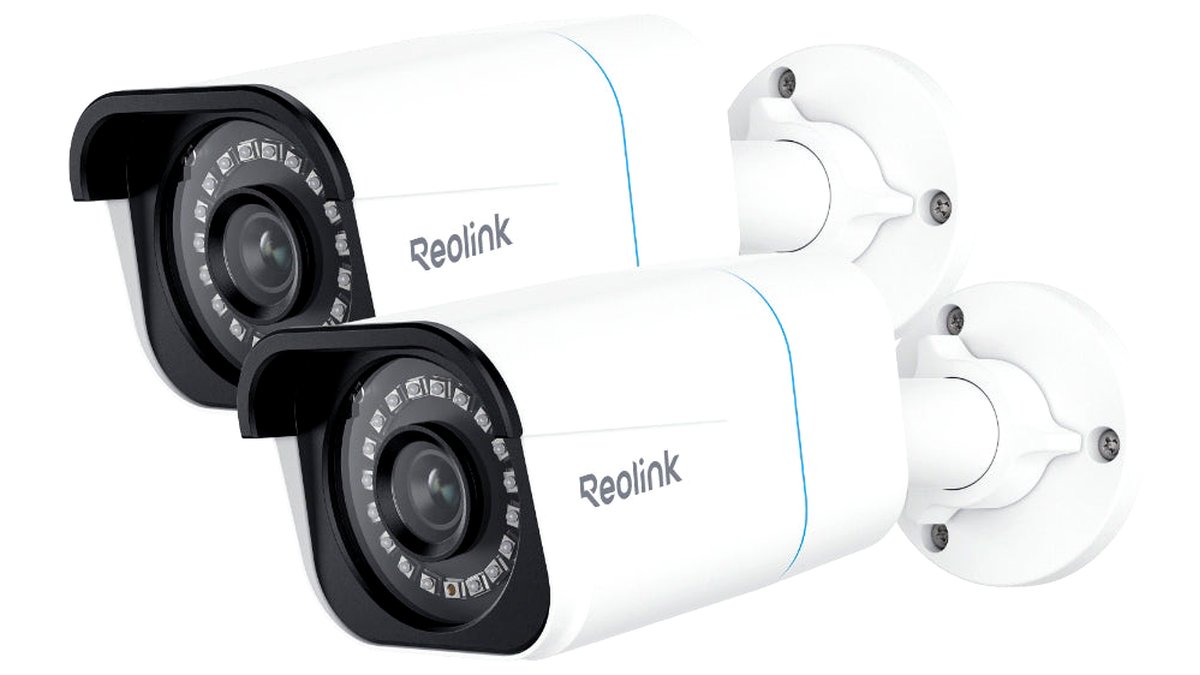
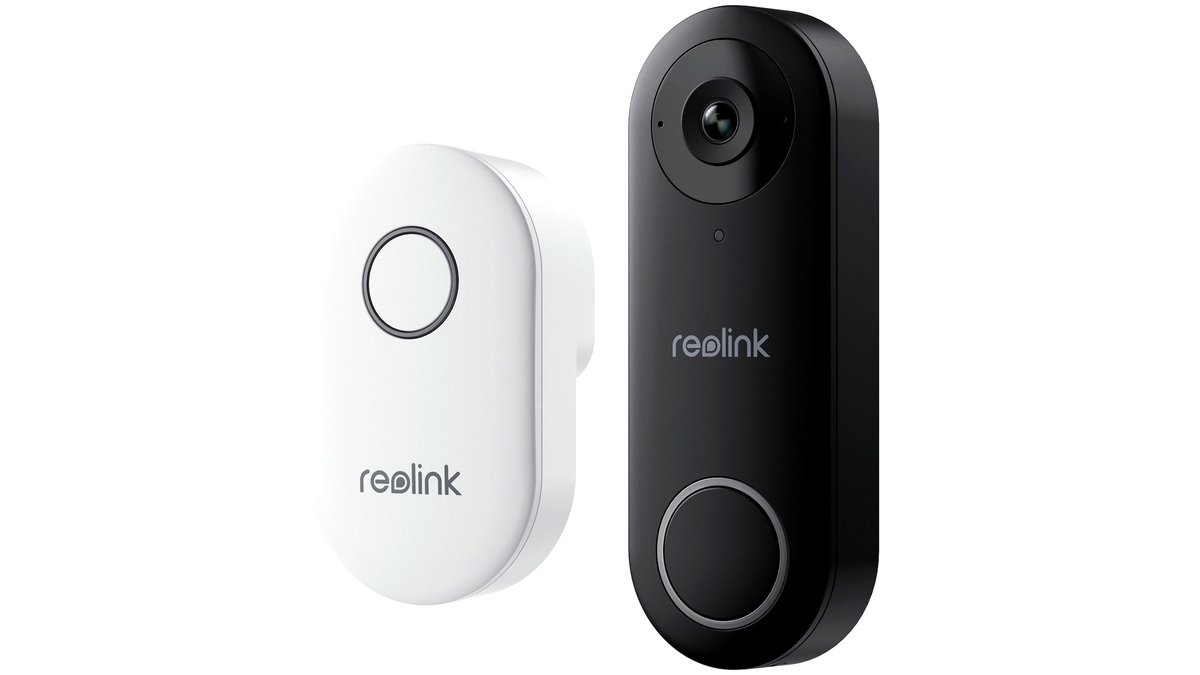
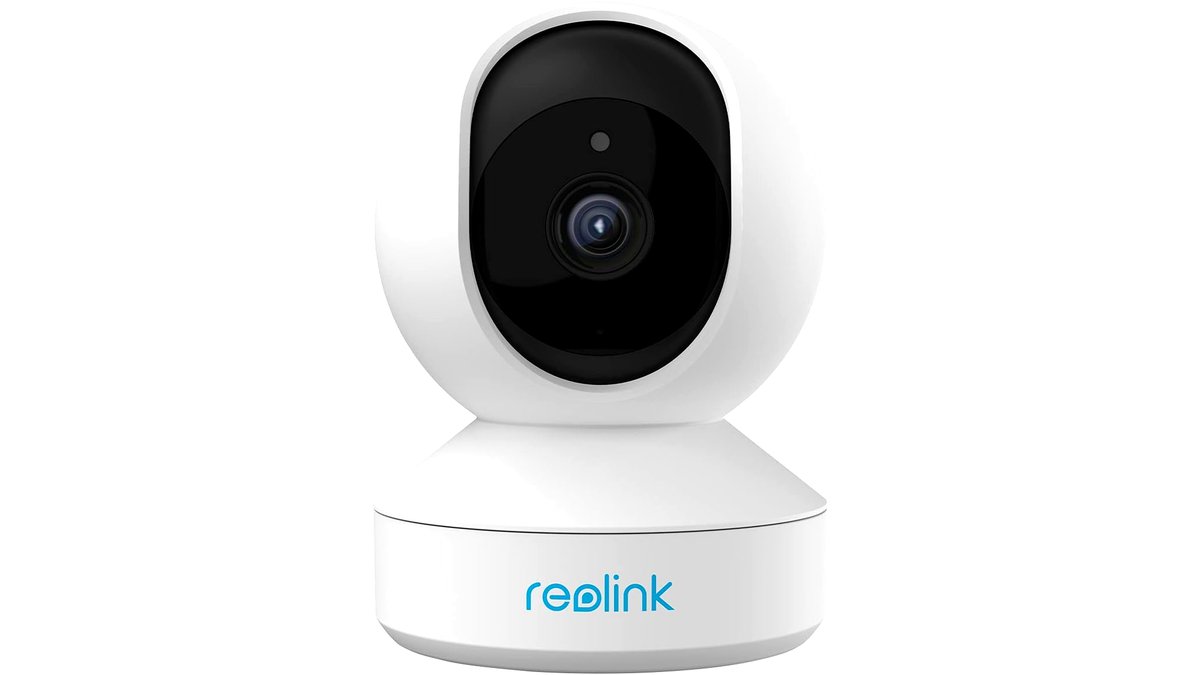
At a glance: Reolink camera types
| Type | Best for | Key stated specs | Limits |
|---|---|---|---|
| Wire-free battery/solar camera (Argus series) | Rentals, yards, sheds, anywhere without easy power access | Battery or solar power, Wi-Fi connectivity, weatherproof housing, person/vehicle AI detection on current models | Needs periodic charging unless paired with a solar panel, Wi-Fi dependent on router range |
| Wired PoE camera (RLC series) | Permanent whole-property systems, NVR-based setups | Continuous PoE power, higher stated reliability than Wi-Fi, NVR or hub compatibility for local storage | Requires running an Ethernet cable to the mount location, more involved install |
| Wired Wi-Fi plug-in camera | Indoor or covered outdoor spots near an outlet, no ethernet run wanted | Continuous power via standard outlet, Wi-Fi connectivity, microSD or cloud storage | Still dependent on Wi-Fi signal strength, needs an outlet near the mount point |
| Video doorbell | Front-door package and visitor monitoring | Wired or battery power options depending on model, two-way audio, person detection | Wired models need existing doorbell wiring or added transformer, battery models need periodic charging |
Pick X if…
| If you… | Choose |
|---|---|
| Rent your home or can’t run cable to the camera spot | A battery/solar Argus-series camera |
| Want the most reliable, always-on coverage for a permanent install | A wired PoE RLC-series camera with an NVR |
| Have an outdoor outlet nearby but no ethernet run | A wired Wi-Fi plug-in camera |
| Want to see and speak with visitors at the front door | A Reolink video doorbell matched to your existing wiring situation |
| Need to cover a wide yard with one camera | A dual-lens or pan-tilt model rather than a basic fixed-lens camera |
Wire-free battery and solar cameras
Reolink’s Argus line of battery-powered cameras is the most flexible option for anyone who can’t or doesn’t want to run cable, since installation is typically just a mounting bracket and a charged battery. The maker lists solar panel accessories compatible with several models, which can keep the battery topped up indefinitely in a sunny mount location and significantly reduce how often the camera needs to be taken down for charging. Current models in this line generally include onboard AI-based person and vehicle detection, which reviewers note cuts down on the false motion alerts that plagued earlier basic-motion-sensor cameras. The main ongoing consideration with any battery camera is charge interval, which depends heavily on how much motion activity and recording the camera handles in a given location; a busy street-facing camera will drain faster than one covering a quiet backyard.
Wired PoE cameras
For a permanent, whole-property security setup, Reolink’s wired RLC-series PoE cameras are generally the more robust choice because a single Ethernet cable supplies both power and a stable data connection, avoiding the signal-strength issues that can affect Wi-Fi cameras at the edge of a property. These cameras commonly pair with a Reolink NVR or PoE switch for local recording and multi-camera management from one app, which suits anyone planning more than two or three cameras. The tradeoff is installation effort: running Ethernet cable to each camera location, especially retrofitting an existing structure, takes more work than mounting a wire-free camera, and may call for a professional installer in homes without existing conduit.
Wired Wi-Fi plug-in cameras
Between the two extremes sits the wired Wi-Fi camera, which needs a nearby power outlet but connects over Wi-Fi rather than Ethernet, avoiding a cable run while still offering continuous power rather than battery dependence. This fits covered porches, garages, or indoor spaces where an outlet is already close by but running network cable isn’t practical. Performance still depends on Wi-Fi signal reaching the camera reliably, so a location at the edge of router range may see more dropped connections than a PoE camera would in the same spot.
Video doorbells
Reolink’s video doorbell models monitor the front door specifically and add two-way audio so the resident can speak with a visitor or delivery driver remotely. Depending on the model, power comes either from existing doorbell wiring (sometimes needing an added transformer if the home’s existing chime isn’t compatible) or from a battery pack that needs periodic charging. Buyers should check their home’s existing doorbell wiring voltage and chime type against the specific doorbell model’s stated requirements before purchase, since mismatches can mean an added part or a different install approach than expected.
Fit and compatibility notes
Reolink cameras generally work within the Reolink app and NVR/hub ecosystem, and most models are not designed to integrate natively with other brands’ smart home platforms beyond basic support in some cases; check the specific model’s stated compatibility before assuming it will work with an existing smart home setup. microSD card storage has a capacity limit stated per model, and local storage will overwrite older footage once full unless a larger card or NVR storage is used. For multi-camera installs, confirm whether an NVR or PoE switch has enough ports and PoE budget (total wattage) for all planned cameras, since adding cameras beyond a switch’s stated PoE budget can cause intermittent power issues.
Alternatives worth considering
- A different wire-free brand with subscription-free local storage. Buyers who specifically want to avoid any cloud subscription should confirm a camera’s local storage options work fully offline, since some competing brands lean harder into mandatory cloud plans than Reolink’s microSD/NVR options.
- An all-in-one PoE NVR kit. For a first-time whole-property install, a bundled kit with an NVR and multiple matched PoE cameras can simplify setup and budgeting compared with buying individual cameras and a separate NVR.
- A simpler single indoor camera for a specific room. For one room or a nursery, a basic plug-in indoor camera is usually simpler and cheaper than adapting an outdoor-oriented security camera to indoor use.
Frequently Asked Questions
Do Reolink cameras require a subscription?
No, most Reolink cameras support local recording to a microSD card or a Reolink NVR/hub without a subscription; cloud storage is offered as an optional paid add-on for off-site backup. Buyers who want to avoid ongoing fees entirely should plan around local storage from the start.
How long does battery life last on a wire-free Reolink camera?
Battery life depends heavily on how much motion activity and recording occurs at the installed location, with high-traffic spots draining the battery faster than quiet ones. Pairing the camera with a compatible solar panel accessory can offset most or all of that drain in a location with reasonable sun exposure.
Can I mix battery and PoE cameras in one system?
Yes, many Reolink NVRs and the Reolink app support managing a mix of camera types together, though wire-free battery cameras typically connect to the app or a compatible hub over Wi-Fi rather than directly to a PoE NVR. Check each camera and NVR/hub’s stated compatibility before combining models in one system.
What does person/vehicle AI detection actually do?
It uses onboard processing to classify motion events as a person, vehicle, or other movement, which the maker states reduces false alerts from things like blowing leaves, shadows or small animals compared with basic motion sensing. It does not replace a monitored alarm service and is meant to improve notification relevance, not provide guaranteed detection in every condition.
Are Reolink cameras weatherproof?
Outdoor-rated models carry a stated IP rating such as IP66, which indicates dust and strong water-jet resistance per the manufacturer; always check the specific rating for a given model rather than assuming all cameras in the lineup share the same rating. Extreme cold can also affect battery performance on wire-free models even if the housing itself is weatherproof.
How many cameras can one NVR support?
This varies by specific NVR model and is listed in the maker’s spec sheet as a maximum channel count; buyers planning to expand a system later should choose an NVR with some spare channel capacity beyond their current camera count. Also check the NVR’s total PoE wattage budget if using PoE cameras, since the channel count and the power budget are separate limits.








