
Key takeaways
- Screen size and resolution. Smaller 5-to-6-inch monitors are light enough for cages and gimbals and suit handheld and run-and-gun work. Larger 7-inch-plus monitors are easier to read at a distance for director or client monitoring but add weight and typically need a stand or cart rather than mounting directly on the camera.
- Brightness. Outdoor and bright-light shooting needs a monitor rated for high nit brightness, often with a matte or anti-glare screen coating; dim studio or indoor monitors can get away with lower brightness and save battery and weight.
- Inputs and outputs. Confirm the monitor accepts the camera’s actual output, whether HDMI or SDI, and check whether it passes signal through to a second device (loop-through) if multiple monitors or a recorder are needed in the chain.
- Exposure and focus tools. Waveform, histogram, false color and zebra patterns help judge exposure more precisely than the eye alone, and focus peaking or magnification assists manual focus pulls. Budget monitors may only offer basic peaking and a histogram, while higher-tier monitors add full waveform and vectorscope displays.
- Touchscreen vs. button control. Touchscreens are faster for menu navigation but can be harder to use with gloves or in rain; physical buttons are more reliable in rough conditions.
- Power and mounting. Check battery plate compatibility (common mirrorless-camera battery standards versus proprietary batteries) and whether the monitor includes standard mounting points for rigs, cages or tripods.
Run-and-gun video shooters who need a bright, simple monitor for focus checking should look at a compact 5-to-6-inch panel, while studio, cinema and color-critical work calls for a larger monitor with waveform/false-color tools and wider color accuracy. External monitors mainly differ in screen size, brightness, input/output options, and the on-screen measurement tools they offer, and matching those to the actual shooting environment matters more than chasing the highest-spec unit available.
As an Amazon Associate, we earn from qualifying purchases made through links on this page.
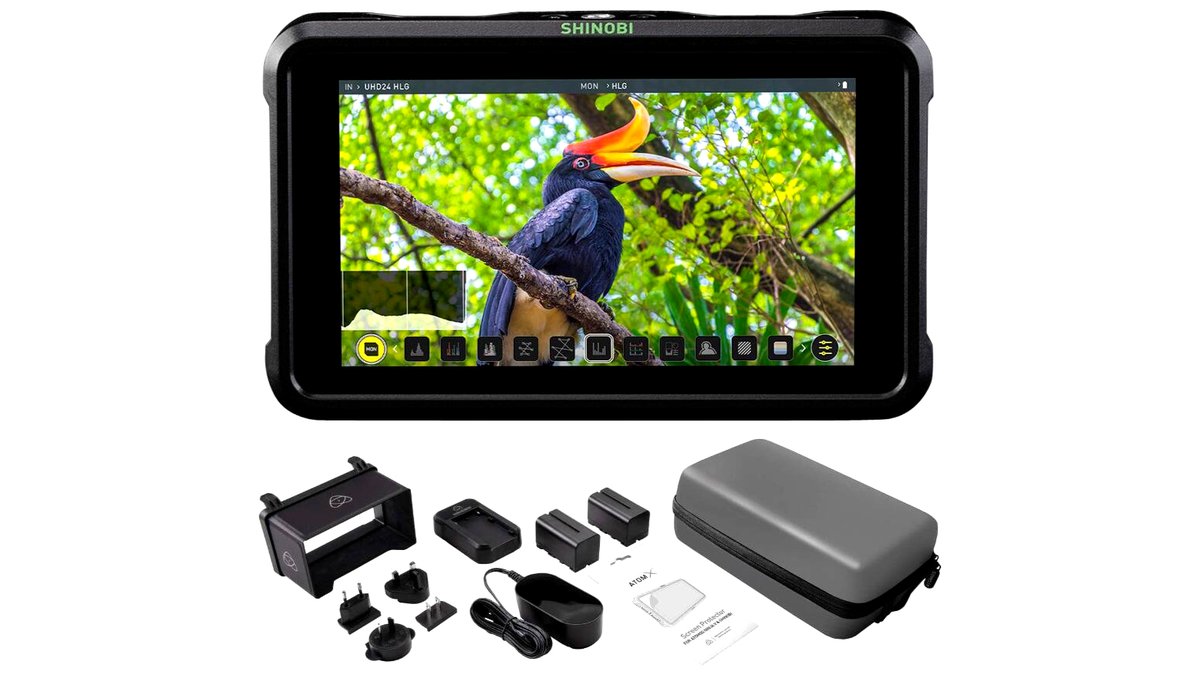
How to choose an external camera monitor
- Screen size and resolution. Smaller 5-to-6-inch monitors are light enough for cages and gimbals and suit handheld and run-and-gun work. Larger 7-inch-plus monitors are easier to read at a distance for director or client monitoring but add weight and typically need a stand or cart rather than mounting directly on the camera.
- Brightness. Outdoor and bright-light shooting needs a monitor rated for high nit brightness, often with a matte or anti-glare screen coating; dim studio or indoor monitors can get away with lower brightness and save battery and weight.
- Inputs and outputs. Confirm the monitor accepts the camera’s actual output, whether HDMI or SDI, and check whether it passes signal through to a second device (loop-through) if multiple monitors or a recorder are needed in the chain.
- Exposure and focus tools. Waveform, histogram, false color and zebra patterns help judge exposure more precisely than the eye alone, and focus peaking or magnification assists manual focus pulls. Budget monitors may only offer basic peaking and a histogram, while higher-tier monitors add full waveform and vectorscope displays.
- Touchscreen vs. button control. Touchscreens are faster for menu navigation but can be harder to use with gloves or in rain; physical buttons are more reliable in rough conditions.
- Power and mounting. Check battery plate compatibility (common mirrorless-camera battery standards versus proprietary batteries) and whether the monitor includes standard mounting points for rigs, cages or tripods.
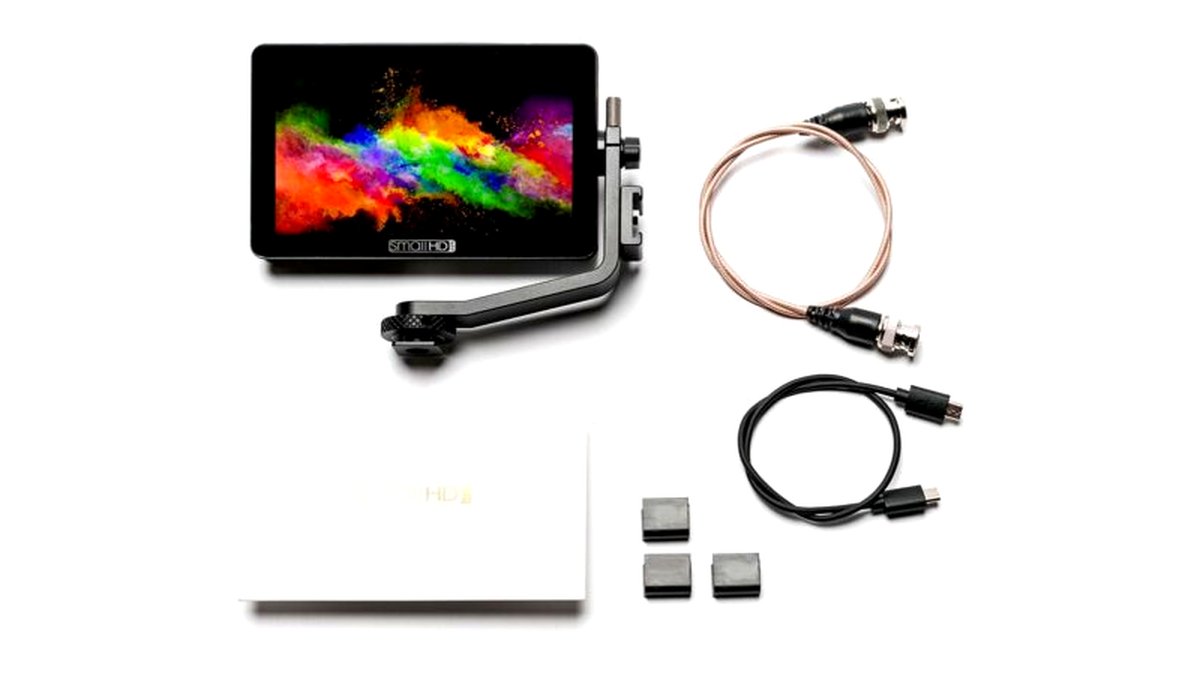
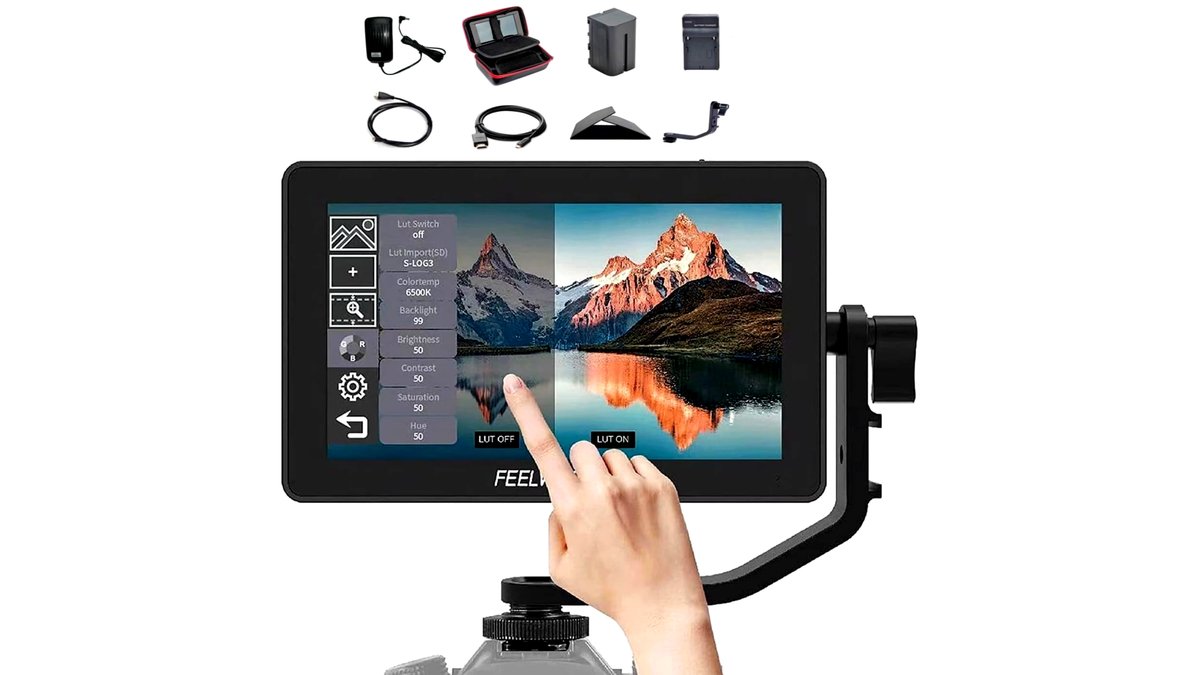
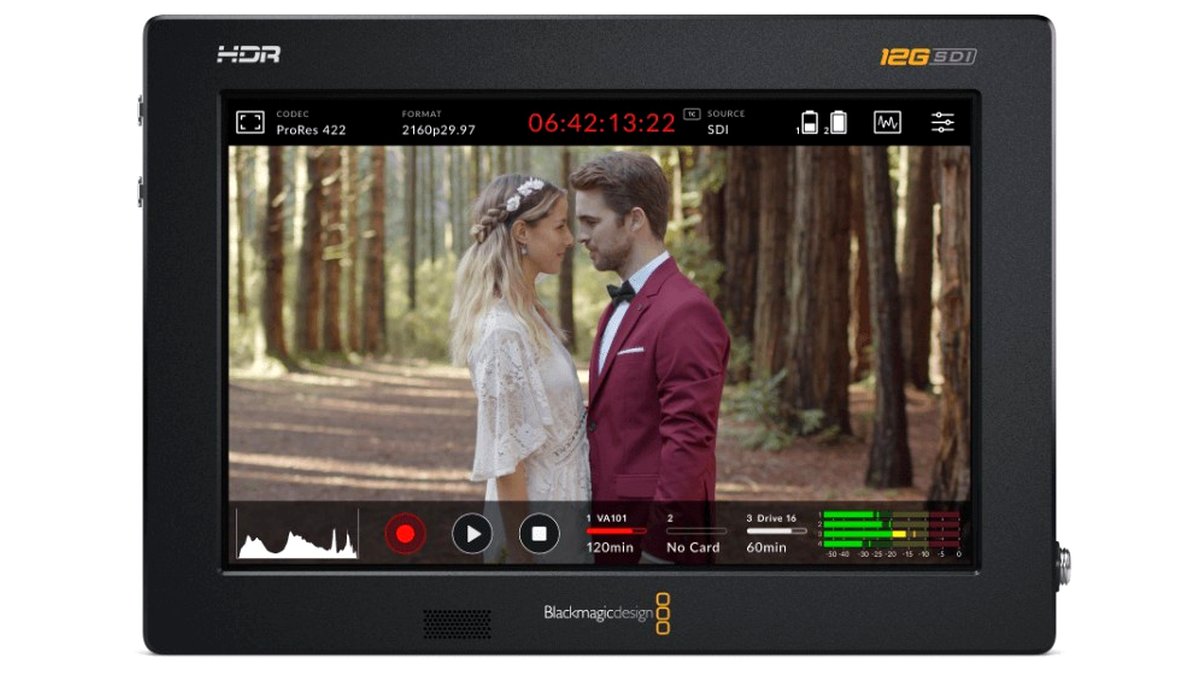
At a glance: external monitor types
| Type | Best for | Key stated specs | Limits |
|---|---|---|---|
| Compact on-camera monitor (5-6 in) | Run-and-gun video, vlogging, gimbal work | Lightweight build, HDMI input, basic focus peaking and histogram, moderate brightness | Smaller screen harder to judge fine focus, limited or no waveform tools on budget models |
| Field production monitor (7 in) | On-set director/client monitoring, documentary and narrative sets | HDMI and/or SDI input, loop-through output, waveform and false color on many models, higher brightness options | Needs a stand, cart or larger rig mount; heavier and pricier than compact units |
| High-brightness outdoor monitor | Bright daylight exteriors, drone ground stations | High nit rating, anti-glare coating, sunhood often included or available as accessory | Higher cost and power draw; less relevant for indoor-only shooters |
| Color-critical studio monitor | Color grading reference, high-end narrative and commercial work | Wider stated color accuracy and gamut coverage, full scope tools (waveform, vectorscope, false color) | Needs careful calibration to be trusted as a true reference; premium tier pricing |
Pick X if…
| If you… | Choose |
|---|---|
| Shoot handheld video or vlogs and need basic focus confirmation | A compact 5-6 inch on-camera monitor |
| Run a small crew where a director or client wants to watch the shot | A 7-inch field monitor with loop-through output |
| Shoot mostly outdoors in direct sun | A high-brightness monitor with a sunhood |
| Need to judge exposure precisely on set | A monitor with waveform, histogram and false-color tools, not peaking alone |
| Do color-critical client-facing work | A calibrated studio reference monitor rather than an on-camera field monitor |
Compact on-camera monitors
For solo shooters and small crews, a compact 5-to-6-inch monitor mounted directly on a cage or hot-shoe adapter is usually the most practical option because it adds minimal weight and bulk to a handheld or gimbal setup. These monitors typically connect over HDMI and include basic exposure and focus aids like a histogram and focus peaking, which is often enough for run-and-gun video, interviews, and vlogging where the operator is also the one checking focus. The tradeoff is screen real estate: a small panel makes fine focus judgment and detailed exposure analysis harder than on a larger screen, so operators doing precise manual-focus work sometimes pair a compact monitor with focus-assist accessories such as a loupe.
Field production monitors
Seven-inch monitors are the common choice for small to mid-size video and film crews because they are large enough for a director, client or focus puller to read from a few feet away, while still being portable enough to mount on a C-stand or small cart. Many models in this tier add SDI input alongside HDMI, which matters on sets using professional cinema cameras, and loop-through output lets the signal pass to a second monitor or recorder without needing a separate splitter. The maker’s spec sheets for this tier commonly list waveform and false-color displays as standard or optional features, which let the camera operator or DP judge exposure more objectively than relying on the eye or a simple histogram alone.
High-brightness outdoor monitors
Shooting in direct sun washes out a standard monitor’s image, so productions that work outdoors regularly benefit from a monitor rated for significantly higher brightness than an indoor-oriented unit, often paired with a clip-on sunhood to block stray light from the sides. This matters especially for drone ground-station use and documentary exteriors, where the operator cannot always control lighting conditions. The higher brightness comes at the cost of increased power draw, so battery runtime and spare-battery planning matter more with this type.
Color-critical studio monitors
For color grading reference or high-end commercial and narrative work where color accuracy drives client approval, a dedicated studio-grade monitor with full scope tools (waveform, vectorscope, false color) and a wider stated color gamut is the appropriate tier. Reviewers and colorists generally caution that no monitor is trustworthy as a true reference straight out of the box; it needs calibration with a hardware probe and periodic re-calibration to maintain accuracy over time. This tier is overkill for run-and-gun or casual video work and is really aimed at post-production and high-budget set monitoring.
Fit and compatibility notes
Confirm the monitor’s input matches the camera’s actual output signal and resolution; some budget monitors only support up to 1080p input even if the camera outputs 4K, which can either downscale the preview or fail to display at all. Battery plates vary by brand, and some monitors ship without a battery, expecting the buyer to supply a compatible camera-brand battery or an aftermarket equivalent, so check this before assuming a monitor is “ready to use” out of the box. Mounting points are usually standard cold-shoe or 1/4-20 threads, but confirm the specific mount included, since some monitors need an added arm or bracket to attach to a cage.
Alternatives worth considering
- A monitor/recorder combo unit. Some external monitors also record the incoming signal to removable storage, which can simplify a kit by combining monitoring and backup recording into a single device rather than carrying a monitor and a separate recorder.
- A smartphone or tablet with a capture adapter. For very casual or backup monitoring, an HDMI-to-mobile capture adapter paired with a phone or tablet can serve as a low-cost stopgap, though response time and reliability are generally not as consistent as a purpose-built monitor.
- Camera-brand electronic viewfinder accessories. Some camera makers sell their own clip-on viewfinder loupes or small monitors designed specifically for their camera line, which can offer tighter integration at the cost of flexibility across different camera brands.
Frequently Asked Questions
Do I need SDI, or is HDMI enough?
HDMI is sufficient for most solo and small-crew video work and is far more common on consumer and prosumer cameras. SDI is preferred on professional sets because its locking connector is more reliable over longer cable runs and rough handling, and it’s standard on many higher-end cinema cameras.
What is a false-color display used for?
False color overlays different colors onto the image based on brightness level, which lets the operator judge exposure, especially skin tone and highlight clipping, more precisely than by eye. It’s especially useful on small screens in bright conditions where subtle exposure differences are hard to see directly.
Can an external monitor replace my camera’s built-in screen?
It can supplement or improve on it, particularly for focus and exposure judgment on a larger or brighter panel, but it doesn’t replace the camera’s own controls and menus. Most productions use the external monitor for monitoring while still operating the camera through its native controls.
How much battery life should I expect?
Runtime depends heavily on screen brightness setting and panel size, with high-brightness outdoor use draining batteries noticeably faster than dim indoor monitoring. Carrying at least one spare battery is standard practice for any shoot longer than an hour or two with a monitor in active use.
Do I need to calibrate a field monitor?
Field monitors used for framing, focus and rough exposure judgment generally don’t need formal calibration. Monitors used as a true color reference for client approval or grading decisions should be calibrated with a hardware probe, since factory color accuracy varies and drifts over time.
Will a monitor work with my gimbal setup?
Most compact monitors are light enough for common gimbals, but adding any accessory shifts the balance point and may require rebalancing the gimbal after mounting. Check the gimbal’s stated payload capacity to make sure the combined weight of the camera, lens and monitor stays within its limit.








