
Key takeaways
- Actual use case for the resolution. 4K’s main benefit is more detail at distance or when cropping into footage after the fact; for close-range coverage of a doorway or small porch, a lower resolution may already be sufficient and will use less storage.
- Power and connectivity. Wired PoE cameras provide more stable continuous recording at 4K, since Wi-Fi can struggle to sustain the higher bitrate of 4K video reliably at distance from the router. Battery-powered 4K cameras exist but drain faster than lower-resolution battery cameras because of the added processing and data load.
- Storage capacity and retention. 4K footage consumes significantly more storage per hour than 1080p; check whether the camera supports a larger microSD card, a local NVR with adequate drive capacity, or cloud storage, and plan retention length accordingly.
- Night vision type. Infrared night vision works at any resolution but produces monochrome footage with limited detail at distance; cameras with color night vision use a larger sensor and sometimes a spotlight to retain color and detail in low light, which is often more valuable than resolution alone for nighttime identification.
- Detection features. Person and vehicle AI detection reduces false alerts and matters as much at 4K as any other resolution; check whether detection runs on-device or requires a cloud subscription to function.
- Field of view and lens type. A wide field of view covers more area but can reduce effective detail on any single distant object even at 4K resolution; some models offer multiple lenses or a wide-plus-zoom combination to balance coverage and detail.
Homeowners who want sharper detail for identifying faces or license plates at a distance should choose a wired or PoE 4K camera over a standard 1080p or 2K model, while anyone covering a small yard or porch at close range may find the extra resolution offers little practical benefit over a cheaper lower-resolution camera. The main tradeoffs with 4K security cameras are higher storage and bandwidth demands in exchange for more detail, so the right choice depends on coverage distance, storage plan, and network capacity as much as the camera itself.
As an Amazon Associate, we earn from qualifying purchases made through links on this page.
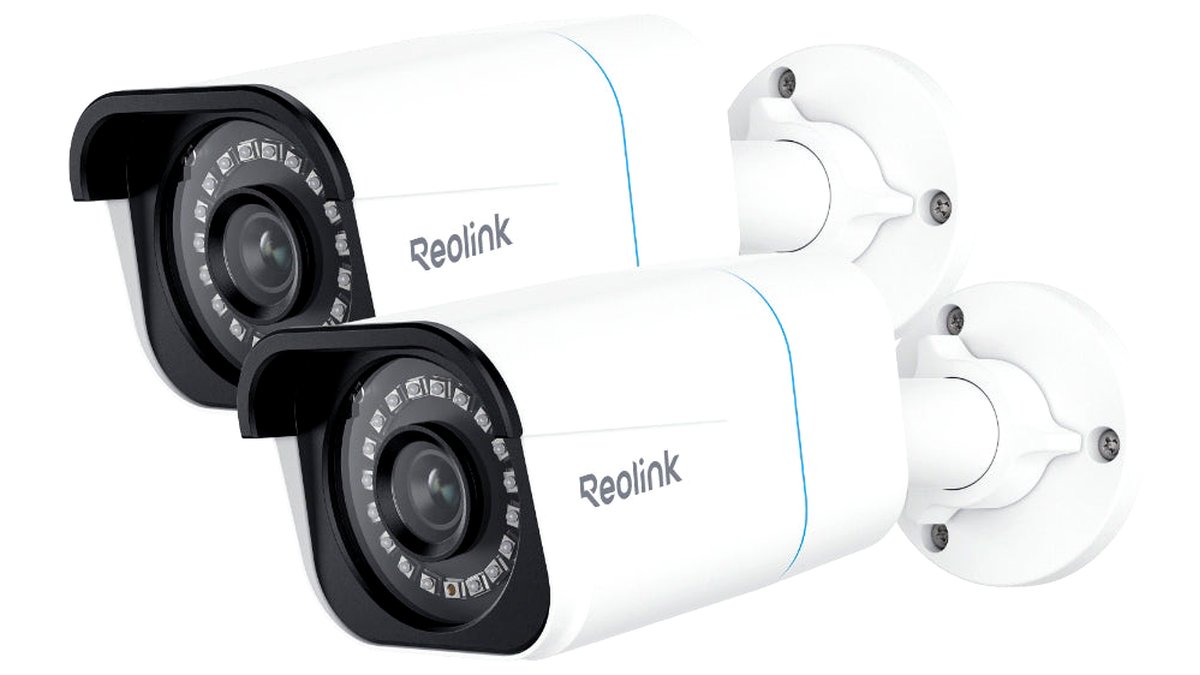
How to choose a 4K security camera
- Actual use case for the resolution. 4K’s main benefit is more detail at distance or when cropping into footage after the fact; for close-range coverage of a doorway or small porch, a lower resolution may already be sufficient and will use less storage.
- Power and connectivity. Wired PoE cameras provide more stable continuous recording at 4K, since Wi-Fi can struggle to sustain the higher bitrate of 4K video reliably at distance from the router. Battery-powered 4K cameras exist but drain faster than lower-resolution battery cameras because of the added processing and data load.
- Storage capacity and retention. 4K footage consumes significantly more storage per hour than 1080p; check whether the camera supports a larger microSD card, a local NVR with adequate drive capacity, or cloud storage, and plan retention length accordingly.
- Night vision type. Infrared night vision works at any resolution but produces monochrome footage with limited detail at distance; cameras with color night vision use a larger sensor and sometimes a spotlight to retain color and detail in low light, which is often more valuable than resolution alone for nighttime identification.
- Detection features. Person and vehicle AI detection reduces false alerts and matters as much at 4K as any other resolution; check whether detection runs on-device or requires a cloud subscription to function.
- Field of view and lens type. A wide field of view covers more area but can reduce effective detail on any single distant object even at 4K resolution; some models offer multiple lenses or a wide-plus-zoom combination to balance coverage and detail.

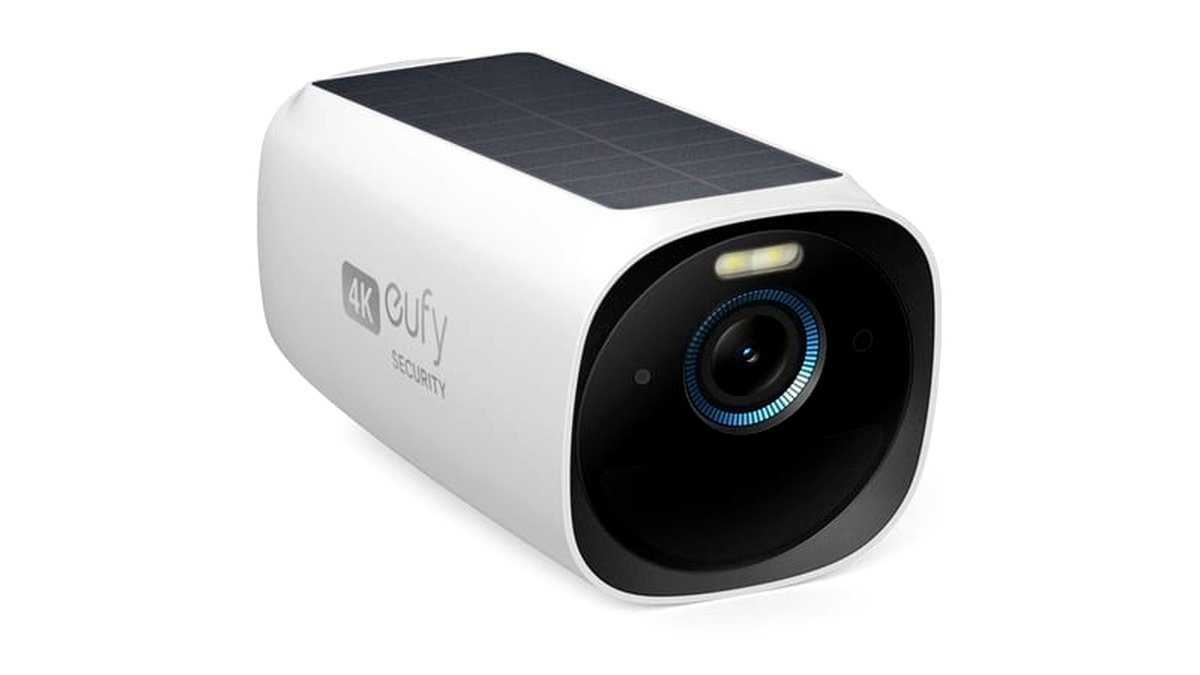

At a glance: 4K security camera types
| Type | Best for | Key stated specs | Limits |
|---|---|---|---|
| Wired PoE 4K camera | Driveways, large yards, license-plate or face-detail capture at distance | Continuous PoE power, stable high-bitrate recording, NVR compatibility for local storage | Requires running Ethernet cable, more involved install than Wi-Fi cameras |
| Wi-Fi plug-in 4K camera | Covered porches or indoor spots near an outlet without ethernet run | Continuous outlet power, Wi-Fi connectivity, microSD or cloud storage | 4K streaming can strain Wi-Fi at distance from the router, higher bandwidth use |
| Battery/solar 4K camera | Locations without power access, but higher detail than standard battery cameras | Battery or solar power, weatherproof housing, person/vehicle detection on many models | Faster battery drain than lower-resolution battery cameras due to added processing load |
| 4K doorbell camera | Front-door package and visitor detail capture | Wired or battery power depending on model, two-way audio, higher detail on packages and faces | Narrower field of view by design, still needs compatible wiring or charging routine |
Pick X if…
| If you… | Choose |
|---|---|
| Need to read license plates or identify faces across a driveway or large yard | A wired PoE 4K camera with a local NVR |
| Have an outlet nearby but no ethernet run and moderate coverage distance | A Wi-Fi plug-in 4K camera, placed within strong router range |
| Can’t run power to the mount location | A battery/solar 4K camera, ideally paired with a solar panel accessory |
| Mainly want sharper package and visitor detail at the front door | A 4K doorbell camera matched to your existing wiring |
| Only need close-range coverage of a small area | Consider a cheaper 1080p or 2K camera instead, since 4K’s benefit is limited at close range |
Wired PoE 4K cameras
For driveways, large yards, or any spot where identifying a face or license plate at real distance matters, a wired PoE 4K camera paired with a local NVR is generally the most reliable setup. PoE’s combined power-and-data cable avoids the bandwidth strain that 4K video can put on a Wi-Fi connection, particularly at the edge of router range, and most manufacturers pair their 4K PoE cameras with NVR systems built to handle the larger file sizes 4K recording produces. The main added cost here is both the cabling work and the NVR storage: 4K footage recorded continuously or on frequent motion triggers fills drive space considerably faster than 1080p, so retention length planning matters more with this tier than with lower-resolution systems.
Wi-Fi plug-in 4K cameras
Wi-Fi 4K cameras suit spots with a nearby outlet but no easy ethernet run, such as a covered porch or an indoor room, and they avoid the install complexity of running cable. The practical limitation is that sustaining a 4K video stream reliably over Wi-Fi depends on strong, consistent signal at the camera’s location; a camera placed far from the router or behind thick walls may see choppier live view or recording gaps compared with the same resolution over a wired PoE connection. Keeping the camera within strong signal range, or adding a Wi-Fi extender near the install point, generally resolves most of these issues.
Battery and solar 4K cameras
Battery-powered 4K cameras bring higher resolution to locations where running any cable, power or data, isn’t practical, which matters for rentals, sheds, or detached structures. The added resolution and any onboard AI processing for person/vehicle detection both increase power draw compared with a standard-resolution battery camera, so battery life is typically shorter and a solar panel accessory becomes more valuable at this tier than with lower-resolution battery cameras. Buyers choosing this type should plan for either more frequent charging or a solar accessory from the outset rather than as an afterthought.
4K doorbell cameras
A 4K doorbell camera is aimed specifically at capturing sharper detail on packages, visitors, and anyone approaching the door, which can matter for package theft concerns or general visitor identification. Because doorbells have a fixed, narrow mounting position and field of view by design, the benefit of 4K here is more about detail within that limited frame than about covering a wide area. As with standard-resolution doorbells, buyers need to check whether the model is wired (and compatible with existing doorbell transformer voltage) or battery-powered before purchase.
Fit and compatibility notes
Before committing to 4K, check the camera’s compatible NVR or hub actually supports and displays 4K footage at full resolution; pairing a 4K camera with an NVR limited to a lower input resolution per channel can waste the camera’s resolution. Network bandwidth matters too: running several 4K cameras on the same network, especially over Wi-Fi, can saturate home internet bandwidth during simultaneous live viewing or cloud upload, so homes with several cameras planned may want to budget for a dedicated PoE switch and wired NVR setup rather than an all-Wi-Fi system. microSD card capacity limits also apply more acutely at 4K, since footage fills a given card size roughly proportionally faster than at lower resolutions.
Alternatives worth considering
- A 2K camera with color night vision. For many home uses, a 2K camera with a larger sensor and color night vision can provide more useful real-world detail, especially after dark, than a 4K camera with only standard infrared night vision.
- A hybrid system with 4K at entry points and lower resolution elsewhere. Rather than outfitting an entire property with 4K, many installers suggest reserving 4K for driveways, gates or entry points where detail matters most, and using lower-resolution cameras for general yard coverage to control storage costs.
- A professionally monitored alarm system add-on. For buyers primarily concerned with intrusion response rather than footage detail, pairing any resolution camera with a monitored alarm service may address the underlying security concern more directly than resolution upgrades alone.
Frequently Asked Questions
Is 4K actually necessary for home security?
Not always; 4K mainly helps when identifying detail at distance, such as a license plate across a driveway, or when the plan is to crop into footage after an incident. For close-range coverage of a doorway or small area, a lower resolution camera often performs just as well for practical identification purposes.
How much storage does 4K footage use compared with 1080p?
4K footage generally requires substantially more storage per hour of recording than 1080p, though the exact ratio depends on the camera’s compression settings and frame rate. Buyers should check a specific camera’s stated storage requirements and plan microSD card size or NVR drive capacity accordingly rather than assuming existing 1080p storage plans will suffice.
Can 4K cameras work reliably over Wi-Fi?
Yes, but reliability depends heavily on signal strength at the camera’s location; a 4K camera placed far from the router or behind obstructions is more likely to experience streaming or recording issues than the same camera on a strong, close connection. Wired PoE connections generally handle 4K’s higher bandwidth demands more consistently.
Does higher resolution improve night vision?
Not by itself; night vision quality depends more on sensor size, infrared range, and whether the camera offers color night vision with a spotlight than on resolution alone. A 4K camera with basic infrared night vision can still produce a relatively low-detail monochrome image at night despite the higher daytime resolution.
Will a 4K camera use more of my home internet bandwidth?
Running several 4K cameras, especially with live viewing or cloud backup enabled, can use noticeably more bandwidth than lower-resolution systems, which may matter on slower home internet plans. Checking each camera’s stated bitrate and considering a wired local NVR setup instead of cloud-only storage can reduce the impact on home internet bandwidth.
Do all NVRs support 4K cameras?
No, not every NVR or hub supports full 4K input on every channel; some older or budget NVRs cap the resolution per channel below the camera’s native output. Always confirm the specific NVR or hub’s stated per-channel resolution support before pairing it with a 4K camera.








