
Key takeaways
- Check maximum scan bed size against the largest prints in the collection; flatbeds vary in supported paper size, and oversized prints may need to be scanned in sections and stitched digitally.
- Film and slide scanning requires either a built-in transparency unit on a flatbed or a dedicated film scanner; standard flatbed glass alone is not sufficient for proper film scanning.
- Confirm the scanner’s connection type (USB is standard; some models also offer Wi-Fi) matches the computer or network setup being used.
- Software compatibility with the operating system in use should be checked, since some bundled scanning software is Windows- or Mac-specific.
Anyone digitizing a shoebox of loose family prints should look at a dedicated flatbed or high-speed photo scanner rather than a general all-in-one printer-scanner, while people scanning old film negatives and slides need a scanner with a built-in transparency or film unit instead. The right scanner depends mainly on what physical format needs scanning and how many images there are to get through.
As an Amazon Associate, we earn from qualifying purchases made through links on this page.
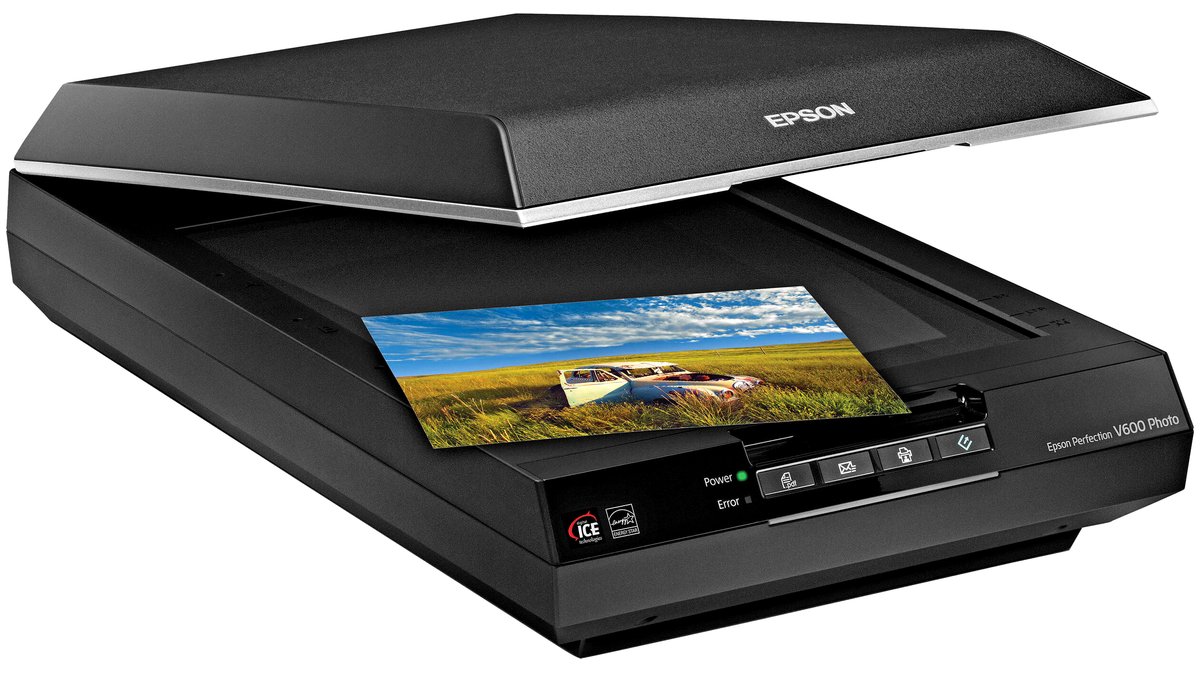
Flatbed vs. High-Speed Feed Scanners: The First Decision
Flatbed scanners place one or a few photos at a time on a glass bed and capture a single high-resolution image per scan, which makes them the standard choice for scanning photos of mixed sizes, fragile or curled prints, and anything where careful handling matters more than speed. Flatbeds also tend to double as document scanners and often support scanning film strips or slides with an added transparency unit, depending on the model.
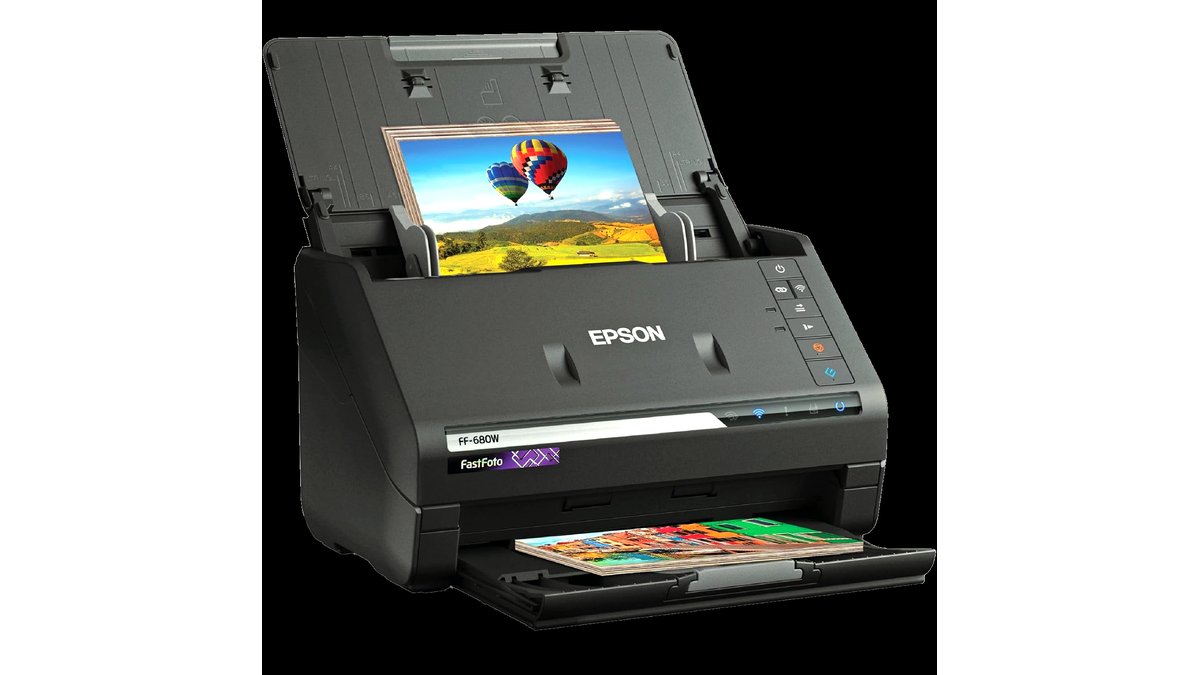
High-speed feed scanners pull a stack of same-size prints through automatically, dramatically cutting the time needed to get through a large box of standard 4×6 prints, but they are less forgiving of damaged, curled, or mixed-size photos, which can jam or scan poorly in a feed mechanism. Reviewers covering large-volume home digitizing projects generally recommend feed scanners specifically for big batches of flat, undamaged, same-size prints, and flatbeds for anything more delicate or irregular.
Resolution and File Format: What Actually Matters for Photo Quality
Scanner resolution is listed in dpi (dots per inch), and the right number depends on whether the scanned image will be printed again at a larger size or just viewed and shared digitally. Makers commonly list optical resolution figures of 600 to 1200 dpi or higher on photo-focused scanners; higher dpi captures more detail but also creates much larger file sizes and slower scan times, so matching resolution to actual intended use avoids wasted time and storage.
Saving scans in a lossless format such as TIFF preserves maximum detail for archival purposes, while JPEG produces smaller files suited to sharing or casual viewing but loses some quality through compression. Many scanning software packages let users choose both a working format for editing and a final archival format, and reviewers covering photo preservation projects commonly recommend keeping at least one uncompressed archival copy of especially valuable prints.
Fit and Compatibility Notes
- Check maximum scan bed size against the largest prints in the collection; flatbeds vary in supported paper size, and oversized prints may need to be scanned in sections and stitched digitally.
- Film and slide scanning requires either a built-in transparency unit on a flatbed or a dedicated film scanner; standard flatbed glass alone is not sufficient for proper film scanning.
- Confirm the scanner’s connection type (USB is standard; some models also offer Wi-Fi) matches the computer or network setup being used.
- Software compatibility with the operating system in use should be checked, since some bundled scanning software is Windows- or Mac-specific.
At a Glance: Photo Scanner Types
| Type | Best for | Key stated specs | Limits |
|---|---|---|---|
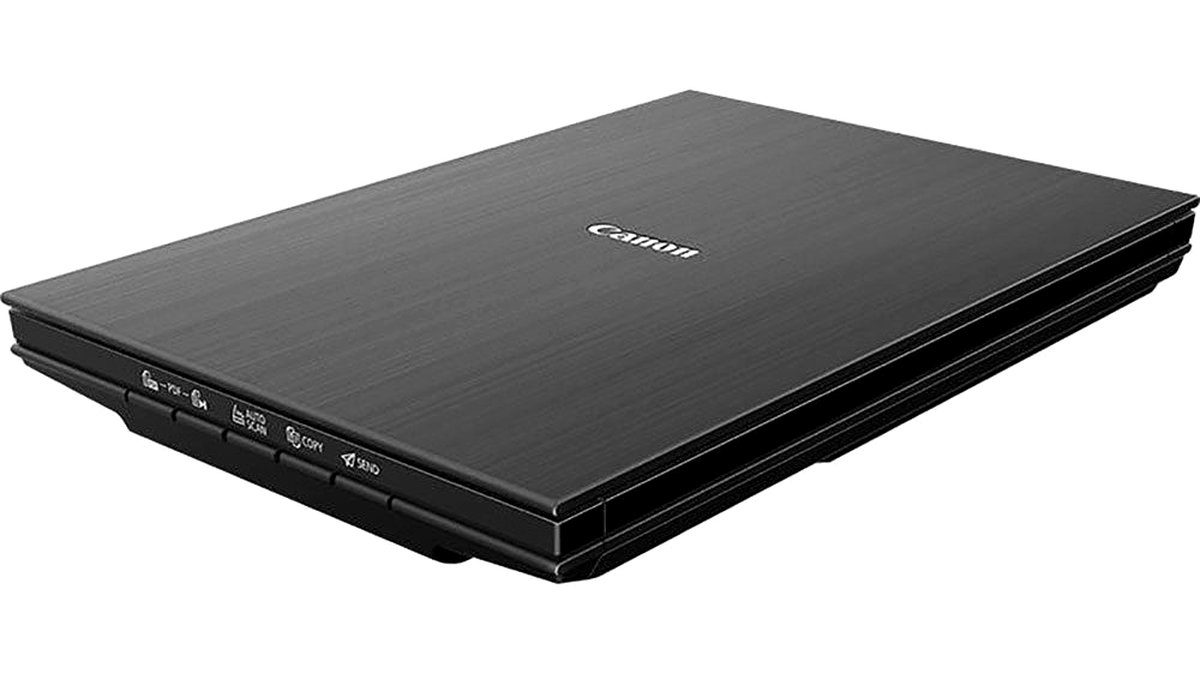
| Flatbed photo scanner | Mixed-size, delicate, or curled prints; small to medium collections | Makers commonly list 600-1200+ dpi optical resolution | Slower per-image than feed scanners for large uniform batches |
| High-speed feed photo scanner | Large stacks of same-size, undamaged prints | Makers list fast pages/photos-per-minute throughput | Not suited to fragile, curled, or mixed-size originals |
| Flatbed with film/slide transparency unit | Mixed projects including both prints and film negatives or slides | Makers list both reflective (print) and transparency scanning modes | Film scanning quality on a flatbed unit is often lower than a dedicated film scanner |
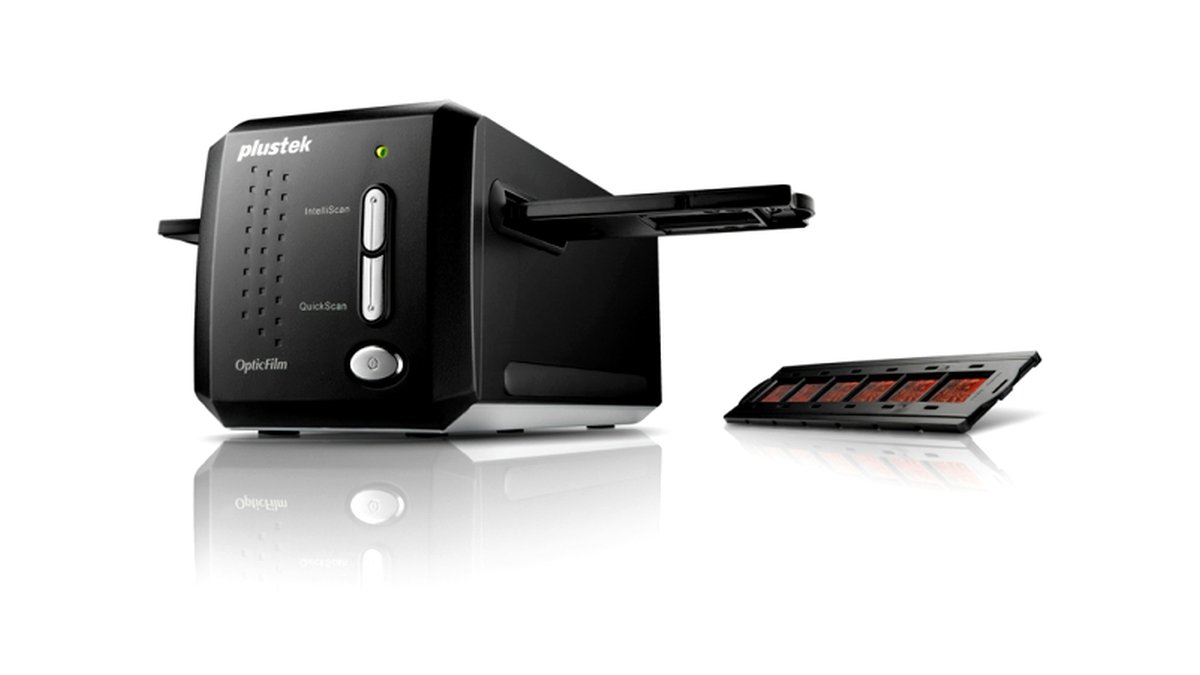
| Dedicated film/slide scanner | Large collections of negatives or slides, minimal print scanning | Makers list resolution optimized specifically for small film formats | Limited or no support for scanning full-size prints |
Pick This If…
| Situation | Recommended type |
|---|---|
| Box of mixed-size, slightly curled or aged family prints | Flatbed photo scanner |
| Hundreds of same-size, flat, undamaged prints to get through quickly | High-speed feed photo scanner |
| Both prints and a handful of old slides or negatives | Flatbed with film/slide transparency unit |
| Mostly or entirely old film negatives or slides | Dedicated film/slide scanner |
| One-off scanning of a few photos, not a full archival project | Basic flatbed, lower-end resolution is sufficient |
Software, Dust Removal, and Color Restoration Features
Bundled scanning software varies widely in how much automatic correction it applies, including color restoration for faded prints and dust or scratch removal for film and slides. Makers of higher-end scanners often highlight these automatic correction features specifically for old or faded photos, though results depend heavily on the condition of the original print or film and are not guaranteed to fully restore badly degraded images.
Batch scanning software that automatically detects and crops multiple photos placed together on a flatbed can meaningfully speed up large projects even on a flatbed scanner, since it avoids having to scan one photo at a time. Checking whether this feature is included, rather than assuming all flatbed software supports it, is worth doing before committing to a large digitizing project.
Alternatives Worth Considering
For smaller collections or quick digitizing needs, a smartphone photo-scanning app paired with good lighting can produce acceptable results for casual sharing, though image quality and color accuracy generally fall short of a dedicated scanner for archival purposes. A second alternative is a professional photo digitizing service, which handles bulk scanning and sometimes restoration work for people who would rather not manage the process themselves, at a different cost and time tradeoff than buying a scanner. A third alternative is a portable handheld scanner wand for occasional single-photo digitizing on the go, trading scan quality and consistency for convenience and portability.
Frequently Asked Questions
What resolution do I actually need to scan old family photos?
For prints that will mainly be viewed digitally or shared, many guides suggest 300-600 dpi is sufficient, while prints intended for reprinting at a larger size or long-term archival preservation benefit from 600-1200 dpi or higher. Going well beyond what’s needed mainly adds file size and scan time without a visible quality benefit for casual use.
Can I scan both prints and film negatives on the same scanner?
Some flatbed scanners include a built-in transparency unit that allows film and slide scanning in addition to standard print scanning, though dedicated film scanners generally produce sharper results for negatives and slides specifically. Buyers with a mix of both formats should check whether a combination flatbed meets their quality expectations for film before assuming it will match a dedicated film scanner.
How do I digitize a large box of photos without it taking forever?
A high-speed feed scanner designed for same-size, undamaged prints is the main tool reviewers recommend for large volume projects, since it processes photos far faster than scanning one at a time on a flatbed. Batch-detection software on flatbed scanners, which can scan and auto-crop several photos placed together, is a secondary option for large projects when a feed scanner isn’t practical.
Will scanning restore the color in my faded old photographs?
Many scanners and their bundled software include automatic color restoration tools aimed at correcting fading, but the makers of these tools generally describe them as improving rather than fully restoring severely faded images. Results vary significantly based on how degraded the original print already is.
What file format should I save my scanned photos in?
An uncompressed or lossless format such as TIFF is commonly recommended for an archival master copy, since it preserves full detail without the quality loss that comes from JPEG compression. A JPEG copy made from that master is a practical choice for everyday sharing and viewing without needing to keep the larger archival file on hand for casual use.
Do I need special software, or does the scanner come with everything I need?
Most consumer photo scanners ship with basic scanning software covering standard capture, cropping, and simple correction tools, which is sufficient for most home digitizing projects. Buyers with specific needs, such as advanced batch processing or specialized film restoration, may want to check reviews for whether third-party software offers meaningfully better results than the bundled package.








