
Key takeaways
- Optical resolution (DPI): For standard prints intended for digital archiving or modest reprints, many guides suggest scanning at 600 DPI; for larger enlargements or very small prints, 1200 DPI or higher captures more detail. Check the scanner’s true optical resolution, not just an interpolated/enhanced figure, since interpolated resolution does not add real detail.
- Maximum scan bed size: Confirm the flatbed glass area is large enough for your largest prints or album pages; some older family photos and most prints come in standard sizes, but album pages or oversized prints need a bigger bed.
- Film and slide capability: If your collection also includes negatives or slides, look for a model with a built-in transparency unit or backlight, since not all flatbeds support this without an add-on.
- Batch and auto-crop features: Many photo scanners can detect multiple photos placed on the bed at once and auto-crop/auto-straighten each into separate files, which speeds up large collections considerably.
- Dust and scratch reduction: Some scanners include hardware- or software-based dust/scratch correction; this can help with aged prints but may soften fine detail, so check whether it is adjustable or optional.
- Connectivity and software: USB connections are standard; some newer models add Wi-Fi scanning to a phone or cloud folder, which can be convenient for sorting as you go.
- Color depth and fading restoration tools: Bundled or compatible software with color restoration/fading correction can help faded prints, though results vary by how far the original has faded.
A flatbed photo scanner suits anyone digitizing a mixed box of old family prints, including odd sizes, curled edges, or fragile originals, while a high-speed photo feeder scanner suits someone digitizing hundreds or thousands of same-size, flat prints in one sitting; the right pick depends mainly on how many photos you have, their condition, and how much resolution you need for printing enlargements later.
As an Amazon Associate, we earn from qualifying purchases made through links on this page.
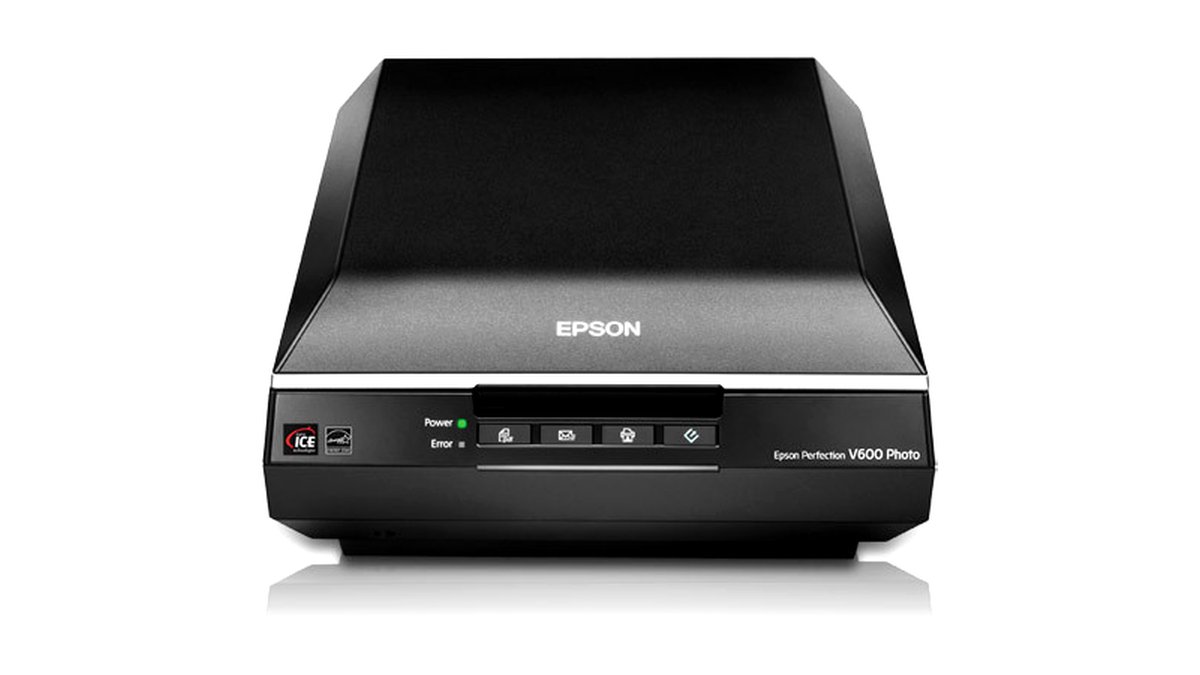
Flatbed vs Feed-Through: Why It Matters for Old Photos
Flatbed scanners place the photo face-down on a glass platen, which handles curled, bent, or delicate vintage prints far better than any mechanism that feeds the photo through rollers. This makes flatbeds the safer default for old family pictures, since many decades-old prints have some curl, brittleness, or edge damage that a feeder could catch or crease. Flatbeds also typically support higher optical resolution for photo work and can scan non-standard sizes, photo album pages, or even small negatives and slides with the right adapter.
Feed-through (sheet-fed) photo scanners pull each print through a roller mechanism and scan on the fly, which is much faster for large batches but riskier for fragile, curled, or already-torn photos. These are better suited to recent, flat, undamaged prints where volume and speed matter more than archival caution.
What to Look For Before Buying
- Optical resolution (DPI): For standard prints intended for digital archiving or modest reprints, many guides suggest scanning at 600 DPI; for larger enlargements or very small prints, 1200 DPI or higher captures more detail. Check the scanner’s true optical resolution, not just an interpolated/enhanced figure, since interpolated resolution does not add real detail.
- Maximum scan bed size: Confirm the flatbed glass area is large enough for your largest prints or album pages; some older family photos and most prints come in standard sizes, but album pages or oversized prints need a bigger bed.
- Film and slide capability: If your collection also includes negatives or slides, look for a model with a built-in transparency unit or backlight, since not all flatbeds support this without an add-on.
- Batch and auto-crop features: Many photo scanners can detect multiple photos placed on the bed at once and auto-crop/auto-straighten each into separate files, which speeds up large collections considerably.
- Dust and scratch reduction: Some scanners include hardware- or software-based dust/scratch correction; this can help with aged prints but may soften fine detail, so check whether it is adjustable or optional.
- Connectivity and software: USB connections are standard; some newer models add Wi-Fi scanning to a phone or cloud folder, which can be convenient for sorting as you go.
- Color depth and fading restoration tools: Bundled or compatible software with color restoration/fading correction can help faded prints, though results vary by how far the original has faded.
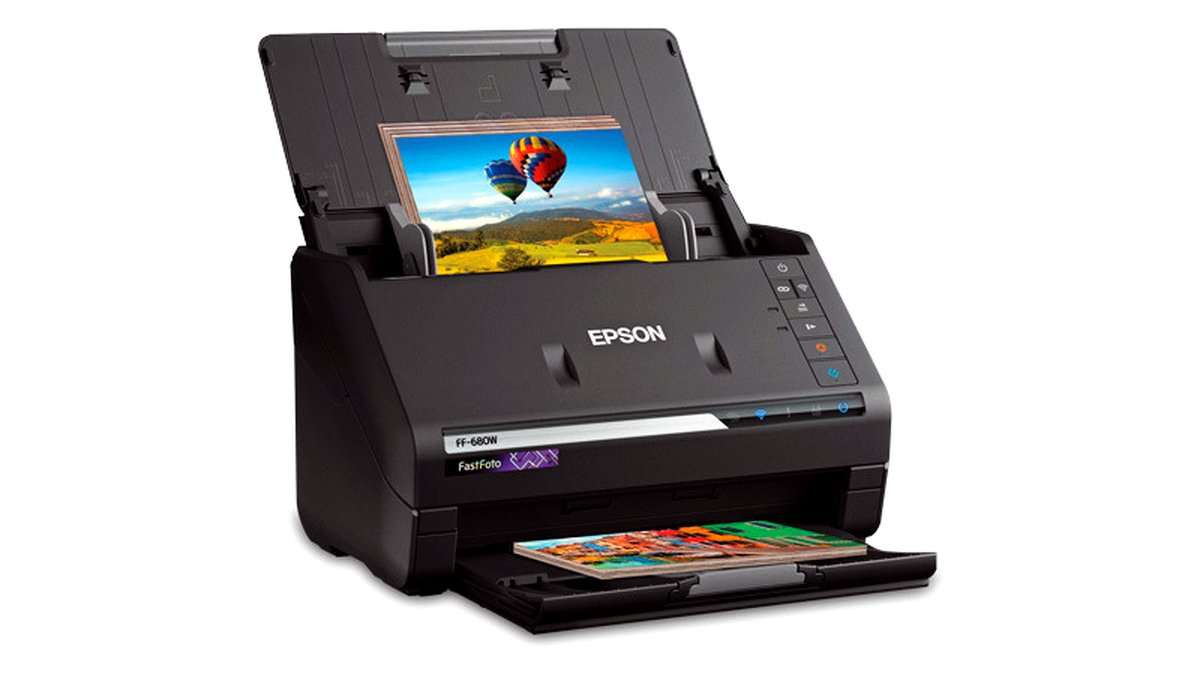
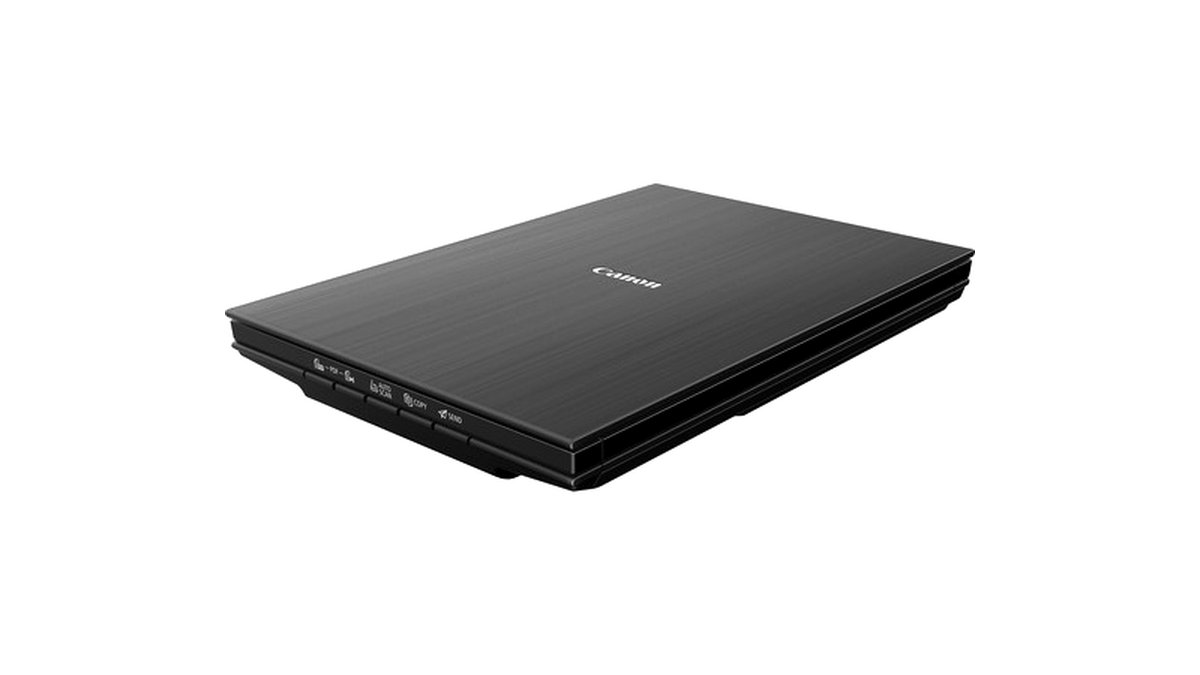
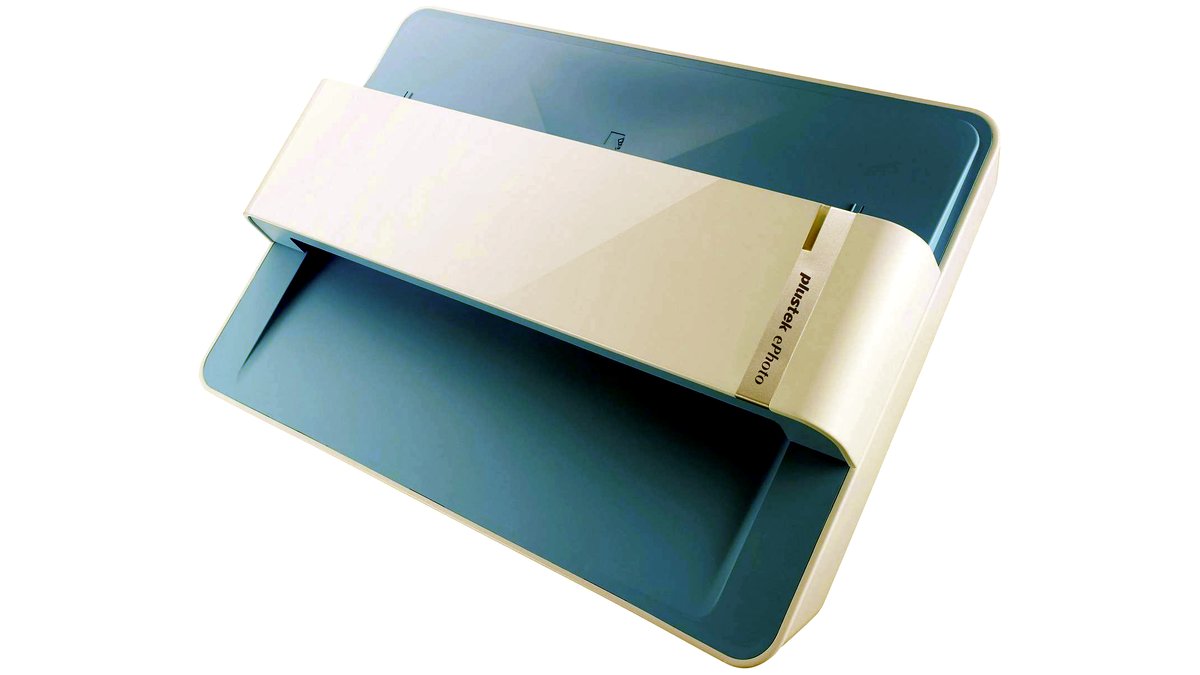
At a Glance: Photo Scanner Types
| Type | Best For | Key Stated Specs | Limits |
|---|---|---|---|
| Dedicated flatbed photo scanner | Mixed collections with curled, fragile, or odd-size prints | Maker-stated optical resolution often up to 4800-9600 DPI on photo-focused models; auto-crop/multi-photo detection common | Slower per-photo than a feeder for large flat-print batches; one photo (or a few) per scan pass |
| High-speed sheet-fed photo scanner | Large volumes of flat, undamaged, same-size prints | Rated pages-per-minute throughput; often includes auto-feed photo-specific settings | Not recommended for curled, torn, or brittle originals; risk of jams or creasing on damaged prints |
| Flatbed with film/slide adapter | Collections that mix prints with negatives or slides | Built-in transparency unit or backlight; separate film holders typically included | Film scanning usually slower and more involved to set up than print scanning |
| Portable/handheld photo scanner | Quick single-photo digitizing on the go, small collections | Compact size; battery or USB powered on many models | Lower resolution and consistency than a flatbed; more manual effort per photo |
Pick X If…
| Choose This | If You… |
|---|---|
| Dedicated flatbed photo scanner | Have old, possibly fragile or curled prints and want the safest handling |
| High-speed sheet-fed scanner | Have hundreds of flat, undamaged, same-size prints and want speed over archival caution |
| Flatbed with film/slide adapter | Also need to digitize negatives or slides from the same era |
| Portable/handheld scanner | Only need to digitize a handful of photos occasionally, without archival-grade needs |
Handling and Preservation Notes for Old Prints
Before scanning, handle old family photographs by their edges and with clean, dry hands, since oils and moisture can transfer to fragile emulsion surfaces over repeated handling. If a print is severely curled, brittle, or flaking, scanning it flat on a flatbed glass bed (rather than forcing it through any feeder) reduces the risk of further damage; some conservators suggest letting very curled prints rest in a slightly humid environment briefly to relax the curl before scanning, though this should be done cautiously and is not appropriate for every print condition.
For resolution, scanning at a higher DPI than you think you need costs only storage space, while scanning too low can’t be fixed after the fact; many archivists recommend keeping an uncompressed or lightly compressed master file (such as TIFF) in addition to any smaller JPEG copies made for sharing.
Alternatives Worth Considering
- Professional photo scanning services: Worth considering for large, valuable, or especially fragile collections where specialized equipment and handling may outperform a consumer scanner.
- Smartphone scanning apps: A fast, low-cost option for casual digitizing, though image quality and distortion correction generally fall short of a dedicated flatbed scanner for archival purposes.
- All-in-one printer/scanner combo units: Can work for occasional photo digitizing if you already own one, though dedicated photo scanners typically offer higher true optical resolution and better photo-specific features.
Frequently Asked Questions
What resolution should I scan old family photos at?
Many digitization guides suggest 600 DPI as a solid baseline for standard-size prints intended for digital archiving and typical reprints, moving up to 1200 DPI or higher for small prints you might want to enlarge later. Check the scanner’s true optical resolution rather than an interpolated maximum, since interpolation does not add genuine detail.
Can I scan photos that are stuck in an old album?
If photos are glued or mounted and can’t be safely removed, some flatbed scanners can scan the album page as-is, though results depend on how flat the page lies and whether the album cover interferes with the scanner lid. Attempting to force a stuck photo loose risks tearing it, so many archivists recommend scanning in place rather than risking removal when adhesion is strong.
Will scanning fix faded or discolored old photos?
Scanning itself just captures the image as it currently looks; any fading correction happens afterward through software, and results vary depending on how severely the original has faded and what information remains in the print. Some scanning software includes automatic fading/color restoration tools, but manual photo editing often achieves better results for badly faded originals.
Is it better to scan photos myself or use a scanning service?
This depends on collection size, available time, and how much control you want over resolution and file handling; a personal flatbed scanner gives full control and no per-photo cost but takes more of your time, while a service can process large volumes faster at a per-photo or per-batch cost. For small, valuable, or fragile collections, some people choose a hybrid approach, scanning most photos themselves and sending especially delicate ones to a specialist.
How should I store old photos after scanning them?
Many conservators recommend acid-free, archival-quality sleeves or boxes for long-term physical storage, kept in a cool, dry, stable environment away from direct sunlight, regardless of whether the photos have also been digitized. Scanning creates a digital backup but does not eliminate the value of preserving the physical originals properly.
What file format should I save scanned family photos in?
A common approach is saving an uncompressed or lightly compressed master file, such as TIFF, for long-term archival purposes, then exporting smaller JPEG copies for everyday sharing or printing. Keeping both lets you preserve maximum quality in the master while still having convenient, smaller files for other uses.








