
Key takeaways
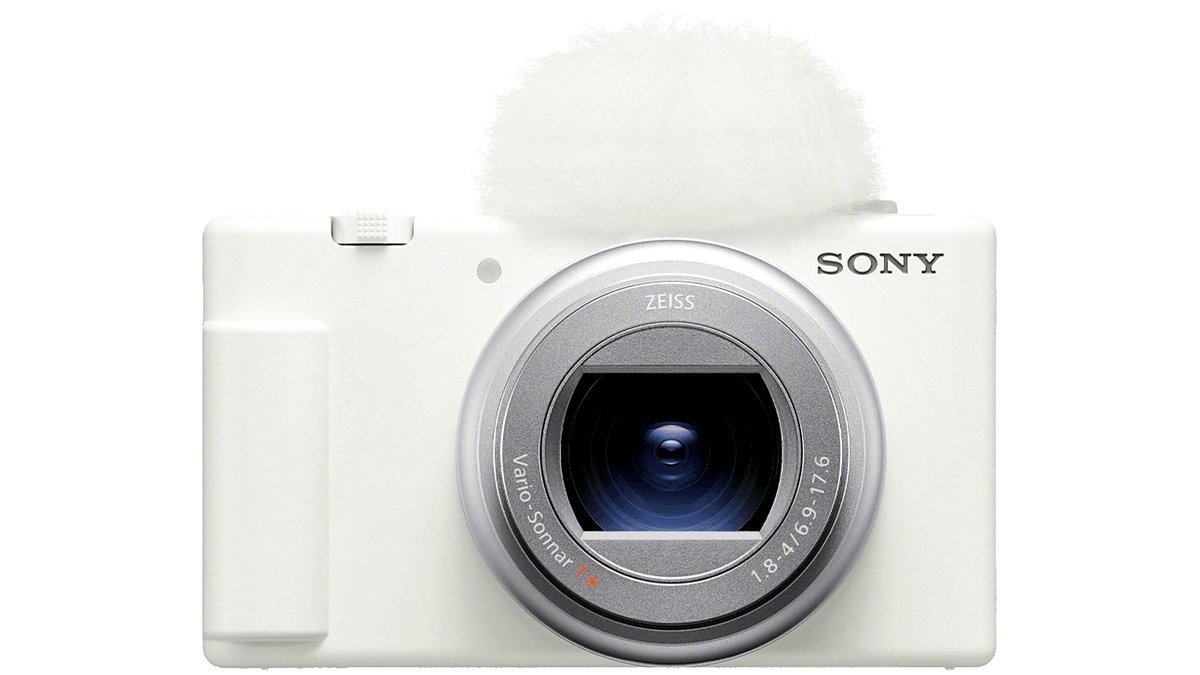
- Compact point-and-shoot vlogging cameras — purpose-built for this use case by brands like Sony (ZV-series) and Canon (PowerShot V-series), with a fixed lens, flip-out screen, and a built-in or included wind-resistant microphone. The maker’s intent with these models is explicitly vlogging-first, with features like a dedicated background-blur button or product-showcase autofocus mode.
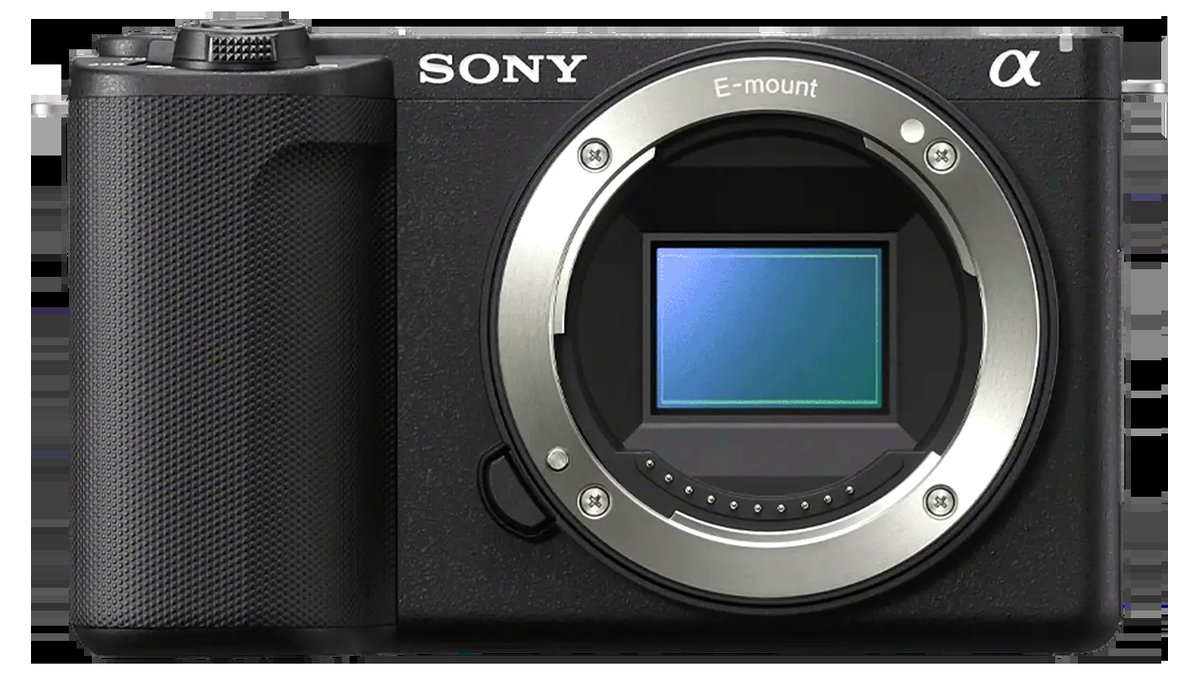
- Mirrorless cameras with vlogging-friendly features — a step up for creators who want interchangeable lenses and larger-sensor image quality, from Sony’s ZV-E and A-series, Canon’s EOS R-series, Fujifilm’s X-series, and Panasonic’s Lumix G/S-series, many of which now include a flip screen and strong autofocus aimed partly at video creators.
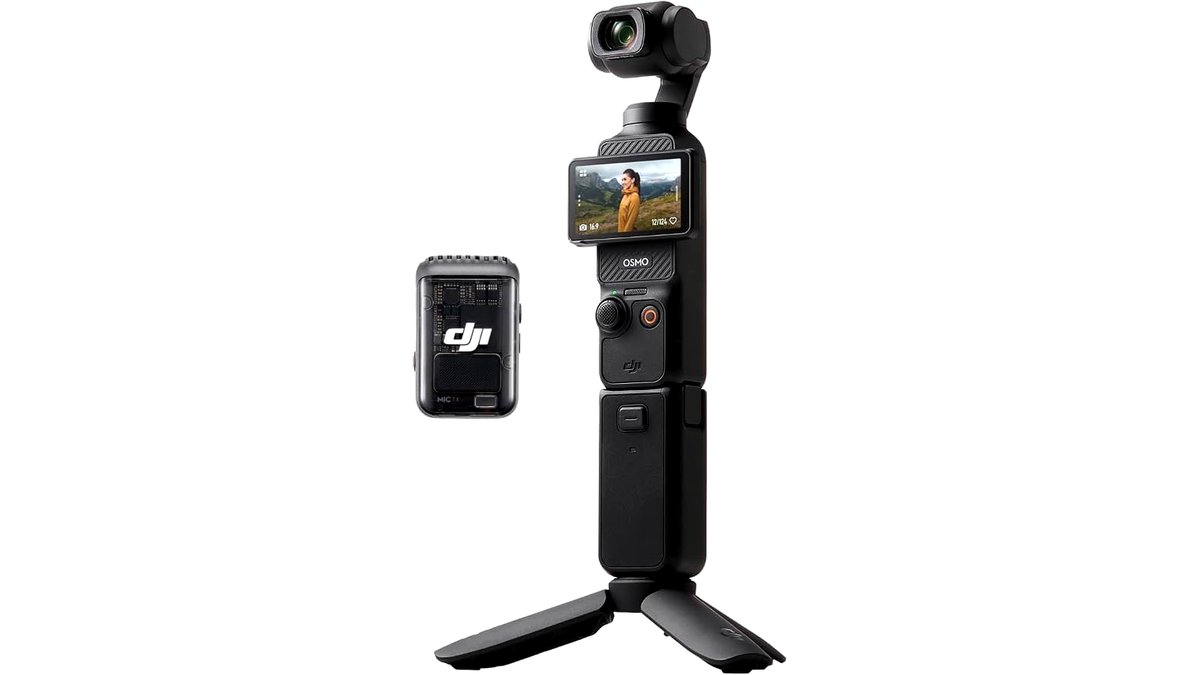
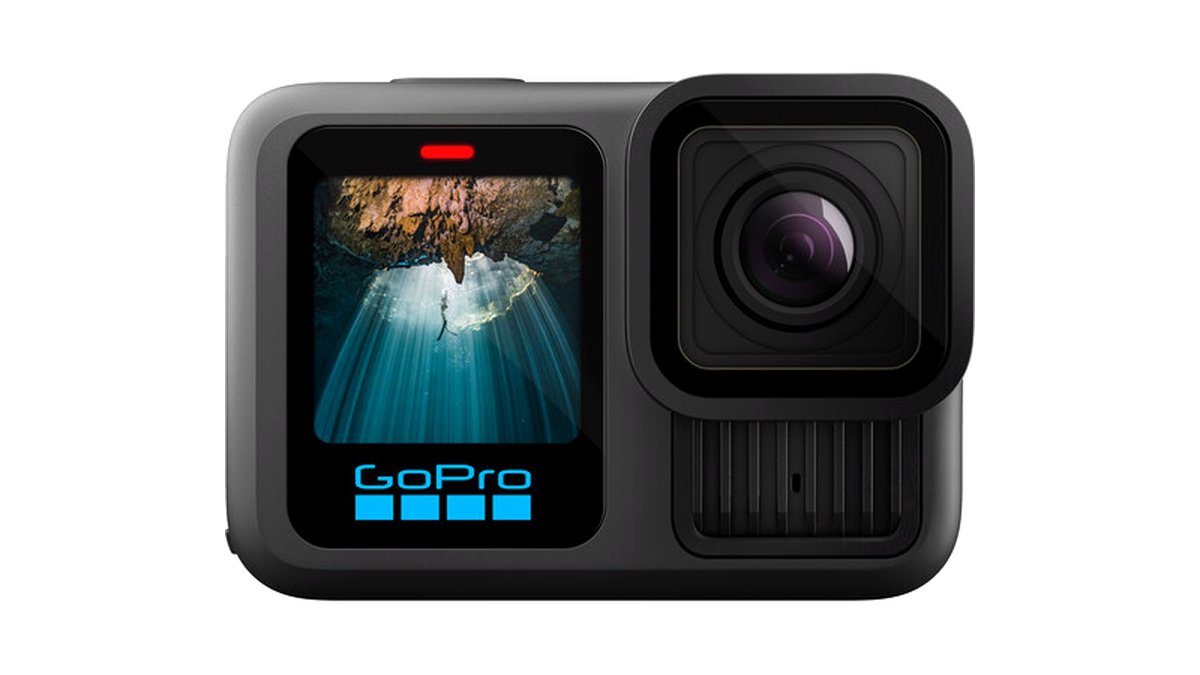
- Action cameras — small, ruggedized cameras like those from GoPro and DJI, built for handheld, mounted, or on-body use where a traditional camera’s size and fragility would be a problem; strong stabilization but a wider, more distorted lens than most dedicated vlogging cameras.
- Smartphones with a gimbal or clip-on lens — not a dedicated camera at all, but the realistic starting point for many creators, especially combined with a small gimbal for stabilization; image quality has closed much of the gap with dedicated cameras in good light, though it still generally lags in low light and background blur control.
A compact point-and-shoot vlogging camera with a flip-out screen suits solo creators who want a grab-and-go camera with little setup, a mirrorless camera with a flip screen and in-body stabilization suits creators who want interchangeable lenses and the best image quality, and an action camera suits creators filming while moving, outdoors, or in situations where a traditional camera would be awkward to hold.
As an Amazon Associate, we earn from qualifying purchases made through links on this page.
“Vlogging camera” isn’t one category — it’s a use case that different camera types solve in different ways, and the right pick depends on whether you need interchangeable lenses, how much you move while filming, and how much you want to spend on stabilization versus fixing it in editing. This guide breaks down the camera types and the specific features that actually matter for talking-to-camera and walk-and-talk video, rather than any single model, since vlogging-camera lineups change often across brands.
Camera types for vlogging
- Compact point-and-shoot vlogging cameras — purpose-built for this use case by brands like Sony (ZV-series) and Canon (PowerShot V-series), with a fixed lens, flip-out screen, and a built-in or included wind-resistant microphone. The maker’s intent with these models is explicitly vlogging-first, with features like a dedicated background-blur button or product-showcase autofocus mode.
- Mirrorless cameras with vlogging-friendly features — a step up for creators who want interchangeable lenses and larger-sensor image quality, from Sony’s ZV-E and A-series, Canon’s EOS R-series, Fujifilm’s X-series, and Panasonic’s Lumix G/S-series, many of which now include a flip screen and strong autofocus aimed partly at video creators.
- Action cameras — small, ruggedized cameras like those from GoPro and DJI, built for handheld, mounted, or on-body use where a traditional camera’s size and fragility would be a problem; strong stabilization but a wider, more distorted lens than most dedicated vlogging cameras.
- Smartphones with a gimbal or clip-on lens — not a dedicated camera at all, but the realistic starting point for many creators, especially combined with a small gimbal for stabilization; image quality has closed much of the gap with dedicated cameras in good light, though it still generally lags in low light and background blur control.
Features that matter more than resolution
- Autofocus for faces/eyes — reliable continuous face and eye tracking matters more for talking-head video than raw resolution, since a soft, hunting autofocus ruins a clip that’s otherwise well-lit and well-framed.
- In-body or lens stabilization — walk-and-talk footage depends heavily on stabilization; cameras that list both in-body stabilization and an electronic/digital stabilization mode generally handle handheld walking shots better than stabilization alone.
- Flip-out screen — lets you frame yourself and monitor audio levels while recording; nearly a requirement for solo vloggers rather than a nice-to-have.
- Built-in or included microphone quality — a camera’s built-in mic is rarely as good as even an inexpensive add-on shotgun or wireless lavalier mic, so check whether the camera has a mic input (3.5mm or a proprietary hot-shoe connector) if audio quality matters to you.
- Battery life and heat management for long clips — some compact and mirrorless cameras are reported by reviewers to overheat or shut down during long continuous recording sessions in warm conditions; this varies notably by model and matters most for creators doing long single takes.
Lighting and framing matter as much as the camera
Reviewers and experienced creators consistently point out that lighting has a bigger visible impact on vlog footage than most camera upgrades, since even a mid-tier sensor looks clean in good light while a flagship sensor still struggles in a dim room without help. A small LED panel or ring light, often cheaper than a single lens, tends to improve footage more noticeably than moving up a camera tier. Framing habits — keeping the horizon level, leaving headroom, and using a simple tripod or small tabletop stand for stationary shots — also affect perceived quality more than most buyers expect, and cost nothing beyond the accessory itself. For creators choosing between two similarly specced cameras, it’s often more useful to spend the difference on a light and a basic tripod than on the marginally higher-spec body.
At a glance
| Type | Best for | Key stated specs | Limits |
|---|---|---|---|
| Compact vlogging camera (Sony ZV-series, Canon PowerShot V-series) | Solo creators wanting simplicity and vlogging-specific features | Flip screen, built-in wind-resistant mic, dedicated vlogging modes per the makers’ listings | Fixed lens; less image-quality ceiling than mirrorless |
| Mirrorless with vlogging features | Creators wanting interchangeable lenses and best image quality | Flip screens and strong video autofocus on many current bodies per the makers | Higher cost; larger and heavier than a compact camera |
| Action camera (GoPro, DJI) | Active, moving, or on-body filming | Strong in-camera stabilization and waterproofing per the makers’ specs | Wide, somewhat distorted lens; less background blur control |
| Smartphone + gimbal | Beginners or anyone starting without a dedicated camera budget | Good image quality in daylight; gimbals add handheld stabilization | Weaker low-light and background-blur performance than dedicated cameras |
Fit and compatibility notes
If audio matters, check for a 3.5mm mic input or the camera brand’s proprietary hot-shoe/multi-interface mic mount before assuming the built-in mic will be good enough — reviewers consistently rate add-on mics as a bigger quality jump than almost any camera upgrade. For mirrorless buyers, lens mount compatibility (Sony E-mount, Canon RF, Fujifilm X-mount, Panasonic/Lumix L-mount) locks you into that brand’s lens ecosystem, so consider which brand’s lens lineup fits your long-term plans, not just the body you’re buying first. Action cameras generally need a mounting accessory (chest mount, head mount, pole) matched to your specific use, and most use a standard mount style within their own brand’s ecosystem. Storage (microSD card speed class) should match the camera’s maximum stated video bitrate, since an underrated card can cause dropped frames or recording failures at high resolution/frame rate settings.
Pick this if…
| Situation | Pick |
|---|---|
| You want the simplest dedicated vlogging setup | Compact vlogging camera (Sony ZV-series or Canon PowerShot V-series) |
| You want the best image quality and plan to grow into more lenses | Mirrorless camera with vlogging-friendly features |
| You film while moving, outdoors, or in action settings | Action camera (GoPro or DJI) |
| You’re testing the waters before buying dedicated gear | Smartphone + gimbal |
| Audio quality matters to you | Any camera with a mic input, paired with an add-on microphone |
| You do long, single-take recordings | Check independent reviewer heat/shutdown reports before buying a specific model |
Alternatives worth knowing about
- A dedicated webcam for streaming-style vlogging — if content is filmed sitting at a desk rather than moving around, a good webcam paired with proper lighting can rival a camera upgrade for far less money and complexity.
- An external gimbal for an existing camera — rather than buying a new camera for better stabilization, a gimbal sized for your current camera’s weight can solve walk-and-talk shake without a full upgrade.
- A clip-on lens for a smartphone — wide-angle or macro clip-on lenses extend a smartphone’s versatility for vlogging without the cost of a dedicated camera.
Frequently Asked Questions
Do I need a mirrorless camera to vlog well?
No. Many successful vloggers use compact vlogging cameras, action cameras, or even smartphones; a mirrorless camera mainly adds image-quality ceiling and lens flexibility, which matters more as content and budget grow rather than for getting started.
Is the built-in microphone on a vlogging camera good enough?
For casual use in a quiet room, often adequate, but reviewers consistently find that even an inexpensive add-on shotgun or wireless lavalier microphone sounds noticeably better than a camera’s built-in mic, especially outdoors or in echoey rooms.
What’s the difference between in-body and digital stabilization?
In-body stabilization physically moves the sensor (or lens elements) to counteract shake, while digital stabilization crops and shifts the image electronically; many cameras combine both, which generally gives smoother handheld footage than either alone, though heavy digital stabilization can introduce a slight quality or field-of-view tradeoff.
Why do some vlogging cameras overheat during long recordings?
Compact camera bodies have limited space for heat dissipation, and recording at high resolution or frame rate for extended periods generates more heat than the body can shed, especially in warm environments. This varies by specific model, so check independent reviewer tests for long-recording behavior if this matters to your use case.
Should I buy a camera with interchangeable lenses or a fixed-lens vlogging camera?
If you expect to want wider, longer, or faster lenses later, or you shoot in varied conditions, interchangeable-lens mirrorless gives more room to grow. If you want simplicity and are mostly shooting one type of scene (talking head, product reviews), a purpose-built fixed-lens vlogging camera is generally easier to use well out of the box.
Can a smartphone really replace a dedicated vlogging camera?
For many beginners and in good lighting, yes, especially paired with a small gimbal for stabilization and an external mic for audio. The gap shows up most in low light and background blur/depth-of-field control, where dedicated camera sensors still generally outperform smartphone sensors.








