
Key takeaways
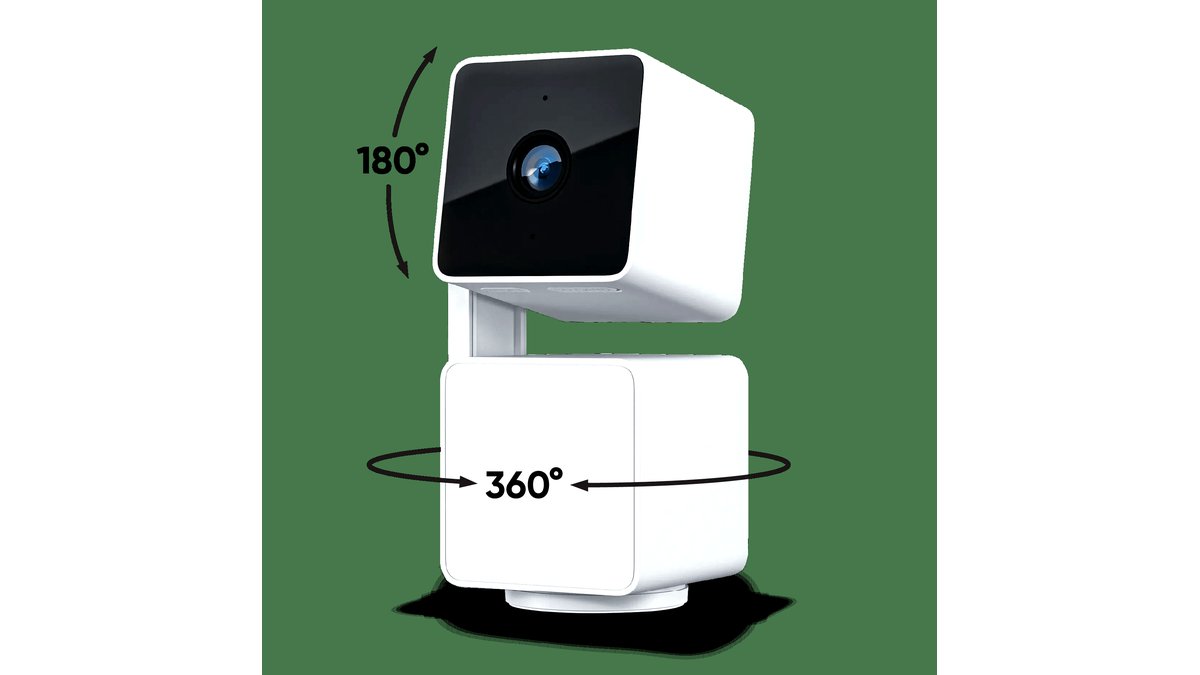
- Field of pan/tilt coverage: the maker lists a horizontal pan range (often close to 360 degrees) and a vertical tilt range (commonly around 90-100 degrees).
- Auto-tracking: mid-range and premium indoor models follow a moving person or pet within the frame automatically; budget models require manual app control.
- Privacy mode: a physical lens cover or software-disabled mode for when the room is occupied, which independent reviewers treat as a meaningful privacy feature rather than a gimmick.
- Local storage option: a microSD slot avoids ongoing subscription costs for clip storage, though cloud plans usually add smarter search and longer retention.
Pick a pan-tilt indoor camera with a 360-degree swivel base for whole-room coverage, a pan-tilt-zoom (PTZ) outdoor model with weatherproofing and a longer zoom range for watching a driveway or yard, and a budget pan-tilt plug-in camera for a nursery or small apartment where mains power is always available. The category covers a wide spread of price and feature tiers, so matching the camera to where it will live matters more than chasing the longest spec sheet.
As an Amazon Associate, we earn from qualifying purchases made through links on this page.
What Pan-Tilt Actually Buys You
A fixed camera watches one frame. A pan-tilt camera has a motorized base that rotates horizontally (pan) and tilts vertically, so a single unit can cover a much wider area either by manual control in an app or by auto-tracking motion as it moves across a room or yard. Many models combine this with a digital zoom, though optical zoom is rare below the premium tier. The tradeoff is that pan-tilt mechanisms add moving parts, which is where long-term reliability differs most between budget and mid-range models.
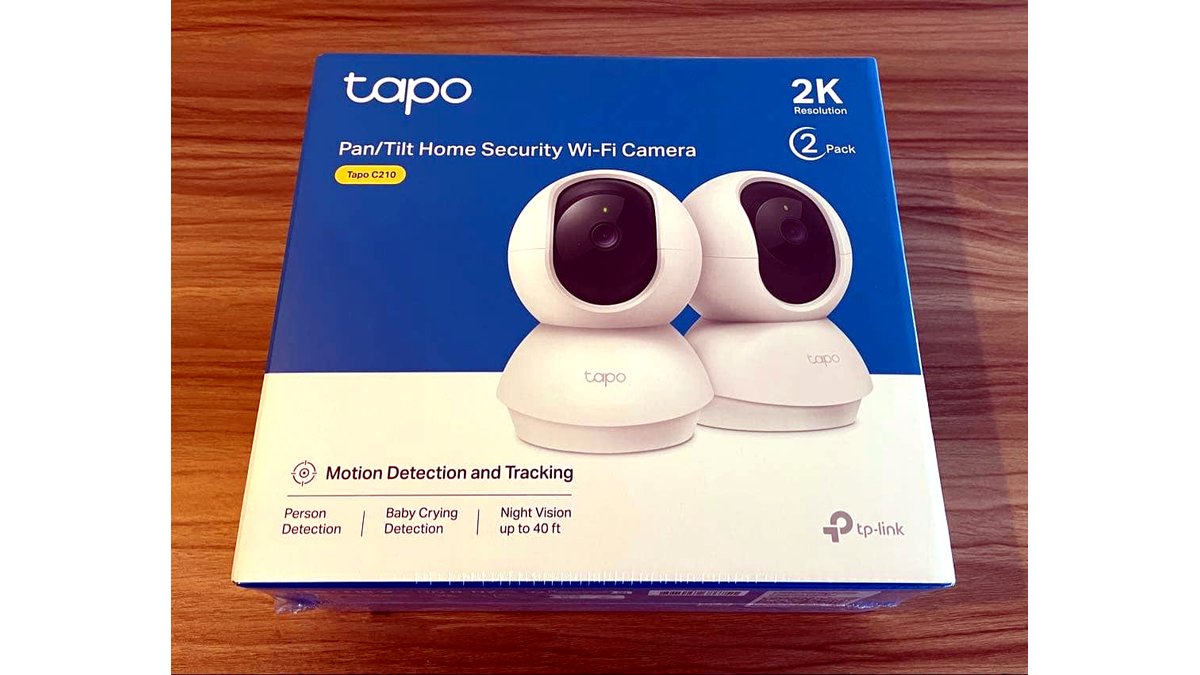
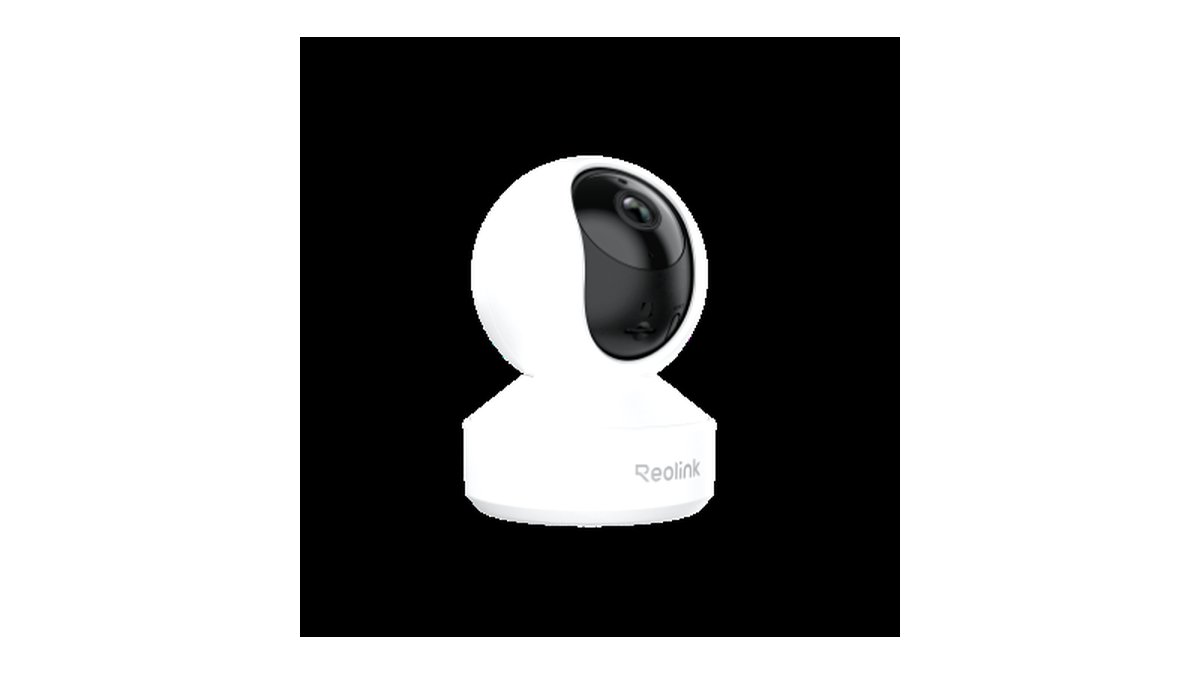
Reviewers at outlets such as PCMag and Tom’s Guide consistently note that indoor pan-tilt cameras from brands like TP-Link’s Tapo line, Wyze, and Reolink’s indoor series are positioned as low-cost, plug-in units aimed at pet and baby monitoring, while outdoor PTZ models from Reolink, Amcrest, and similar brands target driveway and perimeter coverage and carry higher prices tied to weather sealing and battery or solar options.
Indoor Pan-Tilt Cameras
Indoor models are almost always wired (plugged into mains power) because the motor draws more current than a battery pack can sustain for continuous rotation and tracking. Look for:
- Field of pan/tilt coverage: the maker lists a horizontal pan range (often close to 360 degrees) and a vertical tilt range (commonly around 90-100 degrees).
- Auto-tracking: mid-range and premium indoor models follow a moving person or pet within the frame automatically; budget models require manual app control.
- Privacy mode: a physical lens cover or software-disabled mode for when the room is occupied, which independent reviewers treat as a meaningful privacy feature rather than a gimmick.
- Local storage option: a microSD slot avoids ongoing subscription costs for clip storage, though cloud plans usually add smarter search and longer retention.
Outdoor Pan-Tilt-Zoom Cameras
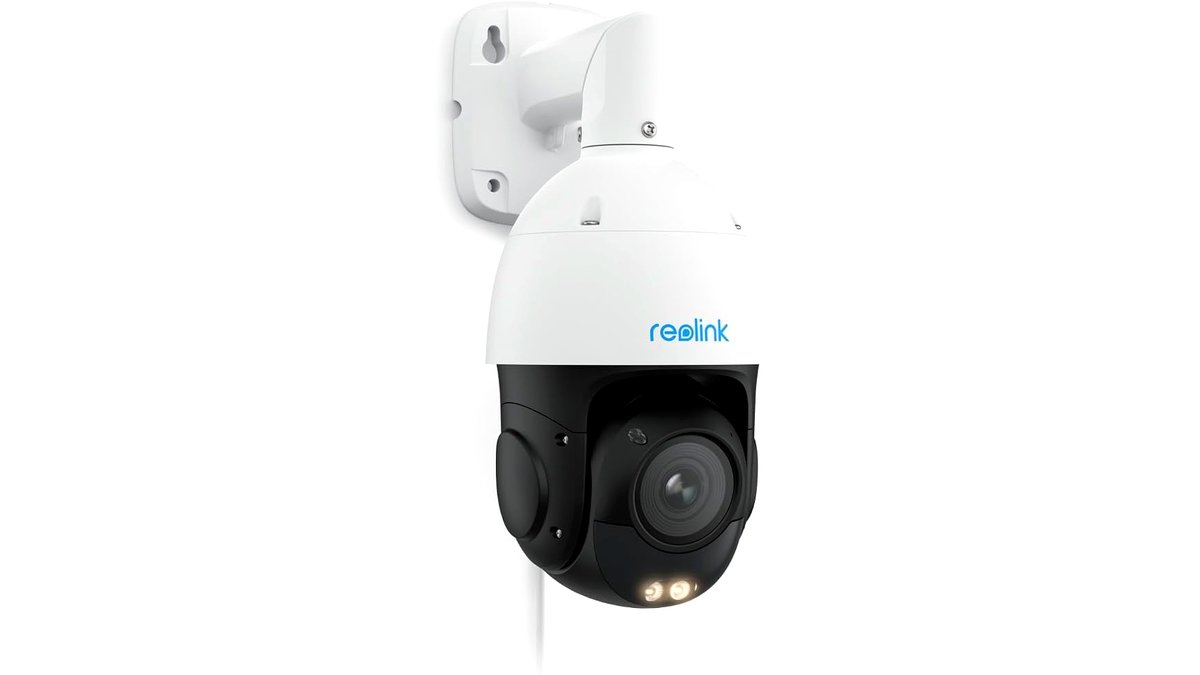
Outdoor PTZ cameras need an IP65 or better weatherproof rating, a wider operating temperature range, and either a hardwired power connection or a solar-compatible battery pack for installs far from an outlet. Reviewers at outlets covering home security note that outdoor PTZ units aimed at driveways and large yards tend to sit in the mid-range to premium price tiers because the motor, housing, and night vision hardware all cost more to weatherproof than an indoor unit.
- Night vision type: infrared (black and white at night) is standard; some premium models add a spotlight or color night vision in low ambient light.
- Detection zones: the ability to draw zones in the app so the camera ignores a public sidewalk but tracks motion on a driveway is a feature reviewers flag as genuinely useful, not just a spec-sheet line.
- Two-way audio: useful for talking to a delivery driver or warning off an intruder; speaker quality varies a lot between tiers.
At a Glance
| Camera Type | Best For | Key Stated Specs | Limits |
|---|---|---|---|
| Budget indoor pan-tilt | Nursery, pet room, apartment | Pan near 360°, basic motion alerts, microSD storage | No auto-tracking; indoor use only |
| Mid-range indoor pan-tilt | Living room, multi-room home | Auto-tracking, privacy shutter, app zones | Still wired; no weatherproofing |
| Budget outdoor PTZ | Porch, small yard | IP65 rating, infrared night vision, basic pan/tilt | Shorter zoom range, simpler app controls |
| Premium outdoor PTZ | Driveway, large property perimeter | Extended pan/tilt, spotlight or color night vision, custom zones | Highest price tier; may need professional mounting |
| Battery/solar PTZ | Detached garage, shed, off-grid spot | Rechargeable battery, solar panel compatibility | Rotation and tracking drain battery faster than static recording |
Pick X If…
| Situation | Recommended Pick |
|---|---|
| You want to watch a baby or pet in one room | Budget indoor pan-tilt with manual app control |
| You have a large living space and want the camera to follow motion | Mid-range indoor pan-tilt with auto-tracking |
| You need to cover a driveway without running new wiring | Battery or solar-compatible outdoor PTZ |
| You want the widest possible yard coverage from one post | Premium outdoor PTZ with extended pan/tilt range |
| You already pay for a smart home ecosystem subscription | A pan-tilt camera from that same brand’s ecosystem for unified app control |
Fit and Compatibility Notes
Check the app ecosystem before buying: some pan-tilt cameras only integrate fully with their own brand’s app, while others add Google Home, a major voice-assistant platform, or Apple HomeKit Secure Video support, which changes how footage is stored and viewed. Outdoor units should be checked against the mounting surface; a camera that the maker lists as wall-mount only may need an added bracket for eave or soffit mounting. For apartments or rentals, confirm whether the mount requires drilling, since several models now ship with adhesive or clamp-style mounts as an alternative.
Alternatives Worth Considering
- Fixed wide-angle camera: if the room or yard area is small enough that a 130-160 degree fixed lens already covers it, a non-pan-tilt camera is simpler, has no moving parts to wear out, and usually costs less.
- Multi-camera fixed setup: for large, oddly shaped spaces, two or three fixed cameras can sometimes cover the same area as one pan-tilt unit with more reliable coverage of corners, at a similar total price.
- Doorbell camera plus one indoor pan-tilt: a common combination reviewers suggest for small homes, pairing entry monitoring with flexible indoor coverage instead of buying two outdoor PTZ units.
Power and Installation Considerations
Wired indoor and outdoor pan-tilt cameras generally need a nearby outlet or a run of low-voltage cable to a power source, so planning the mounting location around existing wiring avoids an awkward extension cord run. Battery and solar-assisted outdoor models skip this requirement but introduce a different maintenance task: periodically checking the battery level in the app and recharging or confirming the solar panel has a clear, sun-facing angle. Reviewers note that a solar panel mounted in partial shade for even part of the day can leave the battery in a slow net discharge, so the mounting spot deserves as much attention as the camera’s own placement.
Storage and Ongoing Costs
Local microSD storage avoids a recurring subscription fee but is limited by card capacity and is vulnerable if the card or camera itself is stolen or damaged. Cloud storage plans, by contrast, keep footage safe off-site and often add smarter features like person-specific alerts or extended clip history, but these plans typically renew monthly or annually. Buyers comparing total cost of ownership should factor in a potential subscription over the camera’s expected lifespan, not just the upfront purchase price of the hardware itself.
Frequently Asked Questions
Do pan-tilt cameras record all the time or only on motion?
Most pan-tilt cameras default to motion-triggered recording to save storage and battery, with continuous recording available as an option on wired models with a microSD card or cloud plan. Battery-powered outdoor units almost always rely on motion triggers because continuous recording would drain the battery quickly.
Can someone hack into a pan-tilt camera and move it remotely?
Any internet-connected camera carries some risk if the account is compromised, so using a strong unique password and enabling two-factor authentication on the camera app is the main defense reviewers recommend. Reputable brands also push firmware updates that patch known vulnerabilities, so keeping the camera’s firmware current matters.
Is a subscription required to use the pan and tilt features?
The pan, tilt, and live-view functions typically work without a subscription since they are hardware and local-app features. Subscriptions generally apply to cloud video storage, extended clip history, and advanced AI detection like person-versus-package recognition, not to basic motor control.
How loud is the motor when the camera pans or tilts?
Indoor units are generally quiet enough to go unnoticed in normal household noise, though some users in forums note a faint whirring during movement. Outdoor PTZ motors can be slightly more audible due to larger gearing, but this is rarely loud enough to be a nuisance outside.
Will cold weather affect an outdoor pan-tilt camera’s motor?
Extreme cold can slow motor response time on some outdoor models, so checking the maker’s stated operating temperature range is worth doing in climates with hard winters. Most mainstream outdoor PTZ cameras are rated for typical seasonal temperature swings, but a model lacking a stated cold-weather rating is a sign to look elsewhere for harsh climates.
Can one pan-tilt camera replace multiple fixed cameras?
In an open room or yard with a clear sightline, one pan-tilt camera can often substitute for two fixed cameras by rotating between zones, though it can only actively view one area at a time. For spaces with blind corners or multiple entry points that need simultaneous monitoring, a fixed multi-camera setup still covers more ground at once.








