
Key takeaways
- Exact camera-side connector type: Check your specific Sony model’s port, since USB-C, Micro-USB, and Multi/Micro-USB terminal are not interchangeable; the camera’s manual or spec sheet states the connector type.
- USB data standard (not just charging-capable): Some cheap cables are wired for power only and won’t carry a stable data signal; look for cables explicitly marketed for tethering or data transfer, not just charging.
- Cable length and strain relief: Studio tethering often benefits from a longer cable (several meters) for working distance from the tripod, while tethering tools and software often recommend keeping cable runs within a length the USB standard reliably supports; check the cable maker’s stated max reliable length rather than assuming any length works equally well.
- Locking or secured connector design: Some tethering-specific cables add a locking screw or clip at the camera end to prevent accidental disconnection during movement, which matters more for active shoots than static product photography.
- Connector housing durability: Repeated plugging and cable flexing at the camera port is a common failure point; braided or reinforced cable jackets and sturdy connector shells tend to hold up better under frequent studio use.
- Software/app compatibility: Confirm the cable’s connection type matches what your tethering software (whether Sony’s own software or third-party tethering apps) expects for your camera model.
A USB-C to USB-C tethering cable suits recent Sony mirrorless bodies with a USB-C port, while a USB-C to Micro-USB cable suits older Sony Alpha models that still use a Micro-USB or proprietary Multi/Micro-USB connector; matching the camera-side connector exactly, then prioritizing cable length and build quality for studio or tethered field use, matters more than brand name alone.
As an Amazon Associate, we earn from qualifying purchases made through links on this page.
Why Tethering Cable Choice Matters for Sony Cameras
Tethering connects a camera directly to a computer or tablet so images transfer and display in real time as they’re captured, which is standard practice in studio, product, and portrait photography workflows. Sony has used a few different port types across its camera lineup over the years, including Micro-USB on many older Alpha bodies and USB-C on most current mirrorless models, and some bodies also expose a separate Multi/Micro USB terminal that doubles as the camera’s proprietary accessory port. Using the wrong cable type, or a generic cable not built for sustained data transfer, is a common source of dropped connections during a tethered shoot.
What to Look For Before Buying
- Exact camera-side connector type: Check your specific Sony model’s port, since USB-C, Micro-USB, and Multi/Micro-USB terminal are not interchangeable; the camera’s manual or spec sheet states the connector type.
- USB data standard (not just charging-capable): Some cheap cables are wired for power only and won’t carry a stable data signal; look for cables explicitly marketed for tethering or data transfer, not just charging.
- Cable length and strain relief: Studio tethering often benefits from a longer cable (several meters) for working distance from the tripod, while tethering tools and software often recommend keeping cable runs within a length the USB standard reliably supports; check the cable maker’s stated max reliable length rather than assuming any length works equally well.
- Locking or secured connector design: Some tethering-specific cables add a locking screw or clip at the camera end to prevent accidental disconnection during movement, which matters more for active shoots than static product photography.
- Connector housing durability: Repeated plugging and cable flexing at the camera port is a common failure point; braided or reinforced cable jackets and sturdy connector shells tend to hold up better under frequent studio use.
- Software/app compatibility: Confirm the cable’s connection type matches what your tethering software (whether Sony’s own software or third-party tethering apps) expects for your camera model.
At a Glance: Sony Tethering Cable Types
| Type | Best For | Key Stated Specs | Limits |
|---|---|---|---|
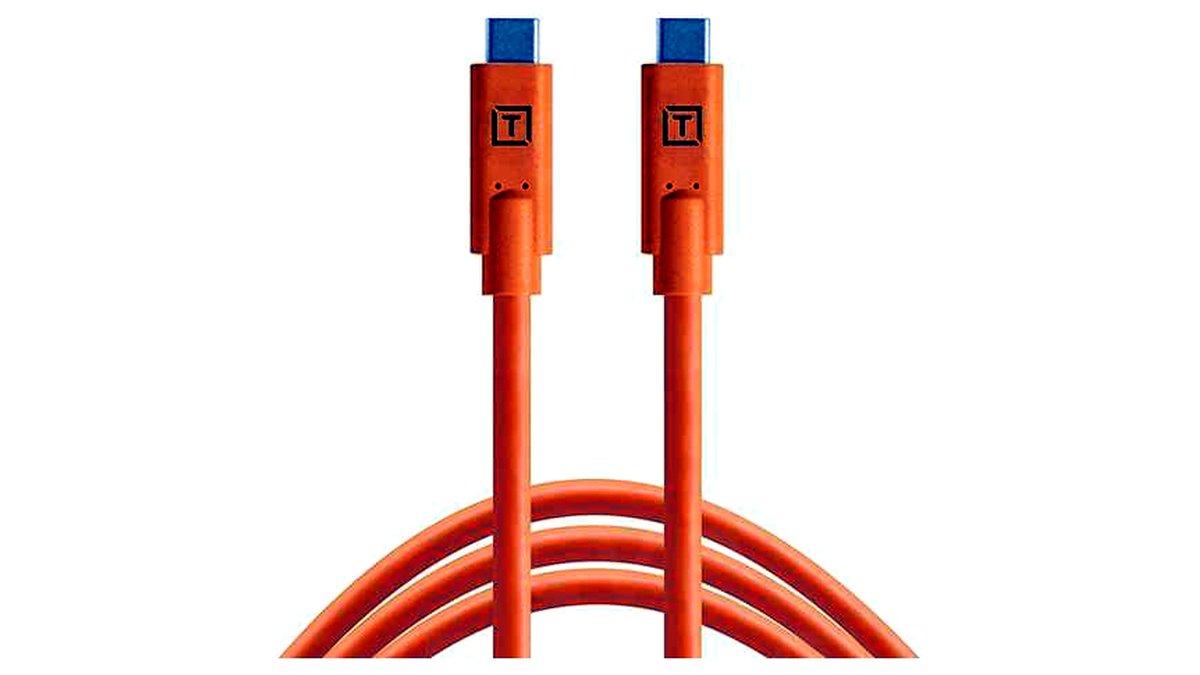
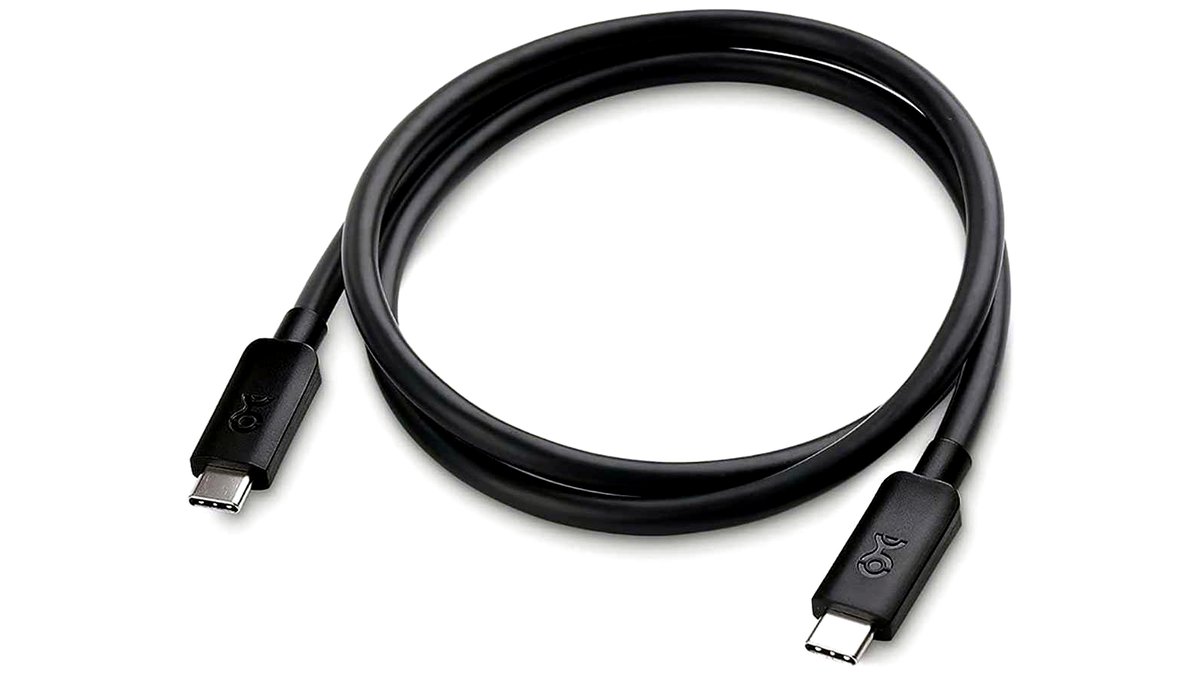
| USB-C to USB-C tethering cable | Recent Sony mirrorless bodies with a USB-C port | Data-rated USB-C connectors; often available in multiple lengths; some with locking screws | Not compatible with older Micro-USB Sony bodies |
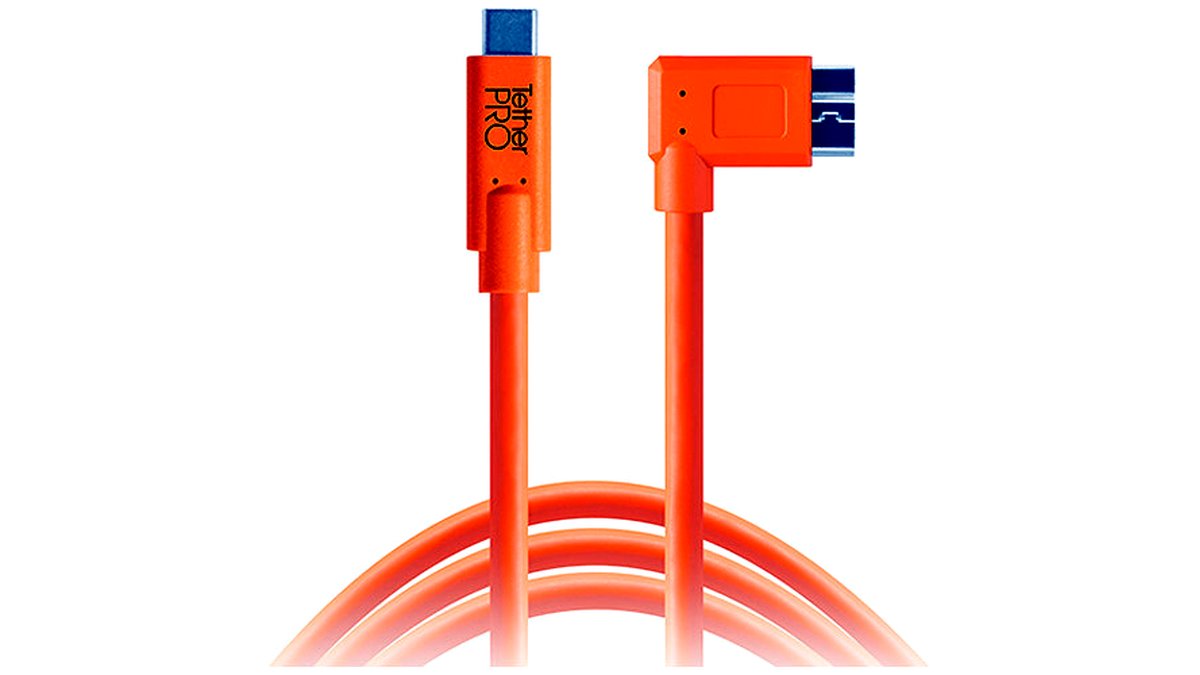
| USB-C to Micro-USB tethering cable | Older Sony Alpha bodies with a Micro-USB or Multi terminal port | Data-rated connectors on both ends; commonly used with legacy Alpha mirrorless and DSLR-style bodies | Slower data standard than USB-C on newer bodies; connector can be less secure than USB-C’s symmetric fit |
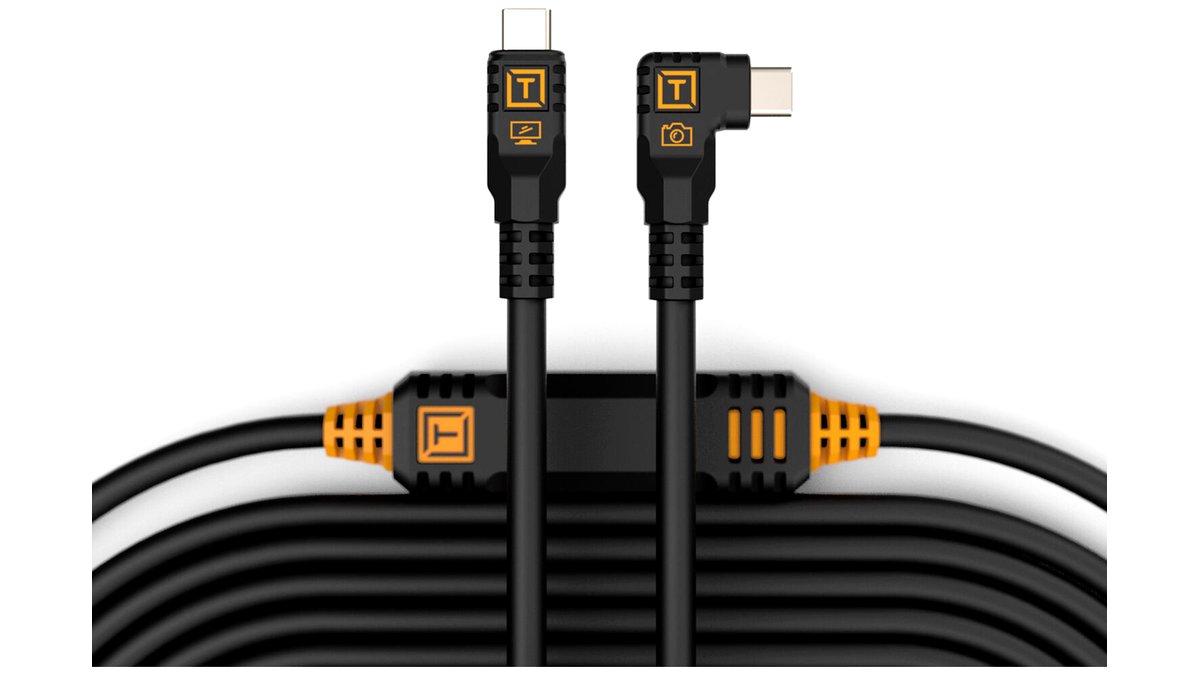
| Locking/secured tethering cable | Active studio shoots where accidental disconnects are costly | Screw-lock or clip mechanism at camera end per maker design | Must match the camera’s exact port and locking hardware; added bulk at the connector |
| Standard (non-locking) data cable | Static product shoots or short tethering sessions | Straightforward USB-C or Micro-USB data cable without added hardware | Higher risk of accidental disconnection if the cable gets snagged or pulled |
Pick X If…
| Choose This | If You… |
|---|---|
| USB-C to USB-C cable | Own a current-generation Sony mirrorless body with a USB-C port |
| USB-C to Micro-USB cable | Own an older Sony Alpha body with a Micro-USB or Multi terminal port |
| Locking tethering cable | Shoot active sessions (events, movement-heavy product work) where a dropped cable mid-shoot is costly |
| Standard non-locking cable | Mainly shoot static studio setups where the camera and cable stay still |
Compatibility and Setup Notes
Before buying, confirm your exact Sony model’s port by checking the camera’s physical port cover and the manufacturer’s spec sheet, since model generations within the same camera line can differ. Many current Sony Alpha and full-frame mirrorless bodies use USB-C exclusively, while a range of older APS-C and earlier full-frame models used Micro-USB; a handful of models have used a proprietary Multi terminal that resembles but doesn’t exactly match standard Micro-USB, so visually matching connector shape against the camera port, not just the general “Micro-USB” label, helps avoid a bad fit.
Once connector type is confirmed, cable length becomes the next practical constraint: longer tethering runs can be more prone to data errors depending on the specific USB generation and cable quality, so for long studio runs some photographers use a shorter cable connected to a USB extension/repeater designed for data signal integrity, rather than relying on one very long basic cable.
Alternatives Worth Considering
- Wireless tethering via Sony’s app or Wi-Fi/Bluetooth transfer: Removes the cable entirely for mobility, though wireless transfer speed and reliability typically trail a wired connection, especially for large raw files.
- Camera-specific tethering dock or grip accessories: Some third-party accessory makers offer docks that combine power and tethering in one connection point, which can simplify a permanent studio setup.
- Memory card reader with high-speed card: Not true real-time tethering, but a fast card plus a fast reader can approximate quick image review workflows for shoots that don’t need live tethered preview.
Caring for Tethering Cables During a Shoot
Repeated plugging and unplugging at the camera-side port is one of the more common sources of wear on tethering cables, so handling the connector by its shell rather than tugging on the cord itself helps extend cable life. Coiling a cable loosely rather than wrapping it tightly around a hand or hook between sessions reduces strain on the internal wiring near the connector, which is often where a cable fails first. For a studio that tethers daily, keeping a spare cable of the correct connector type on hand avoids losing shoot time to a worn or failed cable mid-session.
Cable routing also matters on set: running the tether cable where it won’t get stepped on, rolled over by a light stand wheel, or pinched under a tripod leg reduces the chance of an intermittent connection developing partway through a shoot. Some photographers tape or clip the cable along the tripod leg to keep it out of the working area entirely.
Frequently Asked Questions
Can I use any USB-C cable for tethering a Sony camera?
Not reliably; some USB-C cables are built mainly for charging and carry a limited or unstable data signal, which can cause dropped connections during tethered shooting. Look for cables specifically marketed for data transfer or tethering use rather than assuming any USB-C cable will perform the same.
Why does my tethering connection keep dropping during a shoot?
Common causes include a cable rated for charging rather than data, a cable run longer than the USB standard reliably supports, a loose connection at either end, or software/driver issues unrelated to the cable itself. Testing with a shorter, known-good data cable first helps isolate whether the cable or another part of the setup is the problem.
Does cable length affect tethering reliability?
Yes, longer USB cable runs are generally more prone to signal degradation than shorter ones, and the maximum reliable length varies by USB generation and cable build quality. For long studio setups, some photographers use a shorter high-quality cable paired with a signal-boosting extension rather than one very long basic cable.
Do I need a locking tethering cable, or is a standard one fine?
A standard cable works fine for static setups where the camera and cable aren’t likely to be bumped or pulled. For active shoots involving movement, a locking or secured-connector cable reduces the risk of an accidental mid-shoot disconnection.
Can the same tethering cable work with multiple Sony camera models?
Yes, as long as the cable’s connector types match each camera’s port; a USB-C to USB-C cable works across any Sony body with a USB-C port, regardless of model. Mixing camera generations with different port types (USB-C vs Micro-USB) requires separate cables matched to each.
Is a USB-C to USB-C cable faster than a USB-C to Micro-USB cable for tethering?
Generally yes, since the Micro-USB side limits connection to whatever data standard that port and the camera’s internal hardware support, which is typically older and slower than what current USB-C ports and cameras use. For large raw files and fast burst review, this can translate into noticeably quicker image transfer on USB-C-equipped bodies.








