Key takeaways
- Screen size and text size: Larger displays with bold, high-contrast numbers are easier to read in bright sunlight and for anyone with reduced close-up vision, which matters more than screen resolution alone.
- Simple navigation: Devices with a small number of physical buttons or a straightforward single-tap interface reduce the learning curve compared to deeply nested touchscreen menus.
- Preloaded course maps: Look for devices that come with a large number of preloaded courses and free lifetime course updates, since needing to pay separately for new course maps or manually download them is a common frustration.
- Battery life per round and per charge cycle: Check the maker’s stated battery life in GPS mode specifically (not standby), and compare against how many rounds you play between charges.
- Automatic hole advancement: Devices that automatically detect you’ve moved to the next hole save the hassle of manually pressing a “next hole” button every tee shot.
Seniors who mainly want quick, easy-to-read yardages without fiddling with menus should choose a simple handheld or watch-style GPS with large numbers and minimal button presses, while those comfortable with more features can get added value from a device with full-color course maps and score tracking. Readability and simplicity of the interface matter more for this audience than advanced features like shot-tracking or swing analysis.
As an Amazon Associate, we earn from qualifying purchases made through links on this page.
What Matters Most for Senior Golfers Specifically
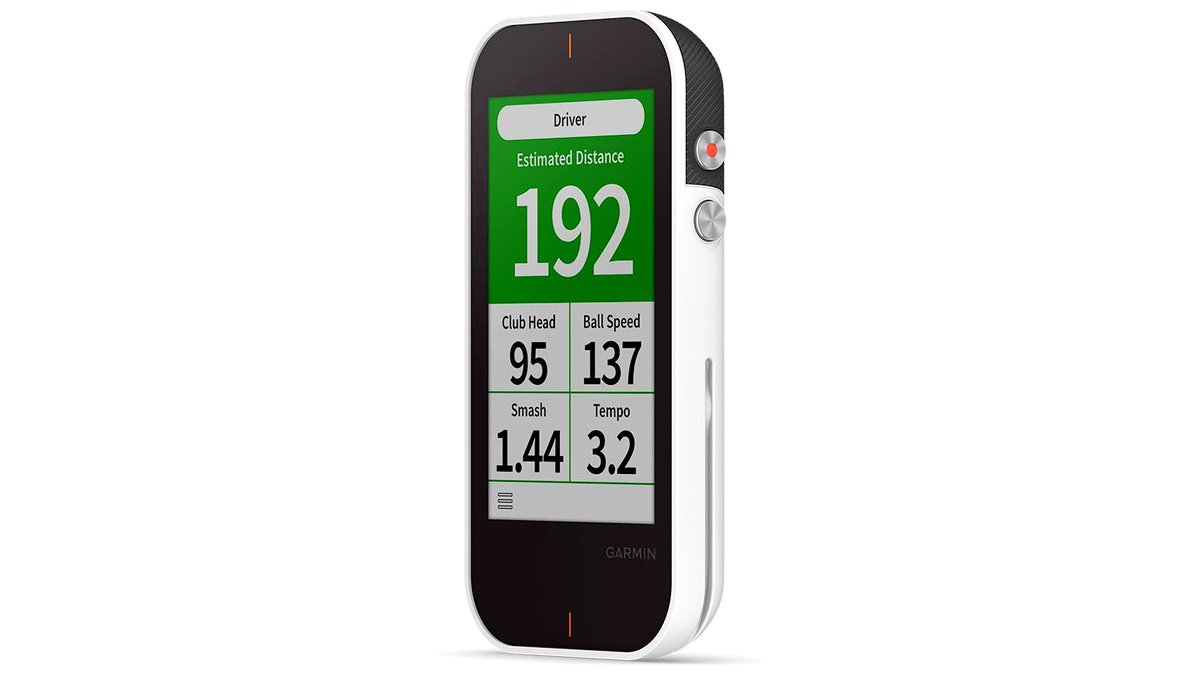
Golf GPS devices generally fall into handheld units, watch-style wearables, and clip-on/attachable devices, and all three can work well for seniors, but the deciding factors are usually screen readability, ease of navigation, and battery life across a full round rather than raw feature count. A device packed with advanced metrics is only useful if the display is easy to read at a glance and the menus don’t require memorizing multiple button combinations.
Key Features to Prioritize
- Screen size and text size: Larger displays with bold, high-contrast numbers are easier to read in bright sunlight and for anyone with reduced close-up vision, which matters more than screen resolution alone.
- Simple navigation: Devices with a small number of physical buttons or a straightforward single-tap interface reduce the learning curve compared to deeply nested touchscreen menus.
- Preloaded course maps: Look for devices that come with a large number of preloaded courses and free lifetime course updates, since needing to pay separately for new course maps or manually download them is a common frustration.
- Battery life per round and per charge cycle: Check the maker’s stated battery life in GPS mode specifically (not standby), and compare against how many rounds you play between charges.
- Automatic hole advancement: Devices that automatically detect you’ve moved to the next hole save the hassle of manually pressing a “next hole” button every tee shot.
Device Type Comparison
| Type | Best For | Key Stated Specs | Limits |
|---|---|---|---|
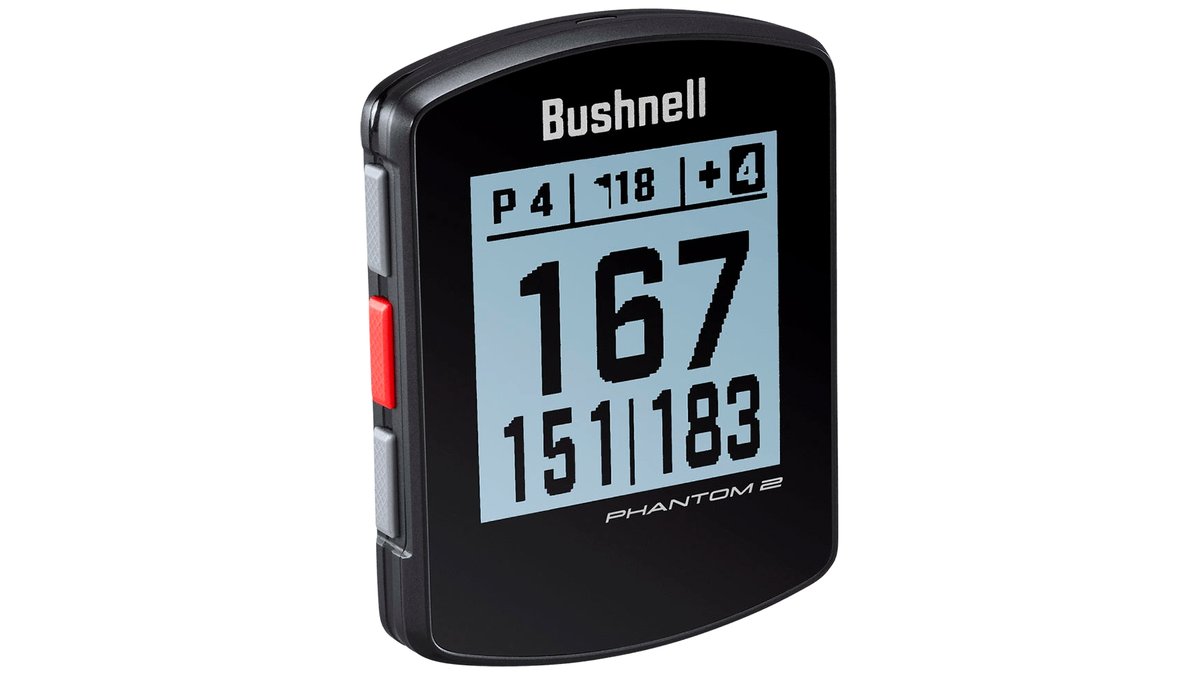
| Handheld GPS | Largest, clearest screen; easiest to read numbers | Larger display size, often dedicated buttons | Needs to be carried or pocketed, not worn |
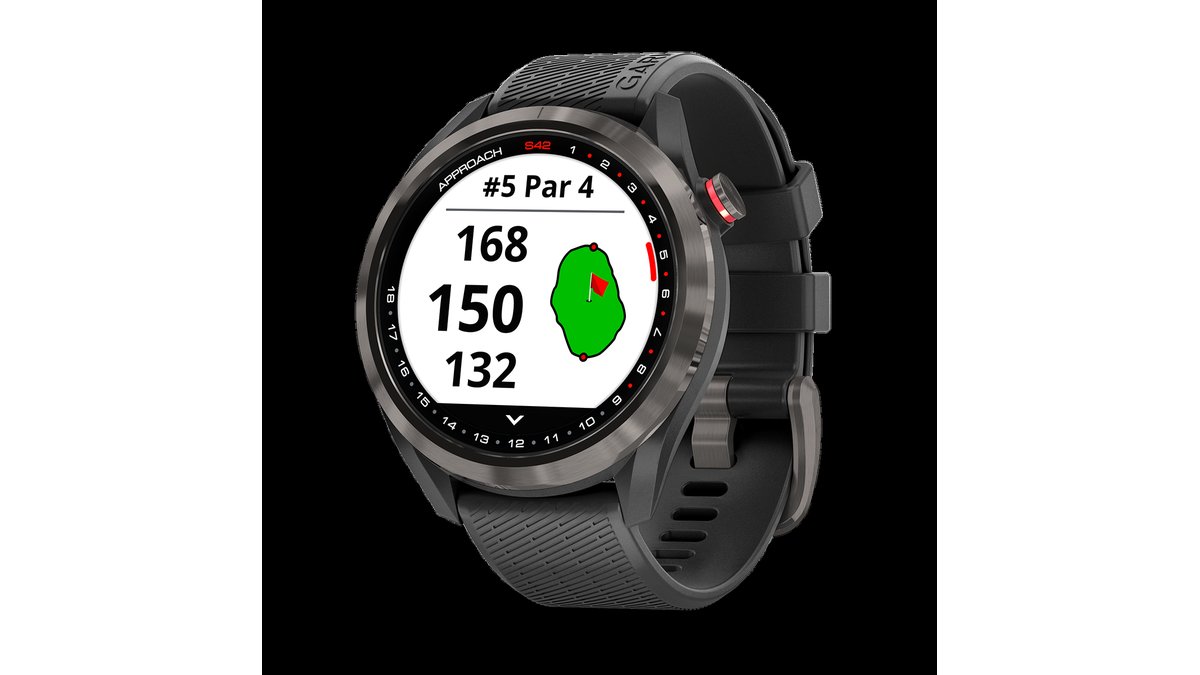
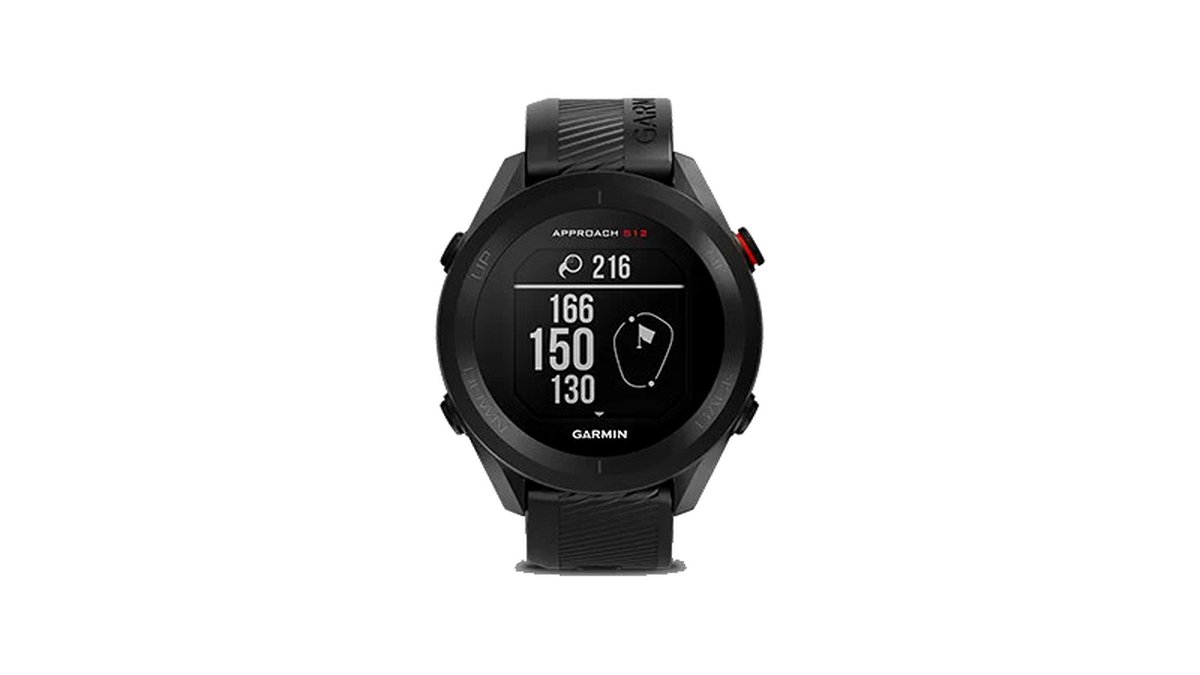
| Watch-style GPS | Hands-free convenience, glance-and-go yardages | Touchscreen or button watch face, auto hole advance | Smaller screen can be harder to read for some users |
| Clip-on/attachable GPS | Lightweight, attaches to a cart or bag | Voice or display yardage announcements | Less detailed course mapping than handheld or watch units |
Voice Announcement Features
Some devices, particularly clip-on styles, announce yardages aloud rather than requiring you to look at a screen at all, which some seniors find more convenient, especially those with vision concerns. If voice announcement is a priority, check the maker’s claims on announcement range accuracy and whether it covers front/center/back of green distances or just a single center-green number.
Score Tracking and Extra Features
Many golf GPS devices include digital scorecards, stat tracking, and sometimes shot distance measurement, which can be genuinely useful but add interface complexity. If the primary goal is simple, reliable yardages, it’s reasonable to deprioritize these extras in favor of a cleaner, simpler interface, and manually keep score on paper if preferred, rather than choosing a device based on feature count alone.
Pick X If…
| If you… | Choose |
|---|---|
| Want the largest, easiest-to-read numbers | Handheld GPS with a large high-contrast display |
| Prefer a hands-free, glance-and-go device | Watch-style GPS with automatic hole advancement |
| Have vision concerns and prefer audio cues | Clip-on device with voice yardage announcements |
| Want the simplest possible interface | Any device type with minimal menu depth and large buttons, regardless of extra features |
Compatibility and Setup Notes
Before buying, confirm the device requires a companion smartphone app only for initial setup and course downloads (common) versus needing the phone connected during every round (less convenient), since the latter adds a layer of complexity some seniors prefer to avoid. Check whether the manufacturer charges an ongoing subscription for course updates, since some brands include lifetime course updates for free while others require a paid membership for new or updated course maps.
Comfort and Practical Notes
For watch-style devices, check the band material and closure type; a simple buckle or hook-and-loop closure is often easier to manage than a fiddly deployment clasp, particularly for anyone with reduced hand dexterity or arthritis. For handheld units, consider the device’s weight and whether it comes with a carrying case or lanyard, since carrying it loose in a pocket all round can be inconvenient.
Alternatives Worth Considering
- Smartphone golf GPS apps: For golfers comfortable with a smartphone, a dedicated golf GPS app can offer similar yardage data at lower cost than a standalone device, though screen glare and battery drain on the phone itself are trade-offs.
- Golf cart-mounted GPS screens: Many courses provide GPS-equipped carts with large built-in screens, which may suit golfers who don’t want to own a personal device at all.
- Rangefinder binoculars/laser rangefinders: For golfers who prefer line-of-sight distance measuring over GPS course mapping, a laser rangefinder is a simpler, single-purpose alternative, though it requires a clear line of sight to the target.
Trying Before Committing to a Purchase
Where possible, test a device’s screen readability and menu navigation in person at a golf retailer rather than relying only on product photos, since perceived readability varies a lot by individual eyesight and lighting conditions. Bring reading glasses if you normally use them on the course, and check the display both indoors and, if the store allows, in direct sunlight near a window, since outdoor glare is where many displays become harder to read. Asking a store associate to walk through the basic menu (switching holes, checking yardage, charging) in person can reveal usability issues that spec sheets and online descriptions don’t capture.
Frequently Asked Questions
Do I need a subscription to keep using a golf GPS device?
It depends on the brand; some manufacturers include free lifetime course map updates with purchase, while others charge an annual or one-time fee for new or updated courses. Check the specific maker’s current policy before buying, since this varies and can change between models.
How accurate are golf GPS yardages compared to a laser rangefinder?
GPS devices use preloaded course mapping data and are generally accurate to within a few yards for most courses, though laser rangefinders can offer more precise point-to-point measurement to a specific flag or hazard. For general club-selection purposes, GPS accuracy is sufficient for most recreational golfers.
Will a watch-style GPS work if I already wear a regular watch or fitness tracker?
Most golfers wear the golf GPS watch in place of a regular watch during a round, though some can be worn alongside a separate fitness tracker if you prefer to keep both on, as long as it’s comfortable. There’s no technical conflict between wearing both simultaneously.
How long does the battery typically last during a round?
Check the manufacturer’s stated battery life specifically in GPS/active mode, not standby, since GPS tracking drains battery faster than idle use. Most golf GPS devices are designed to last at least one full round, often several, between charges, but verify against your typical round length and frequency.
Can I use these devices on courses they don’t have preloaded?
Most golf GPS devices require the specific course to be in their database, either preloaded or downloaded via companion app, and may not function with full mapping accuracy on a course that isn’t included. Check the manufacturer’s course count and coverage for your region before buying if you plan to play unfamiliar courses.
Is a simpler device with fewer features actually a downgrade?
Not necessarily. For golfers who mainly want quick, clear yardages, a simpler device with a cleaner interface can be easier and more pleasant to use daily than a feature-rich device with a steeper learning curve. Match the device to how you’ll actually use it rather than choosing based on spec count alone.
What should I do if the device’s buttons are hard to press or feel too small?
Try the physical buttons or touchscreen in person before buying whenever possible, since button size and spacing varies noticeably between models and brands. If you have reduced hand dexterity or arthritis, favor devices with larger, well-spaced physical buttons over compact touchscreens that require precise taps, and check whether the device supports glove-friendly use for cold-weather rounds.