
Key takeaways
- A UHS-II V60 or V90-rated SD card suits serious 4K shooters using high-bitrate or high-frame-rate modes, while a UHS-I V30-rated card suits casual 4K recording on cameras with lower bitrate limits; the right choice depends on the specific sustained write…
A UHS-II V60 or V90-rated SD card suits serious 4K shooters using high-bitrate or high-frame-rate modes, while a UHS-I V30-rated card suits casual 4K recording on cameras with lower bitrate limits; the right choice depends on the specific sustained write speed the camera’s 4K mode actually demands, which the camera manual states directly.
As an Amazon Associate, we earn from qualifying purchases made through links on this page.
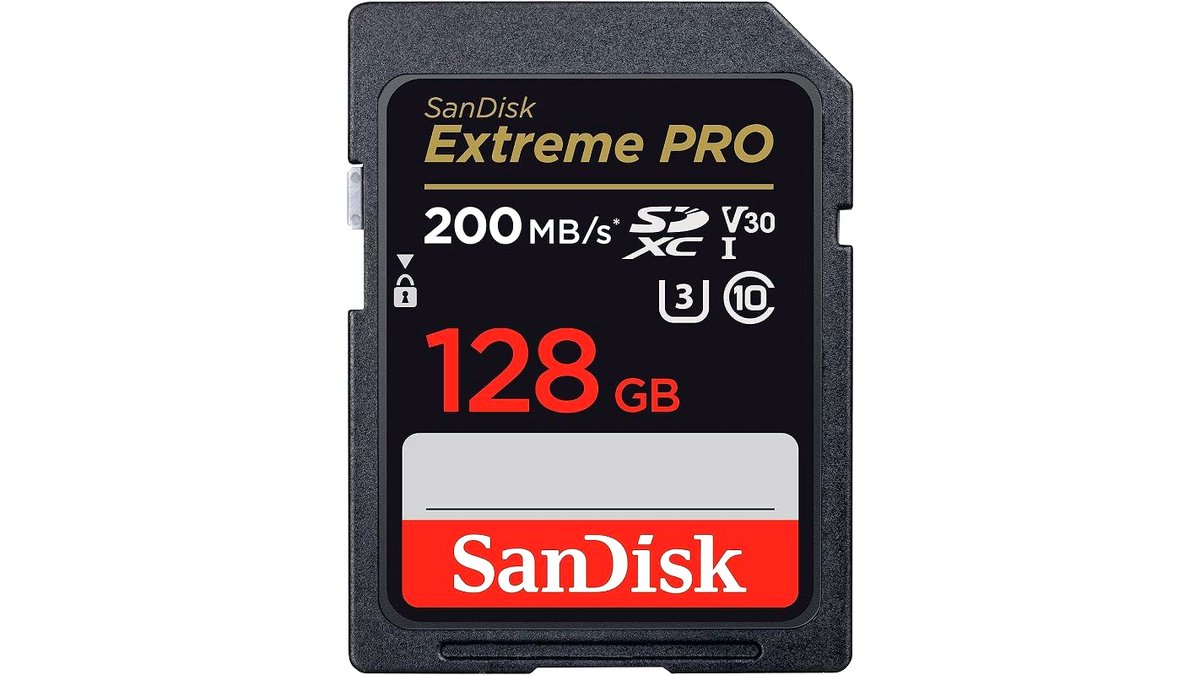
Not every “4K-capable” SD card is fast enough for every camera’s 4K mode, since bitrate requirements vary a lot between a basic 4K/30 mode and a high-bitrate 4K/120 or 4K RAW-adjacent mode. This guide explains the speed ratings that matter and groups cards by the recording demands they’re built for.
Speed Ratings That Actually Matter
SD cards carry several speed labels, and the one that matters most for video is the Video Speed Class (V-rating: V6, V10, V30, V60, V90), which guarantees a minimum sustained write speed rather than just a burst speed. A card rated V30 guarantees at least 30MB/s sustained, V60 guarantees at least 60MB/s, and V90 guarantees at least 90MB/s. The older Class 10 and UHS Speed Class (U1/U3) ratings are less precise for video and are gradually being phased out of newer card marketing in favor of the V-rating system.
Bus interface (UHS-I vs UHS-II) sets the ceiling for how fast a card can go regardless of its V-rating. UHS-I tops out around 104MB/s in practice, which is enough for most standard 4K/30 and 4K/60 footage at moderate bitrates, while UHS-II cards (recognizable by the second row of pins on the back) can sustain much higher speeds, which matters for high-bitrate 4K, 4K at high frame rates, or cameras that record in a higher-bitrate codec.
Matching the Card to the Camera’s 4K Mode
Camera makers typically state the minimum card speed required for each recording mode in the camera’s manual or specification sheet, and this is the most reliable way to choose a card rather than guessing from the card’s price or capacity. A basic 4K/30 mode at a standard bitrate often works fine on a V30 UHS-I card, while 4K/60, 4K/120, or any mode the maker flags as high-bitrate generally requires V60 or V90 UHS-II cards to avoid dropped frames or recording errors.
Cameras that record in All-Intra or ProRes-style high-bitrate codecs place the heaviest demand on cards, and some camera makers explicitly state that only specific card models or speed classes are supported for those modes. Using an underrated card in these modes risks the camera stopping recording mid-clip or displaying a card-speed warning, which is a common and avoidable failure.
At a Glance
| Card Tier | Best For | Key Stated Specs | Limits |
|---|---|---|---|
| UHS-I V30 | Standard 4K/30 on consumer cameras and most smartphones/action cameras | Minimum 30MB/s sustained write, broad compatibility | May bottleneck at 4K/60+ or high-bitrate modes |
| UHS-I V60/V90 (less common) | Cameras needing higher sustained speed but only UHS-I slots | Higher V-rating within UHS-I bus limits | Still capped by UHS-I bus ceiling around 104MB/s |
| UHS-II V60 | 4K/60 and moderately high-bitrate 4K | Second-row pin contacts, sustained 60MB/s minimum, higher real-world read/write | Needs a UHS-II-compatible camera and card reader to use full speed |
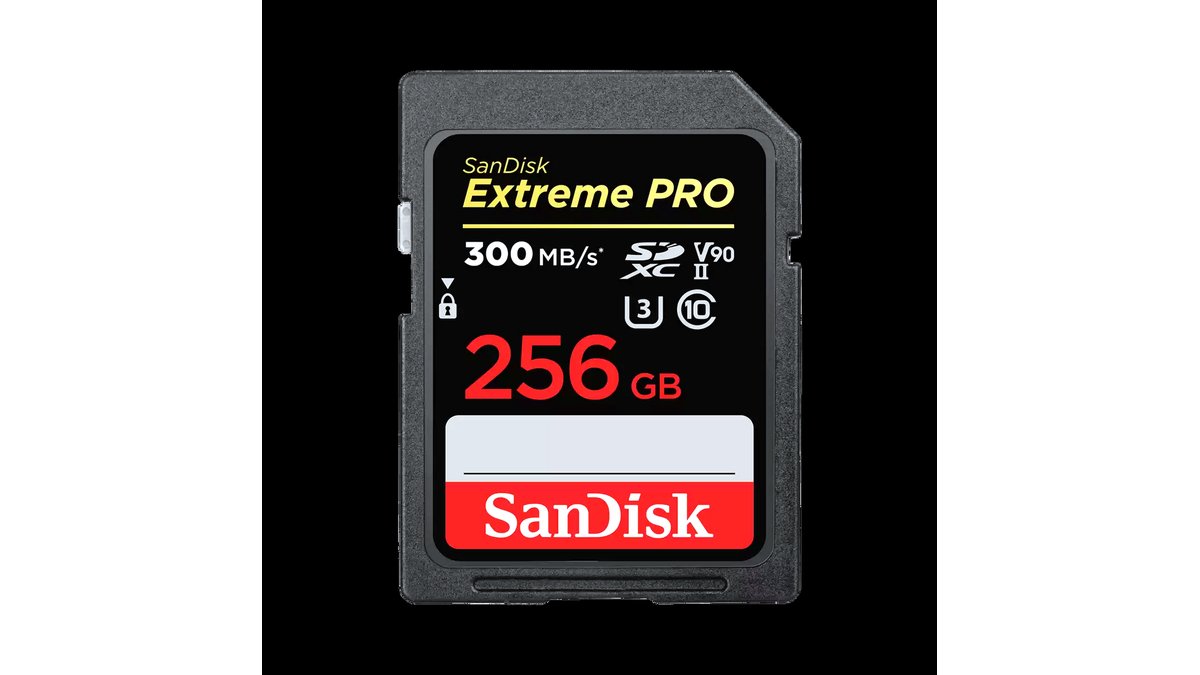
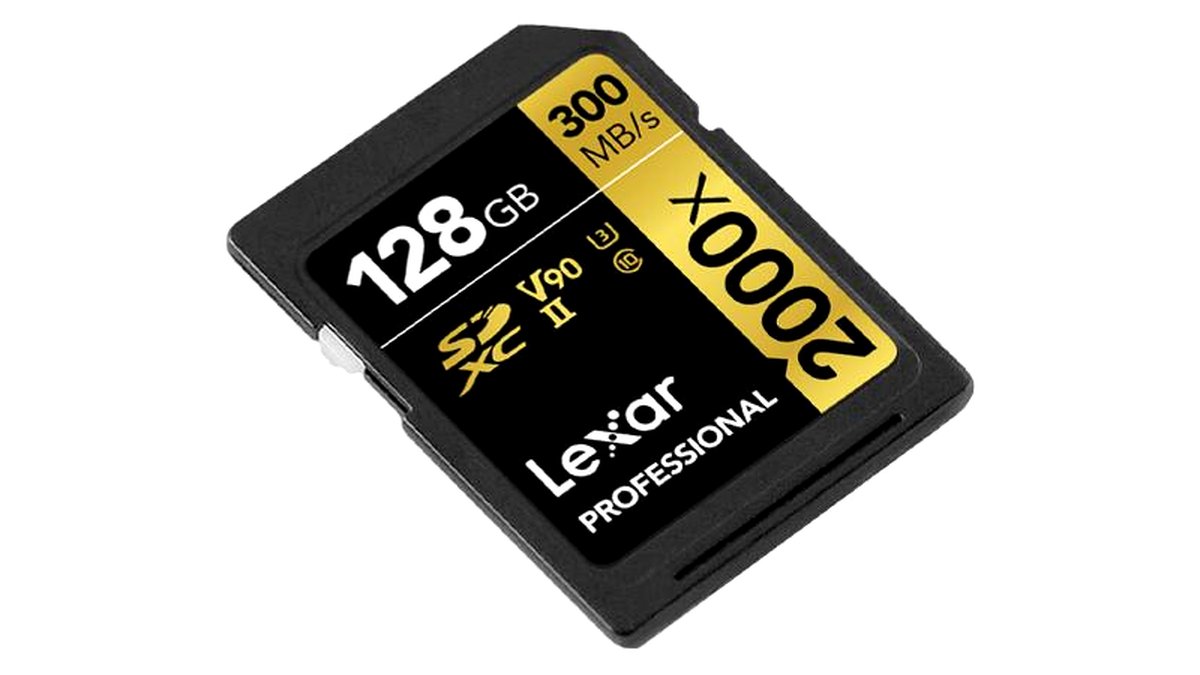
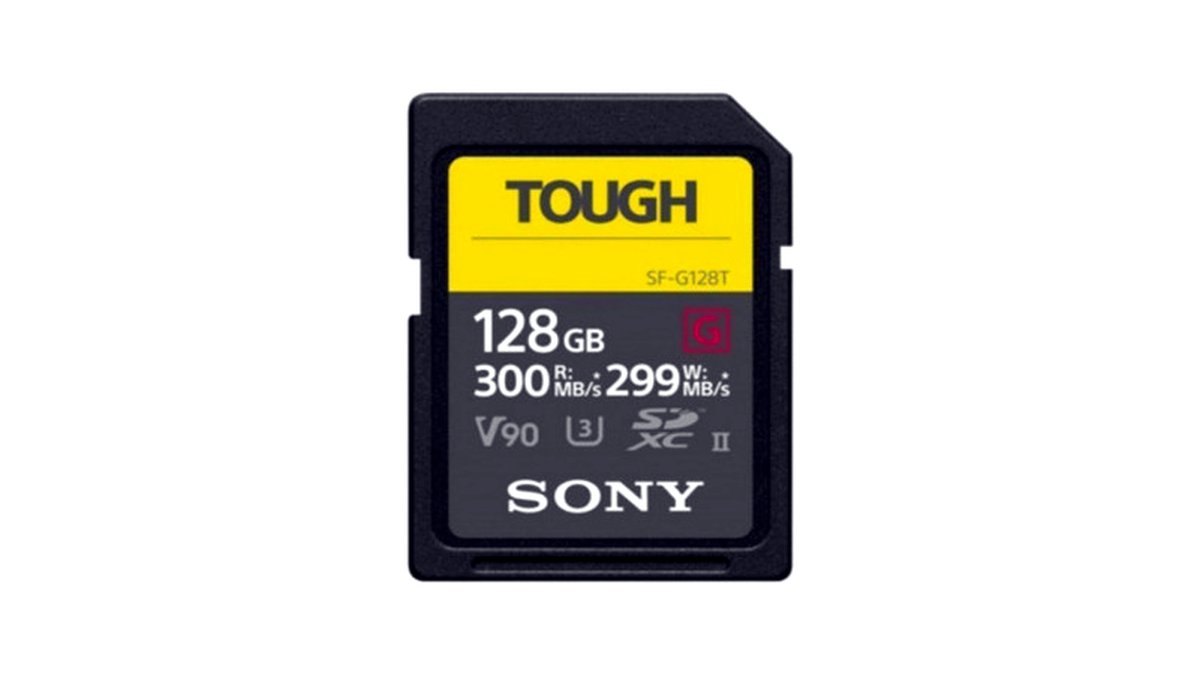
| UHS-II V90 | High-bitrate 4K, 4K/120, professional workflows | Sustained 90MB/s minimum, highest consumer SD video rating | Highest price per gigabyte among SD formats |
| CFexpress (where the camera uses it instead of SD) | Flagship cameras with the highest bitrate 4K/8K modes | Much higher sustained speeds than any SD format | Not an SD card; only relevant if the camera has a CFexpress slot |
Capacity and Card Longevity
4K footage consumes storage quickly, so capacity should be planned around realistic shoot length: a 64GB or 128GB card suits short sessions, while 256GB and larger cards suit longer events or multi-hour recording without swapping cards. Some makers sell cards specifically rated for endurance (marketed toward dash cams and security cameras) that are built for continuous overwrite cycles rather than one-off recordings; these endurance cards are a reasonable choice for time-lapse or long-duration fixed-camera setups but are not necessary for typical handheld 4K shooting.
Genuine cards from established card makers matter more for video than for photo storage, since a card that fails mid-write during 4K recording can lose or corrupt a clip in a way that a brief failure during photo capture usually does not. Buying from reputable retailers and checking that the card’s packaging and printed speed class match the maker’s official specifications sheet reduces the risk of counterfeit cards, which are a known problem in the SD card market.
Pick This If…
| Use Case | Recommended Card |
|---|---|
| Standard 4K/30 on a mirrorless or action camera | UHS-I V30 |
| 4K/60 or the camera’s manual specifies V60 minimum | UHS-II V60 |
| High-bitrate 4K, 4K/120, or professional delivery work | UHS-II V90 |
| Long static recordings (time-lapse, security, dash cam style use) | An endurance-rated card at the V-rating the device requires |
| A flagship camera with 8K or very high-bitrate 4K and a CFexpress slot | CFexpress, not SD, per the camera’s actual slot type |
Card Readers and Transfer Speed
A UHS-II card plugged into a UHS-I-only card reader or an older laptop’s built-in SD slot will transfer at UHS-I speeds, which does not affect recording but does slow down file offload after a shoot. Buyers who shoot a lot of 4K footage and transfer it often should pair a UHS-II card with a UHS-II-rated external card reader to actually realize the faster transfer speeds during editing workflows.
Alternatives Worth Considering
MicroSD cards with an SD adapter work in some cameras and can be more convenient for devices that also use microSD natively (like certain drones or action cameras), though they should be checked for the same V-rating requirements as full-size SD cards. For cameras that support internal SSD or external recorder attachments in addition to SD, offloading the highest-bitrate modes to an external recorder is an option when no SD card meets the camera’s stated requirement. Cloud or direct-to-computer tethered recording is another alternative for stationary studio setups where a card’s limits are not a concern at all.
Frequently Asked Questions
What happens if I use a card that’s too slow for my camera’s 4K mode?
The camera will typically display a warning, refuse to start recording in that mode, or stop recording partway through the clip once the card can’t keep up with the data being written. This is a common and avoidable issue that is solved by checking the camera manual’s minimum card speed requirement for each specific recording mode before buying a card.
Is V90 always better than V60 for 4K recording?
Only if the camera’s specific 4K mode actually requires that sustained speed; a V90 card will not make a 4K/30 mode record any better than a V30 card would, since the camera simply won’t write data faster than its mode requires. V90 matters for high-bitrate or high-frame-rate 4K modes the maker specifically flags as needing that speed class.
Do I need a UHS-II card if my camera only has a UHS-I slot?
No; a UHS-II card in a UHS-I-only slot will operate at UHS-I speeds, so the camera won’t benefit from the card’s higher potential speed during recording. It can still be a reasonable purchase if there’s a plan to use the same card in a future UHS-II camera or reader, but for the current camera alone it offers no recording advantage.
How much storage do I need for 4K video?
Storage use depends on bitrate and recording length, but high-bitrate 4K can consume several gigabytes per minute, so a 128GB or larger card is a reasonable starting point for anything beyond short clips. Checking the camera manual’s stated recording time per gigabyte for the specific 4K mode in use gives a more exact estimate than a general rule of thumb.
Are off-brand or unusually cheap SD cards risky for 4K recording?
Yes; counterfeit or mislabeled cards are a documented problem in the SD card market, and a card that doesn’t actually deliver its printed speed class can cause dropped frames or recording failures during 4K capture specifically. Buying from authorized retailers and verifying the card’s specifications against the maker’s official listing reduces this risk.
Can I use the same SD card for both photos and 4K video?
Yes, a card rated fast enough for the camera’s 4K mode will handle photo capture without issue, since photo writes are generally far less demanding than sustained video writes. Many photographers use one high-speed card for mixed photo-and-video shoots rather than carrying separate cards for each purpose.








