
Key takeaways
- Capacity. Nintendo’s own support documentation states the Switch family supports microSD and microSDXC cards up to 2TB, though real-world availability has historically topped out lower depending on what manufacturers currently sell; buyers should confirm the latest listed capacities before assuming the largest size is available from every brand.
- Speed class and read/write speed. Faster cards reduce load times and stutter when loading game data, which matters more for larger, more demanding titles than for smaller indie games.
- Officially licensed vs. third-party cards. Nintendo has licensed specific partners to sell official Switch-branded microSD cards, while many other reputable brands sell standard microSDXC cards that work fine but carry no official Switch branding.
- Durability ratings. Many cards list water resistance, shock resistance, and temperature tolerance ratings, which matters for handheld use where the card travels with the console.
- Brand reliability. Established memory card makers with a long track record in this category are generally a safer bet than unfamiliar budget brands, since counterfeit and mislabeled cards are a known issue in the broader microSD market.
- Form factor confirmation. The Switch family uses a microSD card slot (not full-size SD), so confirming the exact physical format before buying matters, especially for buyers used to shopping for camera or dashcam cards.
Players who mostly download digital games fit best with a high-capacity card from a major brand, while anyone just adding a handful of titles to existing storage can save money with a smaller capacity card; the main differences between cards come down to capacity, read/write speed, and whether the card is officially licensed for Switch hardware.
As an Amazon Associate, we earn from qualifying purchases made through links on this page.
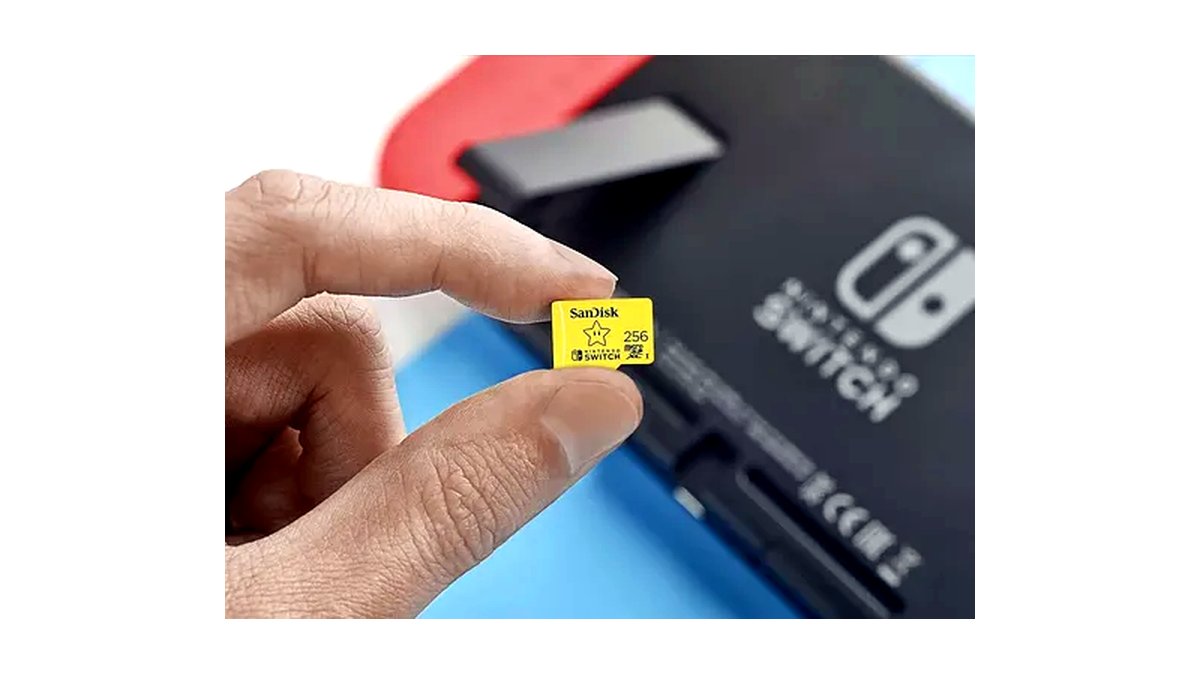
What to look for in a microSD card for Switch
- Capacity. Nintendo’s own support documentation states the Switch family supports microSD and microSDXC cards up to 2TB, though real-world availability has historically topped out lower depending on what manufacturers currently sell; buyers should confirm the latest listed capacities before assuming the largest size is available from every brand.
- Speed class and read/write speed. Faster cards reduce load times and stutter when loading game data, which matters more for larger, more demanding titles than for smaller indie games.
- Officially licensed vs. third-party cards. Nintendo has licensed specific partners to sell official Switch-branded microSD cards, while many other reputable brands sell standard microSDXC cards that work fine but carry no official Switch branding.
- Durability ratings. Many cards list water resistance, shock resistance, and temperature tolerance ratings, which matters for handheld use where the card travels with the console.
- Brand reliability. Established memory card makers with a long track record in this category are generally a safer bet than unfamiliar budget brands, since counterfeit and mislabeled cards are a known issue in the broader microSD market.
- Form factor confirmation. The Switch family uses a microSD card slot (not full-size SD), so confirming the exact physical format before buying matters, especially for buyers used to shopping for camera or dashcam cards.
At a glance
| Card type | Best for | Key stated specs | Limits |
|---|---|---|---|
| Officially licensed Switch-branded card (e.g., SanDisk for Nintendo Switch) | Buyers who want confirmed compatibility and official branding | microSDXC, UHS-I speed class, Switch-themed packaging | Often priced higher than equivalent unbranded capacity |
| High-capacity standard microSDXC card (Samsung EVO Select, SanDisk Extreme, etc.) | Players with large digital libraries | Large capacity options, high stated read speeds | No official Switch branding, though functionally compatible |
| Mid-capacity everyday card | Players who mix physical and digital games | Moderate capacity, solid read/write speed for the price tier | May need replacing sooner as game file sizes grow |
| Rugged/durable-rated card | Kids’ consoles or frequent travel use | Stated water, shock, and temperature resistance | Durability ratings vary by model within a brand’s lineup |
Top picks by category
SanDisk microSDXC for Nintendo Switch (officially licensed)
SanDisk sells a line of microSDXC cards specifically licensed and branded for Nintendo Switch, which the maker lists as tested for compatibility with Switch hardware across multiple capacity options. These suit buyers who want the reassurance of official licensing and simple packaging aimed directly at Switch owners. The limit is a price premium compared to SanDisk’s general-purpose cards of the same capacity and speed class.
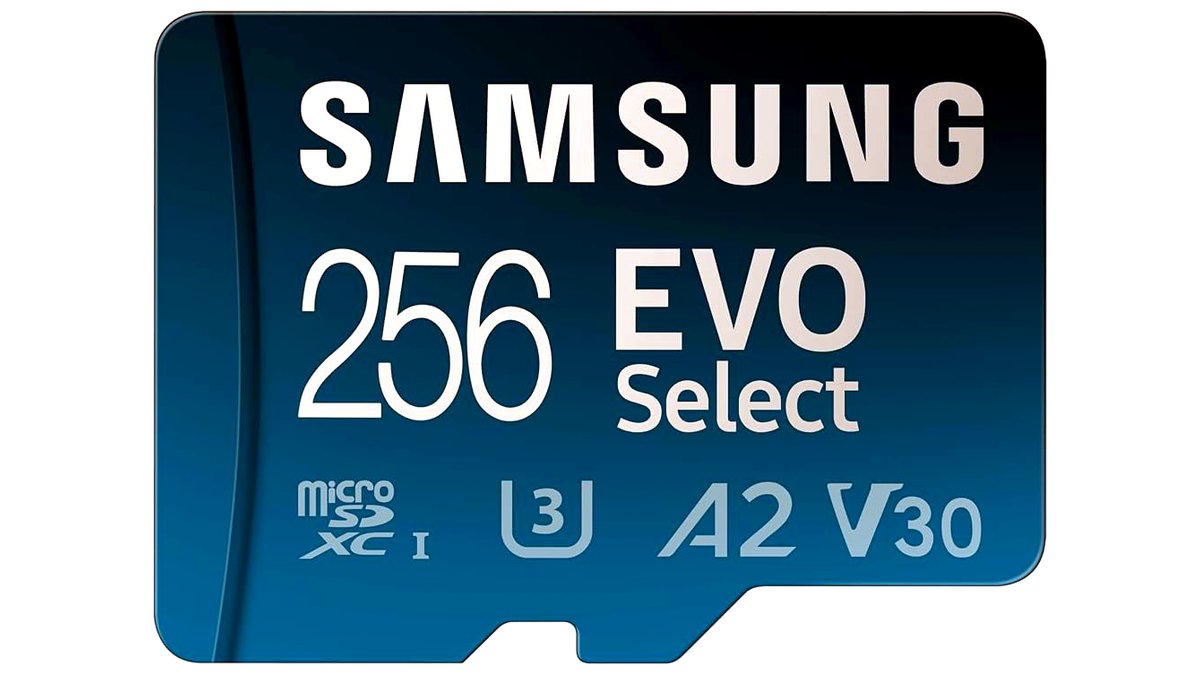
Samsung EVO Select microSDXC
Samsung’s EVO Select line is a widely used general-purpose microSDXC card with high stated read speeds, sold in a range of capacities suited to large digital game libraries. It suits buyers comfortable using a non-Switch-branded card that is still broadly recognized as reliable in the wider memory card market. The limit is the absence of official Switch licensing, though the format and specifications are compatible with Switch consoles per Nintendo’s own stated requirements.
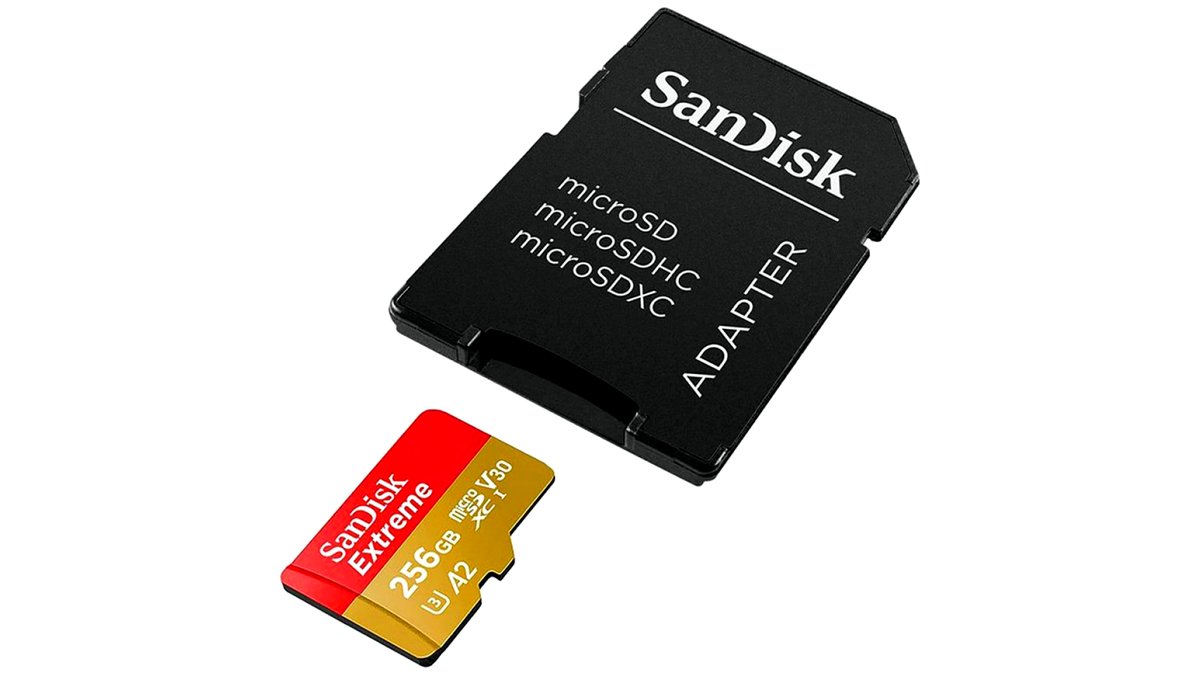
SanDisk Extreme or Extreme Pro microSDXC
SanDisk’s Extreme and Extreme Pro lines offer higher write speeds than the standard licensed Switch cards, which the maker lists as beneficial for faster data transfer when loading large game files. These suit buyers who prioritize speed alongside high capacity. The limit is a higher price at the top capacity and speed tiers compared to standard-speed cards.
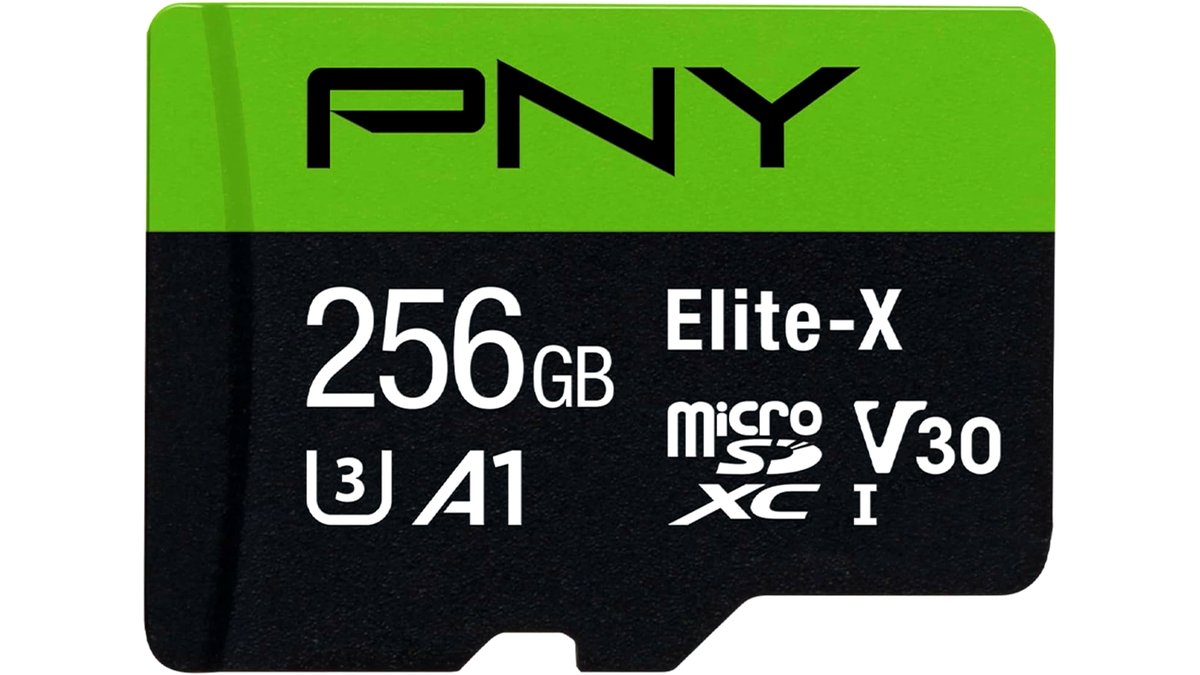
PNY or similar value-tier microSDXC card
Value-oriented cards from established brands like PNY offer a lower-cost way to add moderate storage for players who do not need the largest capacities or fastest speeds. These suit casual players adding a modest digital library to a console that still has some built-in storage free. The limit is comparatively lower read/write speeds than premium-tier cards, which can mean longer load times on larger games.
Fit and compatibility notes
Nintendo’s support documentation lists the microSD card slot used across the Switch family as compatible with microSD, microSDHC, and microSDXC formats, so buyers should avoid full-size SD cards or formats outside this range. After inserting a new card, the console needs to format it before use, which erases any existing data on the card, so buyers should confirm the card is new or backed up before formatting. Cards purchased from unfamiliar third-party sellers carry a higher risk of being mislabeled or counterfeit, which is a known issue across the broader memory card market and not specific to Switch use; buying from established brands and authorized sellers reduces this risk.
Pick one if…
| If you… | Pick this type |
|---|---|
| Want official branding and straightforward compatibility assurance | An officially licensed Switch-branded card |
| Have a large digital library and want the best price per gigabyte | A high-capacity standard microSDXC card |
| Mix physical cartridges with a handful of digital titles | A mid-capacity everyday card |
| Hand the console to kids or travel frequently | A rugged/durable-rated card |
Alternatives worth considering
Relying on physical game cartridges instead of digital downloads avoids the need for extra storage entirely, though it means carrying and swapping cartridges rather than switching games from a menu. Cloud game streaming services, where available for supported titles, can reduce local storage needs but depend on a stable internet connection. Periodically deleting unused digital titles and re-downloading them later is a no-cost way to manage a smaller card’s capacity, though repeated downloads use more data and time than keeping titles installed.
Frequently Asked Questions
What is the maximum microSD card size supported by Nintendo Switch?
Nintendo’s own support documentation states the Switch family supports microSD and microSDXC cards up to 2TB, though buyers should confirm the latest retail availability since not every capacity up to that maximum is always sold by every brand. Checking the card’s packaging or listing for explicit Switch compatibility is a good practice regardless of capacity.
Do I need an officially licensed Switch microSD card?
No, Nintendo’s documentation confirms that standard microSDXC cards meeting its format and speed requirements work on Switch consoles, whether or not they carry official Switch branding. Officially licensed cards mainly offer branding and the maker’s own compatibility testing specific to Switch hardware.
How much storage do I need for a Switch microSD card?
Storage needs depend on how many digital games a player downloads and how large those specific game files are, since file sizes vary widely by title. Players who download most of their games digitally generally benefit from a higher-capacity card than those who primarily use physical cartridges.
Will a faster microSD card improve game loading times?
A faster card can reduce loading times and reduce stutter when the console reads large amounts of game data, particularly for more demanding titles. The improvement is generally more noticeable on cards with significantly higher stated read speeds than the format’s minimum requirement.
Can I move my Switch data to a new, larger microSD card?
The Switch console includes a built-in option to transfer data from one microSD card to another, which Nintendo documents in its support materials. Following the official transfer process is recommended over manually copying files, since manual copying outside the console is not a supported method for game data.
How do I avoid buying a fake or mislabeled microSD card?
Buying from established brands and authorized or reputable sellers reduces the risk of receiving a mislabeled or counterfeit card, which is a known issue across the broader memory card market. Checking that the card’s actual formatted capacity matches what was advertised after first use is a reasonable way to confirm authenticity.








