
Key takeaways
- Casual vloggers who mainly shoot walking and talking footage are best served by a compact folding gimbal under 300 grams, while creators chasing cinematic action shots or sports need a model with a longer arm, stronger motors, and a dedicated…
Casual vloggers who mainly shoot walking and talking footage are best served by a compact folding gimbal under 300 grams, while creators chasing cinematic action shots or sports need a model with a longer arm, stronger motors, and a dedicated tracking module. Phone gimbals bridge the gap between a static tripod and expensive camera stabilization rigs, smoothing out the jitter that makes handheld phone footage look amateurish.
As an Amazon Associate, we earn from qualifying purchases made through links on this page.
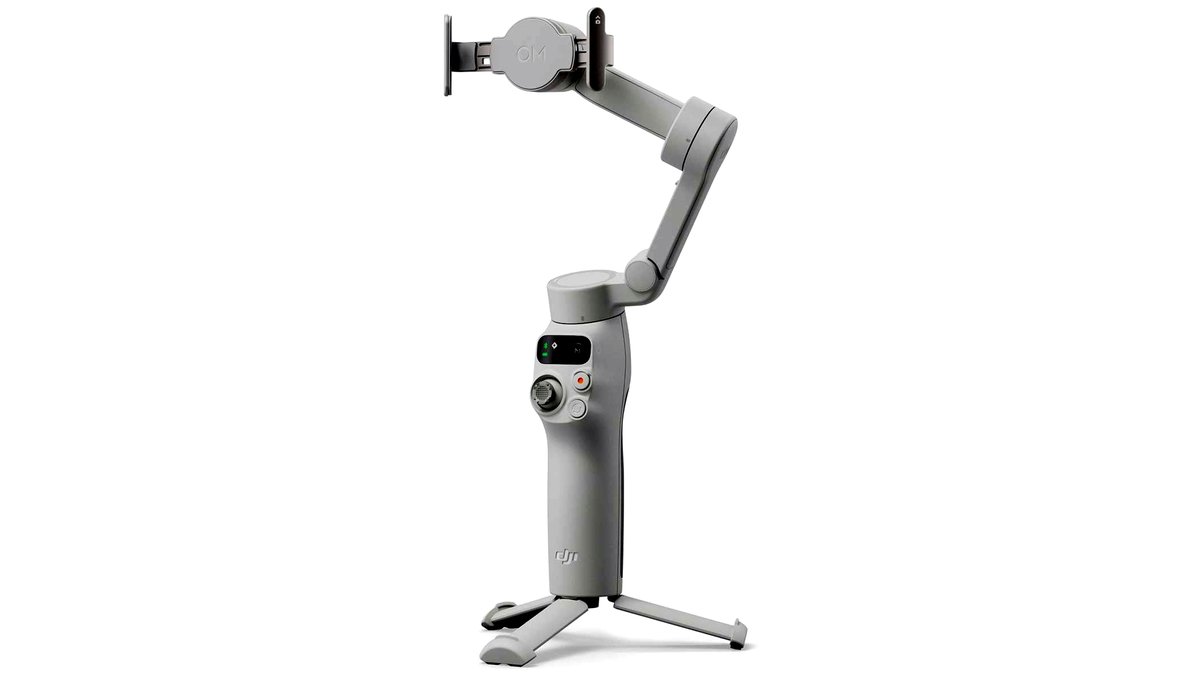
A phone gimbal is a motorized handle that counteracts your hand movement across three axes (pan, tilt, and roll) using small brushless motors and a balance arm. The phone clips into a cradle, the gimbal’s internal sensors detect motion, and the motors correct for it dozens of times per second. The result is footage that glides rather than bounces, even when you’re walking, running, or panning quickly.
What to Look For in a Phone Gimbal
Payload and Balance
Every gimbal lists a maximum phone weight and thickness it can balance. Larger phones with heavy camera modules and thick cases can exceed a budget gimbal’s payload, causing motor strain, drift, or a tilted horizon. Check your phone’s weight (with case) against the stated payload before buying, and leave some margin rather than running at the absolute limit.
Folding Design vs. Fixed Arm
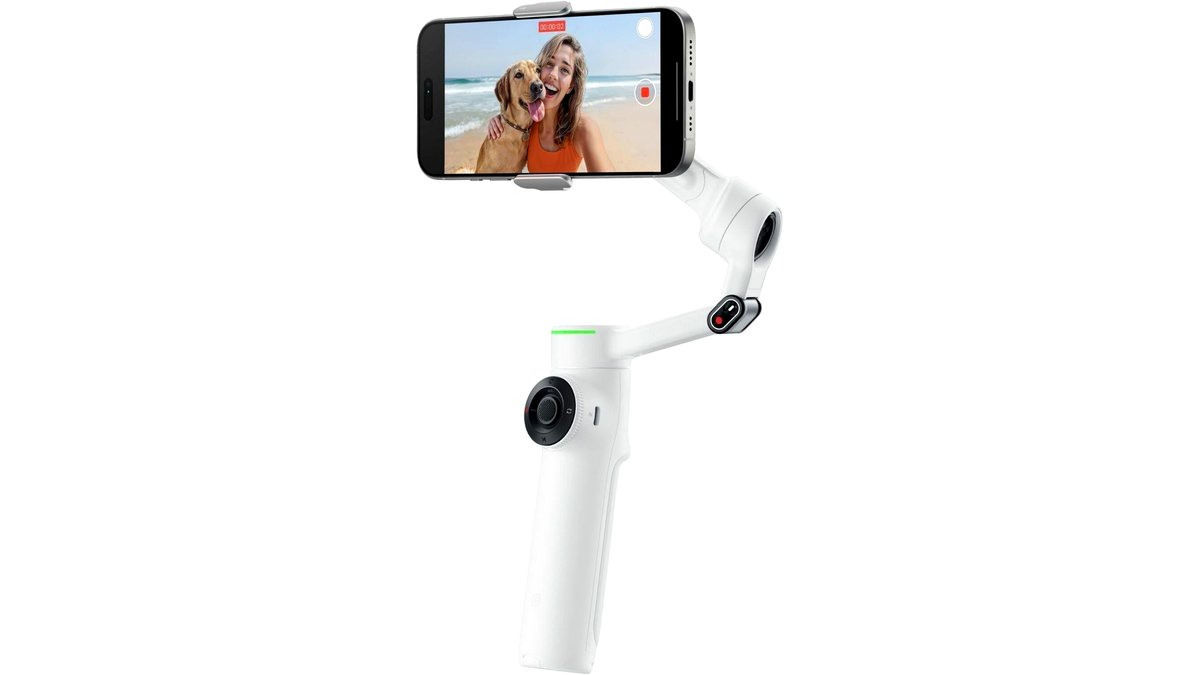
Folding gimbals collapse down for pocket or small-bag carry and are the better pick for travel and everyday vlogging. Fixed-arm gimbals tend to feel sturdier and often have a longer reach, which helps with low-angle or overhead shots, but they are bulkier to transport.
Tracking and Gesture Control
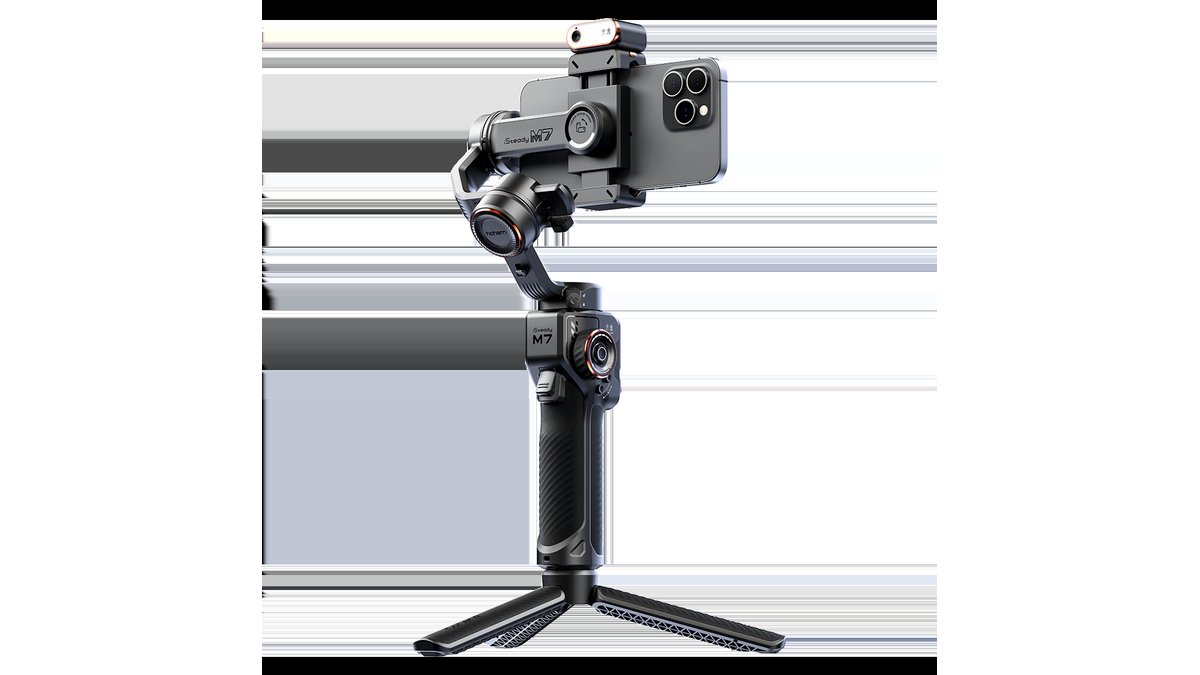
Mid-range and premium gimbals add a motorized tracking module that keeps a subject centered in frame automatically, useful for solo creators who can’t rely on a second person to operate the camera. Gesture control (a palm-out or specific hand sign to start/stop recording) is handy when the phone is out of easy reach.
Battery Life and Charging
Most phone gimbals run 8-12 hours on a full charge and double as a power bank for the phone through USB-C pass-through charging, which matters on long shoot days when both the gimbal and phone are drawing down battery.
App Features
The companion app typically adds motion time-lapse, panorama stitching, and manual exposure/focus control beyond what the phone’s native camera app offers. Some apps also support basic AI editing templates that auto-cut clips to music.
At a Glance: Phone Gimbal Categories
| Category | Best For | Key Stated Specs | Limits |
|---|---|---|---|
| Compact folding (entry) | Everyday vlogging, travel | Sub-300g weight, basic 3-axis stabilization, 8+ hr battery | Smaller payload, fewer tracking features |
| Folding with AI tracking | Solo creators, interviews | Motorized tracking module, gesture control, app editing | Higher cost tier, tracking can lose fast-moving subjects |
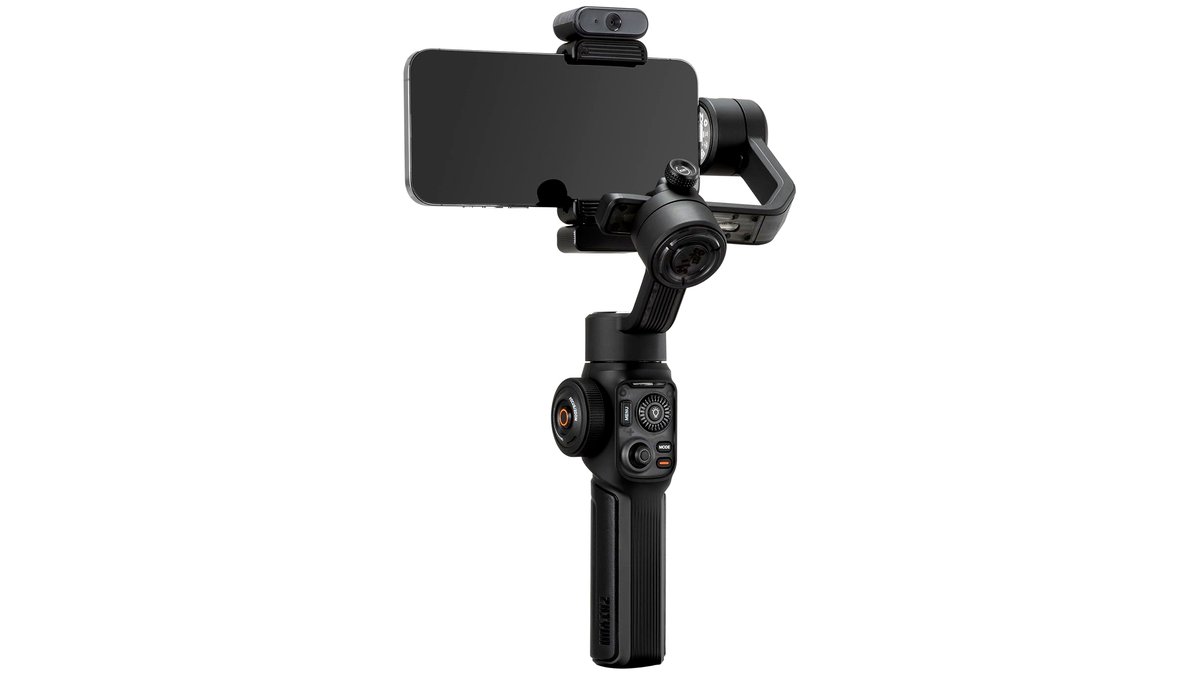
| Fixed-arm standard | General content creation | Longer arm for low/high angles, standard 3-axis motors | Bulkier to carry, less pocket-friendly |
| Heavy-duty / high payload | Large phones, cages, add-on lenses | Higher max payload rating, reinforced motors | Larger footprint and weight on the gimbal itself |
Fit and Compatibility Notes
Confirm the cradle width accommodates your phone with its case still on; removing the case every time you shoot is a hassle most people abandon within a week. If you use a phone cage with cold-shoe mounts for a light or microphone, check that the gimbal’s cradle has enough clearance and that the added weight stays under the payload limit. Some gimbals need a firmware update via the companion app before first use, so plan for a short setup session rather than expecting it to work immediately out of the box.
Pick X If…
| If you… | Choose |
|---|---|
| Travel light and shoot mostly walk-and-talk vlogs | Compact folding gimbal under 300g |
| Film solo and need the camera to follow you automatically | Folding gimbal with motorized AI tracking |
| Shoot low-angle or overhead establishing shots often | Fixed-arm standard gimbal |
| Use a large phone with a cage, light, and external mic | Heavy-duty high-payload gimbal |
| Want built-in autofocus/exposure wheels and extra control dials | Mid-range gimbal with manual wheel control |
Balancing and Setup Basics
Most gimbals need a one-time balance process: you slide the phone in the cradle, adjust it until it sits level with the arm released, then power on so the motors take over. Skipping this step is the most common reason people think a gimbal is defective when it’s actually just unbalanced, which shows up as a slow drift to one side or a motor that feels like it’s fighting itself. Re-balance any time you swap phone cases or add a lens attachment, since even small weight shifts change where the center of gravity sits.
Operating modes typically include a pan-follow mode (the gimbal only follows left-right movement, keeping tilt locked), a full-follow mode (the arm tracks all your movement), and a locked mode (the phone stays pointed in a fixed direction no matter how you move the handle), each suited to different shot types. Learning to switch between these on the fly, usually with a button combination on the handle, makes a bigger difference to footage quality than any single spec.
Alternatives to Consider
A handheld stabilizer tripod with a simple ball joint, rather than a motorized gimbal, suits creators who mostly shoot static or slow-pan shots and don’t want to manage batteries or balancing. A phone clip-on mini tripod paired with in-app software stabilization (many phones now apply digital smoothing to handheld footage) can cover basic needs without buying separate hardware. For creators who eventually want more reach, a small action-camera gimbal designed for compact cameras is worth a look if the phone route starts feeling limiting, since those bodies are lighter and more rugged for sports use.
Maintenance and Longevity Tips
Store the gimbal with the arm folded and locked rather than left hanging loose in a bag, since repeated unsupported movement of the arm during transport can stress the motor joints over time. Keep the charging port free of lint and dust, particularly if the gimbal travels in a backpack pocket alongside loose items, and avoid leaving it fully discharged for long stretches between uses since lithium batteries degrade faster when stored empty. If the motors start to feel notchy or resist movement when powered off, a firmware update through the companion app sometimes resolves calibration drift before assuming a hardware fault.
Cleaning the cradle’s rubber grips periodically with a dry cloth keeps the phone seated securely, since accumulated dust or lint can create a slight wobble that the stabilization motors then have to work harder to correct. Treating the gimbal as a precision instrument rather than a rugged accessory, especially around drops and impacts, extends its working life well beyond the warranty period most makers state.
Frequently Asked Questions
Do phone gimbals work with any phone case?
Most gimbal cradles adjust to fit phones with slim to mid-thickness cases, but bulky rugged cases or ones with large camera bumps can exceed the cradle’s width or add enough weight to push past the payload limit. Check the maker’s stated width and weight range before assuming your current case will fit.
How long does the battery actually last in real use?
Stated battery life (commonly 8-12 hours) assumes continuous operation without heavy tracking use; running the AI tracking motor constantly or shooting in cold weather typically shortens that runtime. Carrying a small power bank for USB-C pass-through charging is a practical way to extend a full day of shooting.
Can a gimbal fix shaky footage after it’s already recorded?
No, a gimbal stabilizes footage in real time as you shoot; it has no effect on video already recorded without one. Software stabilization in editing apps can reduce shake after the fact but usually crops the frame and can’t match the smoothness of in-the-moment mechanical stabilization.
Is a gimbal necessary if my phone already has stabilization?
Built-in digital or optical stabilization helps with small hand tremors but struggles with walking motion, running, or quick pans, which is where a mechanical gimbal’s motors make the clearest difference. Combining a phone’s own stabilization with a gimbal generally gives the smoothest result for motion-heavy shots.
What’s the difference between pan-follow and full-follow modes?
Pan-follow mode keeps the tilt axis locked so the horizon stays level while only side-to-side movement is tracked, which suits walking shots. Full-follow mode lets the gimbal arm move with your tilt and roll as well, useful for dynamic shots where you want the camera angle to shift with your body.
Do I need the companion app to use a phone gimbal?
Basic stabilization usually works without the app since the motors operate independently of any software, but features like motorized subject tracking, gesture control, and time-lapse modes typically require the app to be installed and connected via Bluetooth. Firmware updates are also usually delivered through the app, so it’s worth installing even for basic use.








