
Key takeaways
- Homeowners who want sharp zoomed-in detail on faces and license plates should look at a wired PoE NVR system with 4K cameras and local storage, while anyone wanting a simpler no-wiring install should look at a wire-free 4K camera kit…
Homeowners who want sharp zoomed-in detail on faces and license plates should look at a wired PoE NVR system with 4K cameras and local storage, while anyone wanting a simpler no-wiring install should look at a wire-free 4K camera kit with cloud or hub-based storage. The right system depends on installation tolerance, coverage area, and how the footage will be reviewed.
As an Amazon Associate, we earn from qualifying purchases made through links on this page.
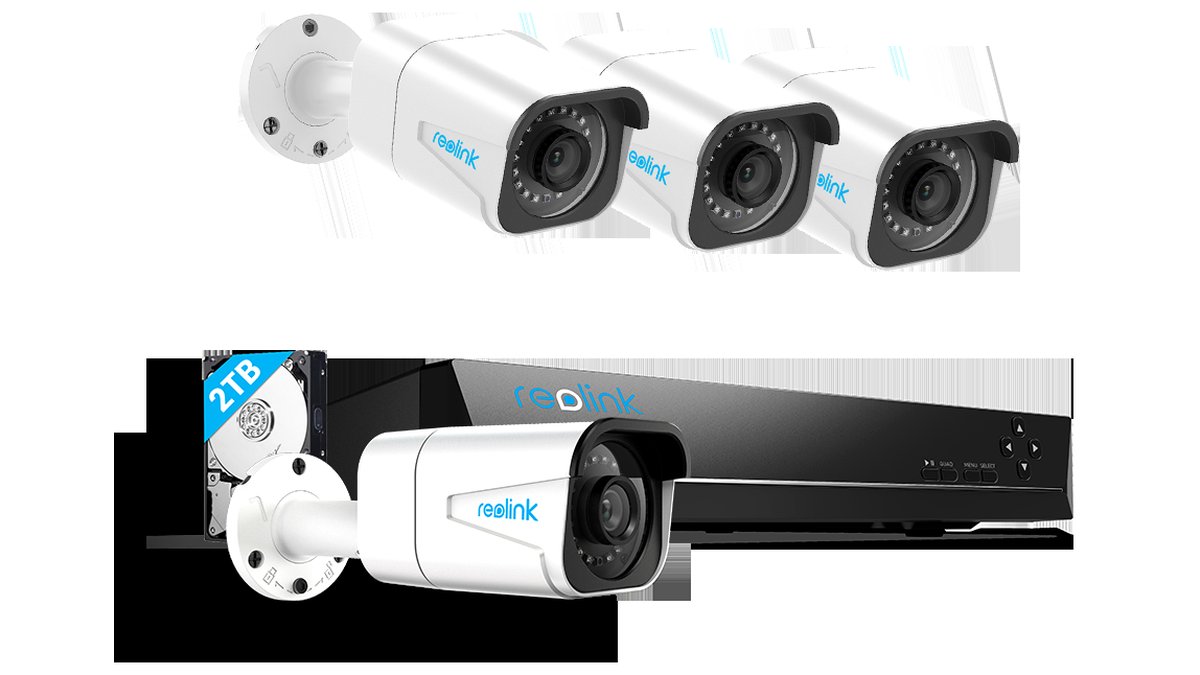
Why 4K Matters for Home Security
Resolution determines how much usable detail survives digital zoom. Standard 1080p footage looks fine at normal viewing size but becomes blurry and blocky once zoomed into a face or license plate, which is often exactly the moment that detail matters most. A 4K sensor captures roughly four times the pixel data of 1080p, giving far more room to crop or zoom into a recorded clip without it turning into an unusable blur.
That extra resolution comes with tradeoffs worth understanding before buying. Higher-resolution footage produces larger file sizes, which means a local storage device fills up faster or a cloud plan needs a higher storage tier to hold the same number of days of recording. Bandwidth also matters more for wireless 4K cameras, since a weak Wi-Fi signal can force the camera to drop resolution or lag during live viewing and playback.
Low-light performance is a separate spec from resolution, and it’s worth checking independently. Some 4K cameras pair the higher resolution with a larger sensor and better low-light processing, while others prioritize daytime detail and fall back heavily on infrared black-and-white night vision after dark. Reviewers and maker spec sheets typically describe night vision range in feet or meters, and that figure is a better predictor of nighttime usefulness than resolution alone.
System Types for Home 4K Coverage
Wired PoE NVR Systems
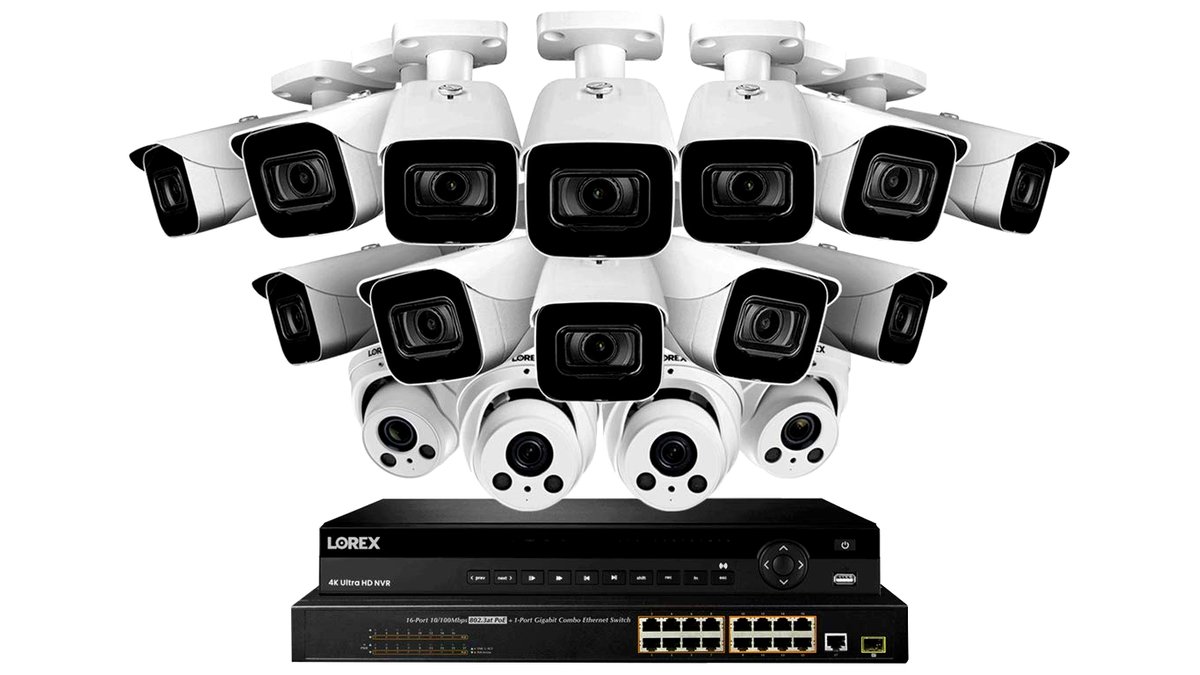
A Power over Ethernet system runs a single cable to each camera for both power and data, feeding into a dedicated network video recorder (NVR) box with its own hard drive storage. These suit homeowners wanting multiple fixed cameras with continuous recording and no ongoing subscription fee. Limits: installation requires running cable to each camera location, which is more involved than a wireless setup, and the NVR itself takes up equipment space.
Wire-Free Battery 4K Cameras
These cameras run on rechargeable batteries and connect over Wi-Fi, often as part of a hub-based kit that includes local storage in the hub itself. They suit renters or anyone wanting flexible placement without running cable. Limits: battery recharge cycles add maintenance, and Wi-Fi range and interference can affect both live viewing and clip upload reliability.
Wired Wi-Fi 4K Cameras
These plug into a standard power outlet but send video over Wi-Fi rather than a dedicated cable, splitting the difference between full PoE and fully wireless. They suit homeowners with outlets near the desired mounting points but without the ability to run network cable. Limits: still dependent on home Wi-Fi strength and coverage at each camera location.
Doorbell and Single-Point 4K Cameras
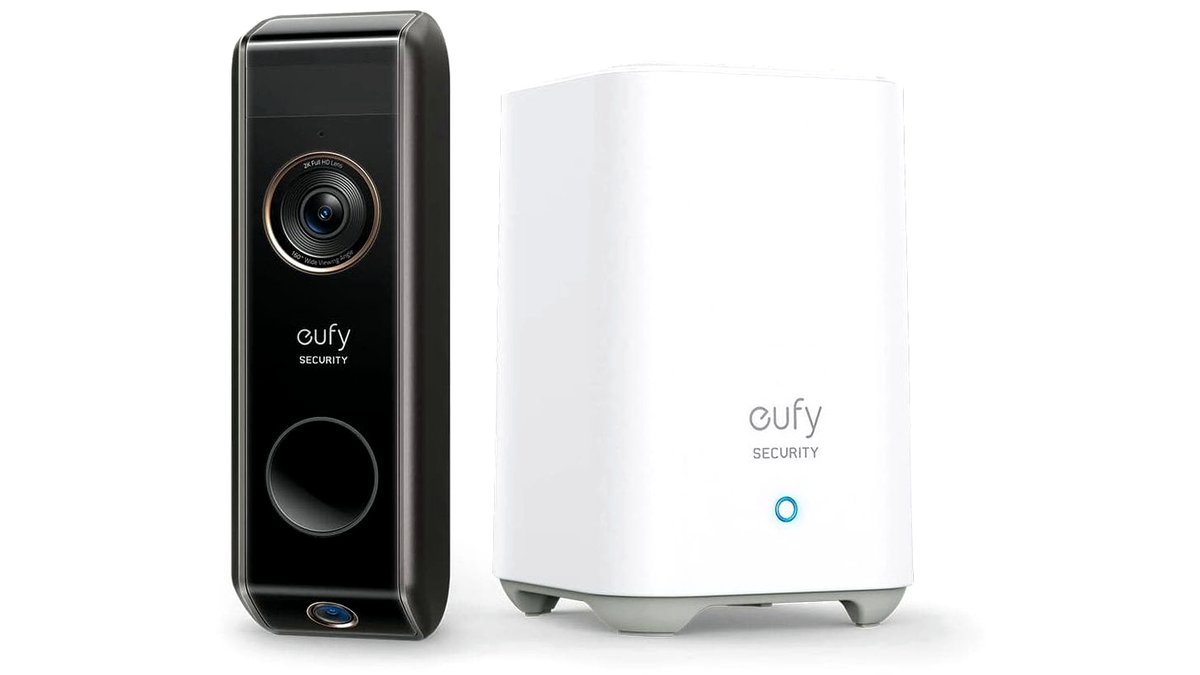
A single high-resolution camera at the front door, rather than a multi-camera system, suits smaller homes or anyone mainly concerned with the entry point rather than full-property coverage. Limits: no coverage of the rest of the property, and this type functions better as a supplement to a broader system than as a standalone solution for larger homes.

At a Glance: 4K System Types Compared
| System Type | Best For | Key Stated Specs | Limits |
|---|---|---|---|
| Wired PoE NVR | Full-property coverage, continuous recording | 4K sensors, local NVR storage, no subscription needed | Requires running cable to each camera |
| Wire-free battery | Flexible placement, rental-friendly | Rechargeable battery, hub or cloud storage | Periodic recharging, Wi-Fi dependent |
| Wired Wi-Fi | Outlet-accessible spots without cable runs | Continuous power, wireless video transmission | Wi-Fi signal dependent |
| Doorbell/single-point | Entry monitoring only | High-resolution, vertical field of view | No whole-property coverage |
Pick X If…
| If You… | Choose |
|---|---|
| Want maximum detail and no recurring storage fees | A wired PoE NVR 4K system |
| Rent or want the simplest, no-drilling-into-walls-for-cable install | A wire-free battery 4K kit |
| Have outlets near mounting points but no network cable option | A wired Wi-Fi 4K camera |
| Only need to monitor the front entry | A single doorbell-style 4K camera |
| Have a large property needing many camera points | A wired PoE system for reliability at scale |
Fit, Storage, and Compatibility Notes
Check the NVR’s total storage capacity against how many days of 4K footage it needs to hold; a higher-resolution system fills a given hard drive faster than an equivalent 1080p setup, so reviewers often suggest sizing storage up or setting recording to motion-triggered rather than continuous if days of history matter more than resolution. Confirm whether the NVR supports hard drive upgrades, since some ship with a smaller drive than buyers expect.
For wireless systems, check the camera’s supported Wi-Fi band; many current 4K cameras need a 2.4GHz connection for range, while some newer models also support 5GHz for higher bandwidth at closer range. A home router or mesh system with good coverage at each planned camera location matters as much as the camera’s own spec sheet.
Field of view and mounting height work together: a camera mounted too high loses facial detail even at 4K resolution, since the angle distorts the face. Makers typically publish a recommended mounting height range, and following it matters more for usable footage than resolution alone.
Alternatives Worth Considering
A 2K or 1080p system remains a reasonable alternative for homeowners mainly concerned with motion alerts and general activity rather than zoomed-in facial or plate detail, since it uses less storage and bandwidth for a similar price point. A hybrid system mixing a few 4K cameras at key entry points with lower-resolution cameras elsewhere on the property is also worth considering as a middle ground between cost and detail where it matters most. For anyone unsure about wiring, a professionally installed system through a security company is worth a look, since it shifts the installation complexity away from the homeowner entirely.
Frequently Asked Questions
Do I need 4K resolution, or is 1080p good enough?
1080p is generally enough for basic motion alerts and general activity monitoring, but 4K provides a meaningful advantage when zooming into recorded footage for a face, license plate, or other fine detail. The choice comes down to whether that extra detail is worth the larger file sizes and, on some systems, a higher storage cost.
How much storage do I need for a 4K camera system?
Storage needs depend on the number of cameras, whether recording is continuous or motion-triggered, and how many days of history are needed; 4K footage uses roughly four times the storage of equivalent 1080p footage per hour. Motion-only recording substantially reduces storage use compared to continuous recording on most systems.
Will 4K cameras slow down my home Wi-Fi?
Wireless 4K cameras use more bandwidth than lower-resolution cameras, and several running simultaneously on a weaker router can affect other devices’ performance. A wired PoE system avoids this issue entirely since camera traffic stays on its own network cable rather than competing for Wi-Fi bandwidth.
Can I view 4K camera footage on my phone?
Yes, most current systems support a companion app for live viewing and playback on a phone, though the app typically compresses the stream for mobile viewing rather than sending full 4K data over a cellular or home connection. Full-resolution review is usually only available through the NVR interface or a desktop app.
Do 4K cameras need a subscription?
Wired PoE systems with local NVR storage typically don’t require a subscription for basic recording and playback, since footage stays on the owner’s own hardware. Cloud-based wire-free systems often gate longer storage windows or advanced detection features behind a monthly plan, so check each brand’s free-tier limits before buying.
Does 4K improve night vision?
Resolution and night vision are separate specs; a 4K camera with a smaller sensor or weaker infrared range can still produce a dimmer or less detailed nighttime image than a lower-resolution camera built for low light. Check the maker’s stated night vision range and whether the camera uses color low-light or standard infrared night mode.








