
Key takeaways
- Headset with built-in camera (rare) or phone-as-webcam apps: Some buyers already own a phone capable of acting as a webcam via a companion app, which can outperform a budget dedicated webcam on image quality at no extra hardware cost.
- Laptop’s built-in webcam plus an external light and mic: For a mild quality bump without buying a new camera, improving lighting and audio alone often closes much of the visible gap.
- All-in-one conferencing bar: For a small room, an all-in-one bar combining camera, speaker, and mic array can simplify setup compared to buying each component separately.
A buyer on frequent video calls in a dim home office benefits most from a webcam with a larger sensor and good low-light processing, a buyer who moves between desks or rooms benefits from a compact clip-on 1080p model, and a buyer running multi-person conference-room calls needs a wide-field-of-view camera with far-field audio pickup rather than a standard desktop webcam.
As an Amazon Associate, we earn from qualifying purchases made through links on this page.
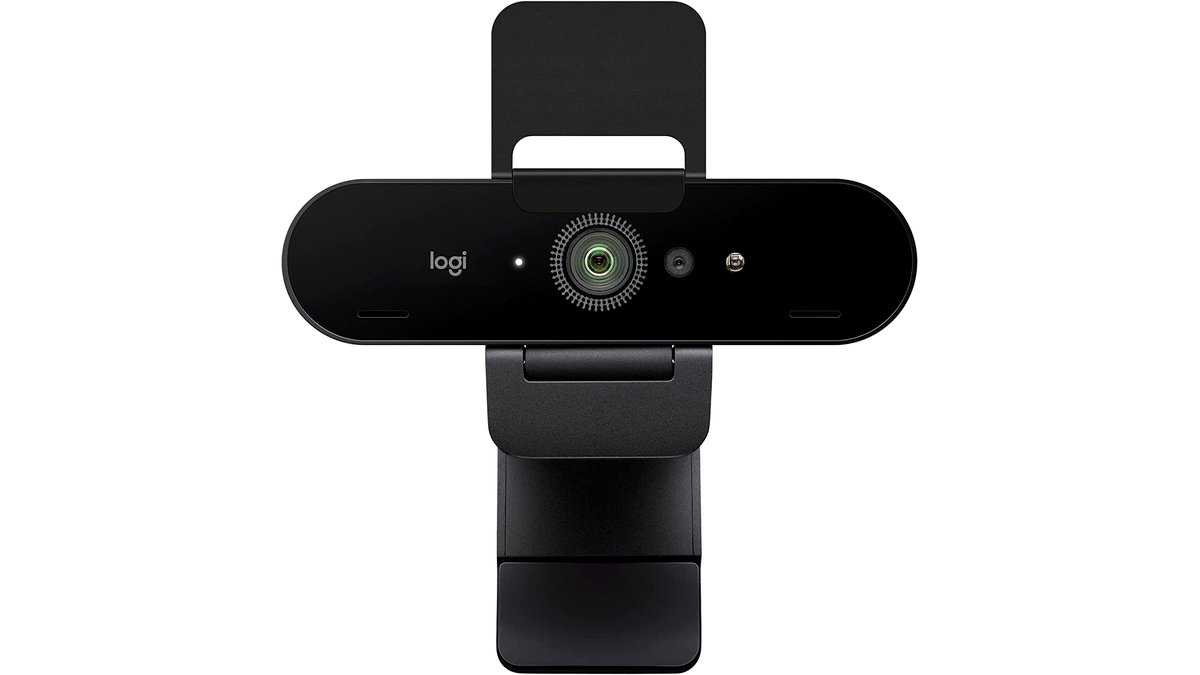
What Actually Matters for Video Call Quality
Resolution numbers on the box matter less than most buyers expect, because video conferencing platforms compress the outgoing stream heavily to save bandwidth; a 4K webcam feeding a call that gets compressed down to 720p will not look dramatically different from a well-made 1080p webcam in the same lighting. What actually separates a good conferencing webcam from a disappointing one is sensor size and low-light performance, autofocus speed and accuracy, the field of view (narrow for a tight head-and-shoulders frame, wide for a desk setup with notes visible), and built-in microphone quality for anyone not using a separate headset or desk mic.
Resolution and Frame Rate: Where It Actually Shows
1080p at 30fps is the practical baseline for smooth, clear video on mainstream conferencing platforms, and most buyers will not see a meaningful difference stepping up to 1440p or 4K during an actual call because of that platform-side compression. Where higher resolution does help is screen recording, webinar hosting, or any case where the raw feed is captured locally rather than streamed live, since local recordings bypass that bandwidth compression. Frame rate matters more for anyone sharing screen content with motion or presenting slides with transitions; 30fps is adequate for talking-head calls, while 60fps options exist mainly for streaming and content creation rather than typical office meetings.
At a Glance: Webcam Categories
| Category | Best for | Key stated specs | Limits |
|---|---|---|---|
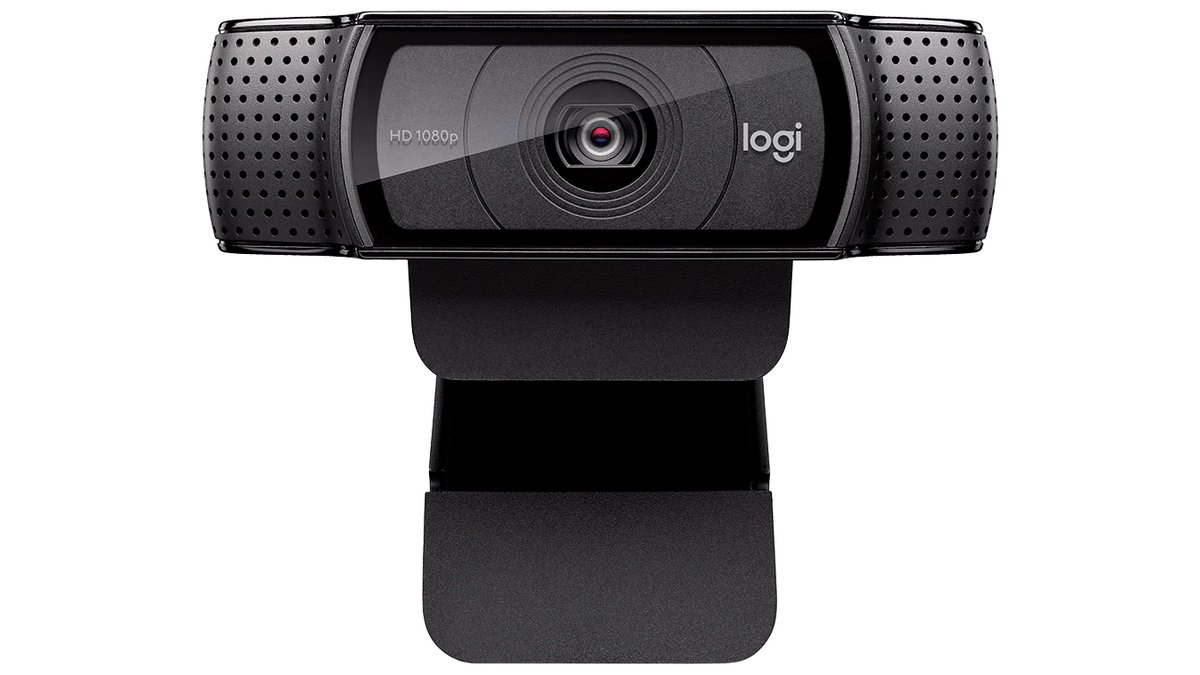
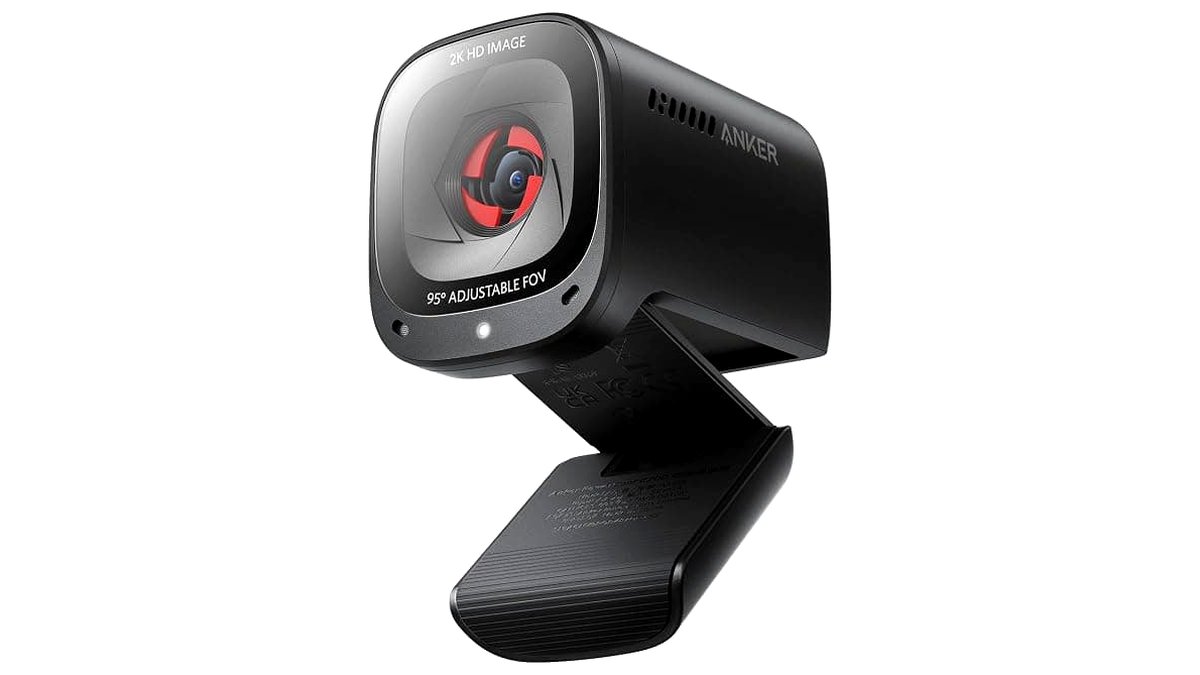
| Compact 1080p webcam | Budget-conscious buyers, laptop users, simple one-person calls | 1080p/30fps, fixed or basic autofocus, clip mount | Weaker low-light performance; basic built-in mic |
| Mid-range 1080p/1440p webcam | Daily professional video conferencing from a home office | Improved sensor, autofocus, adjustable field of view, stereo mic | Software features vary by brand; some need a companion app for best image quality |
| Premium 4K webcam | Content creators, buyers who also stream or record locally | 4K sensor (often downsampled for calls), HDR support, multiple FOV settings | Full 4K benefit mostly shows in local recording, not live compressed calls |
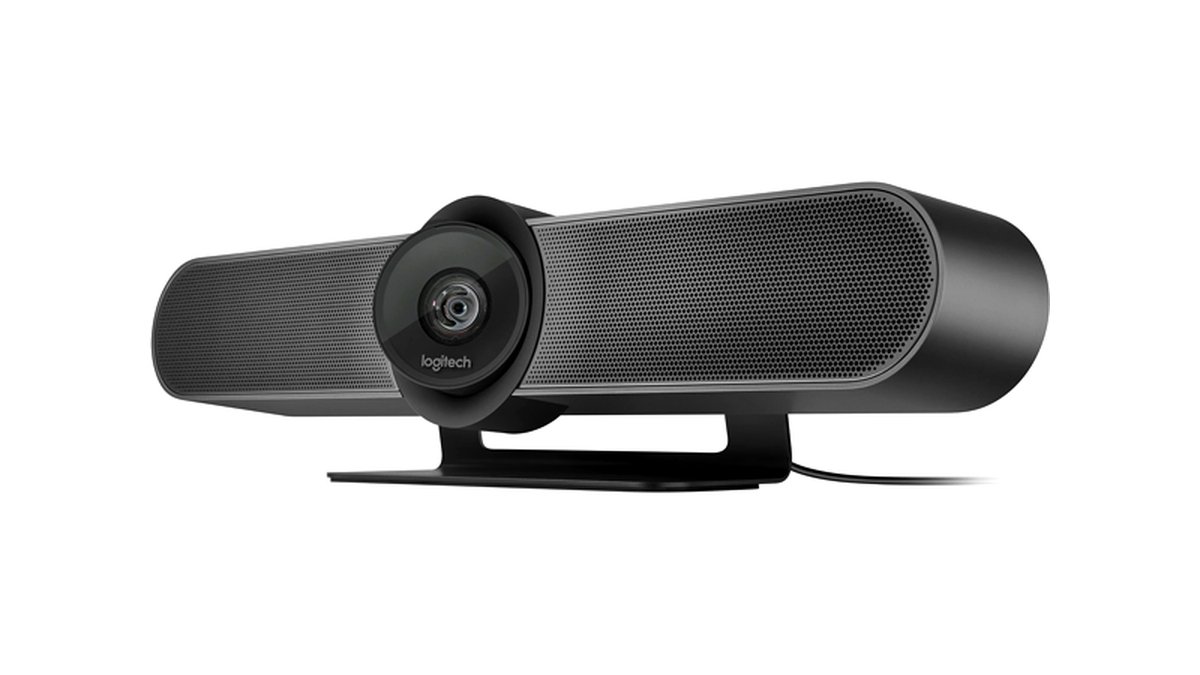
| Conference-room camera | Small meeting rooms, multi-person calls | Wide field of view (90°+), often paired with far-field mic array, sometimes auto-framing | Larger footprint; some models need a separate speaker/mic hub |
| DSLR/mirrorless as webcam | Buyers who already own a capable camera and want the best image quality | Large sensor, interchangeable lenses, needs capture card or clean HDMI-out software | Added cost and setup complexity; needs continuous power during long calls |
Field of View, Framing, and Multi-Monitor Setups
A narrow field of view keeps the frame tight on the face, which looks more professional for one-on-one calls but can feel cramped if the camera sits off-center on a multi-monitor desk. A wider field of view suits group calls from one room, standing presentations, or anyone who wants notes or a whiteboard visible in frame, but it can introduce visible lens distortion at the edges on cheaper models. Some mid-range and premium webcams let the user digitally crop between multiple FOV settings in software, which is worth checking for anyone who switches between solo calls and small-group setups.
Lighting and Low-Light Performance
Home offices rarely have professional lighting, so a webcam’s low-light handling matters more in practice than its peak resolution. Larger sensors and wider apertures gather more light and produce less visible noise in dim rooms, which is the main reason mid-range and premium webcams look noticeably better than budget models under ordinary room lighting rather than a studio setup. A basic external light panel or even a reposition relative to a window often improves image quality more than upgrading the webcam itself, which is worth trying before assuming a hardware upgrade is necessary.
Built-In Microphone vs. Separate Audio
Audio quality affects how a presenter comes across on a call at least as much as video does, and most compact webcams include a basic single-element microphone that is adequate for quiet rooms but picks up keyboard clatter, HVAC noise, and room echo in less controlled environments. Mid-range and premium webcams generally list dual or stereo microphones with some noise reduction, which helps but does not match a dedicated USB microphone or headset. Anyone on calls for several hours a day, or working in a noisy household, generally gets a bigger quality jump from pairing even a budget webcam with a separate microphone than from buying the most expensive all-in-one webcam available.
Pick-X-If Decision Table
| Situation | Pick this type |
|---|---|
| Occasional calls, tight budget, laptop already has a built-in cam that’s just not great | Compact 1080p webcam |
| Daily professional video conferencing, home office with average lighting | Mid-range 1080p/1440p webcam with good autofocus and stereo mic |
| Also record videos locally, stream, or want HDR for bright-window backgrounds | Premium 4K webcam |
| Small meeting room, multiple people on camera | Conference-room camera with wide FOV and far-field audio |
| Already own a capable camera and want the best possible image | DSLR/mirrorless webcam setup with a capture card |
Compatibility and Setup Notes
Most USB webcams work as plug-and-play devices on major operating systems without additional drivers, though companion apps that unlock advanced focus, framing, or lighting controls are usually Windows- or Mac-specific, and a smaller subset work on Chromebooks or Linux at all. Buyers on a corporate-managed laptop should confirm the webcam does not require admin rights to install companion software, since IT policies sometimes block that. USB bandwidth can also be a factor on older or budget laptops with limited USB 2.0 ports; a higher-resolution webcam may need a USB 3.0 port to hit its full stated frame rate.
Alternatives Worth Comparing
- Headset with built-in camera (rare) or phone-as-webcam apps: Some buyers already own a phone capable of acting as a webcam via a companion app, which can outperform a budget dedicated webcam on image quality at no extra hardware cost.
- Laptop’s built-in webcam plus an external light and mic: For a mild quality bump without buying a new camera, improving lighting and audio alone often closes much of the visible gap.
- All-in-one conferencing bar: For a small room, an all-in-one bar combining camera, speaker, and mic array can simplify setup compared to buying each component separately.
Frequently Asked Questions
Does a 4K webcam actually look better on a Zoom or Teams call?
Usually not dramatically, because most conferencing platforms compress outgoing video well below 4K to save bandwidth. The advantage of a 4K sensor shows up more in local recordings or when digitally cropping into a wide shot without losing sharpness.
Why does my webcam look grainy even though it’s rated 1080p?
Graininess in video calls is usually a low-light and sensor-size issue rather than a resolution issue; a small sensor struggles in dim rooms regardless of its pixel count. Adding a light source facing the user, or choosing a webcam with a larger sensor, typically helps more than resolution alone.
Do I need a separate microphone if my webcam has one built in?
Built-in webcam mics are adequate for quiet, short calls but tend to pick up background noise and sound thinner than a dedicated microphone or headset. Anyone on long or frequent calls, or working in a noisy space, generally benefits from adding separate audio.
Will any webcam work with my work laptop’s video conferencing software?
Nearly all USB webcams work as a generic camera device with major platforms like Zoom, Teams, and Google Meet without special drivers. Advanced features such as auto-framing or background blur controlled through a companion app may require specific software that is not guaranteed to run on a locked-down corporate laptop.
What field of view is best for a home office desk?
A moderate field of view, generally in the 65-90 degree range, works well for a single person at a normal desk distance without excessive edge distortion. A narrower view suits tight head-and-shoulders framing, while a wider view suits group shots or showing more of the desk and background.
Can I use my DSLR or mirrorless camera instead of a dedicated webcam?
Yes, many cameras can act as a high-quality webcam through a capture card or the maker’s own webcam software, and the larger sensor typically produces noticeably better image quality than a dedicated webcam. The tradeoffs are extra setup complexity, continuous power needs during long calls, and potential overheating on some camera bodies during extended use.








