
Key takeaways
- Standalone indoor Wi-Fi cameras: General-purpose smart home cameras placed to cover the garage door and interior. Best for buyers who want flexible placement and no dependency on a specific garage door brand.
- Camera-equipped smart garage door controllers: Combine a Wi-Fi garage door opener/controller with a built-in camera showing door status and the area just inside or outside the door. Best for buyers upgrading door control and monitoring together.
- Battery-powered wireless cameras: Mount without running power to the camera location, useful where a garage lacks a nearby outlet. Best for detached garages or awkward mounting spots.
- Multi-camera security system nodes: A garage-facing camera as one unit within a broader whole-home camera system sharing one app and subscription. Best for buyers already invested in a specific smart home security ecosystem.
Homeowners who mainly want to confirm the garage door is closed and monitor for break-ins do well with a wired or plug-in smart camera placed to cover the door and driveway, while anyone wanting full garage monitoring including parking assistance and package drop-off benefits more from a multi-camera system paired with a smart garage door controller. Smart garage cameras solve two different problems — security monitoring and door-state confirmation — and the best pick depends on which one matters more to you.
As an Amazon Associate, we earn from qualifying purchases made through links on this page.
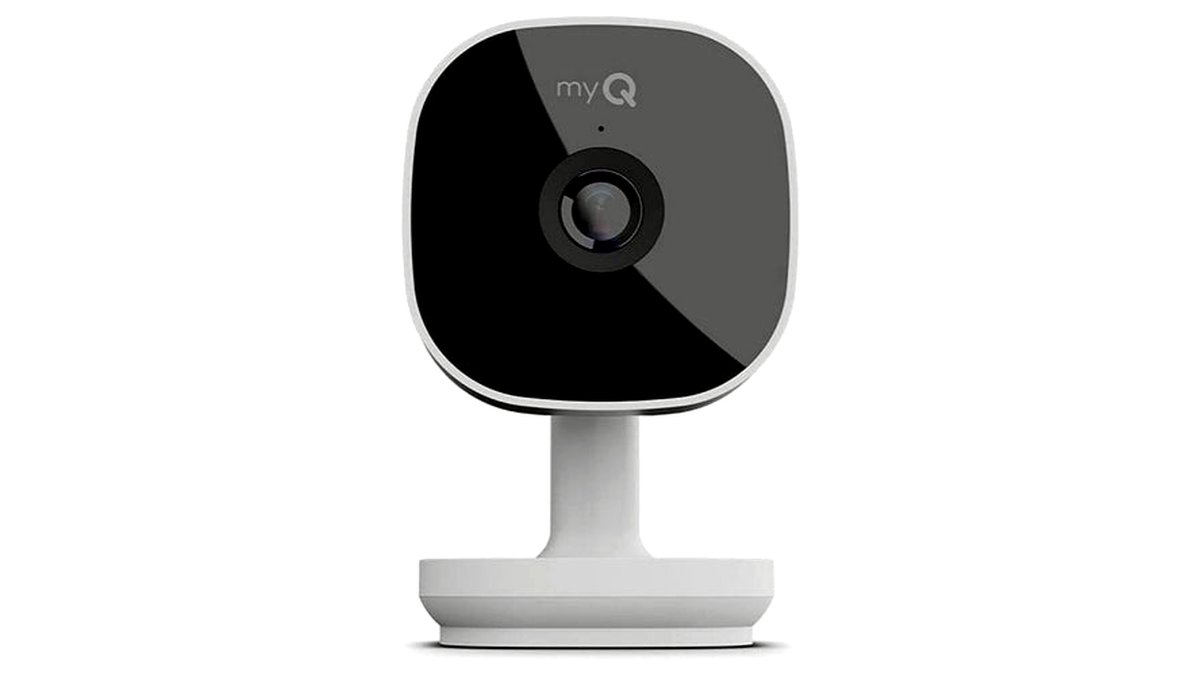
What Counts as a Smart Garage Camera
This category spans dedicated indoor security cameras placed inside the garage, camera-equipped smart garage door openers or controllers that show a live feed alongside door status, and multi-camera home security systems with a garage-facing unit as one node. Some integrate directly with a smart garage door opener to combine video confirmation with remote open/close control; others are standalone cameras that simply watch the space.
Connectivity matters here more than in most rooms of the house: garages often have weaker Wi-Fi signal than the rest of the home because of distance from the router and interference from metal doors and vehicles, so signal strength and local storage options are practical concerns, not just nice-to-haves.
Types of Smart Garage Cameras
- Standalone indoor Wi-Fi cameras: General-purpose smart home cameras placed to cover the garage door and interior. Best for buyers who want flexible placement and no dependency on a specific garage door brand.
- Camera-equipped smart garage door controllers: Combine a Wi-Fi garage door opener/controller with a built-in camera showing door status and the area just inside or outside the door. Best for buyers upgrading door control and monitoring together.
- Battery-powered wireless cameras: Mount without running power to the camera location, useful where a garage lacks a nearby outlet. Best for detached garages or awkward mounting spots.
- Multi-camera security system nodes: A garage-facing camera as one unit within a broader whole-home camera system sharing one app and subscription. Best for buyers already invested in a specific smart home security ecosystem.
Smart Garage Cameras at a Glance
| Type | Best For | Key Stated Specs | Limits |
|---|---|---|---|
| Standalone indoor Wi-Fi camera | Flexible placement, brand-agnostic buyers | Makers commonly list resolution tiers (1080p/2K), two-way audio, and motion alerts | Needs a nearby power outlet unless a battery version is chosen |
| Camera-equipped smart garage controller | Combining door control with video confirmation | Built-in camera plus app-based remote open/close and door-status sensor | Usually tied to compatible garage door opener models; check compatibility first |
| Battery-powered wireless camera | Detached garages or spots without easy power access | Makers commonly list battery life in months and wireless range specs | Requires periodic recharging or battery swaps; some models have lower-power motion detection |
| Multi-camera security system node | Buyers standardizing on one whole-home security ecosystem | Shared app, often a subscription for cloud video storage, mixed indoor/outdoor units | Ongoing subscription costs for extended video history on most systems |
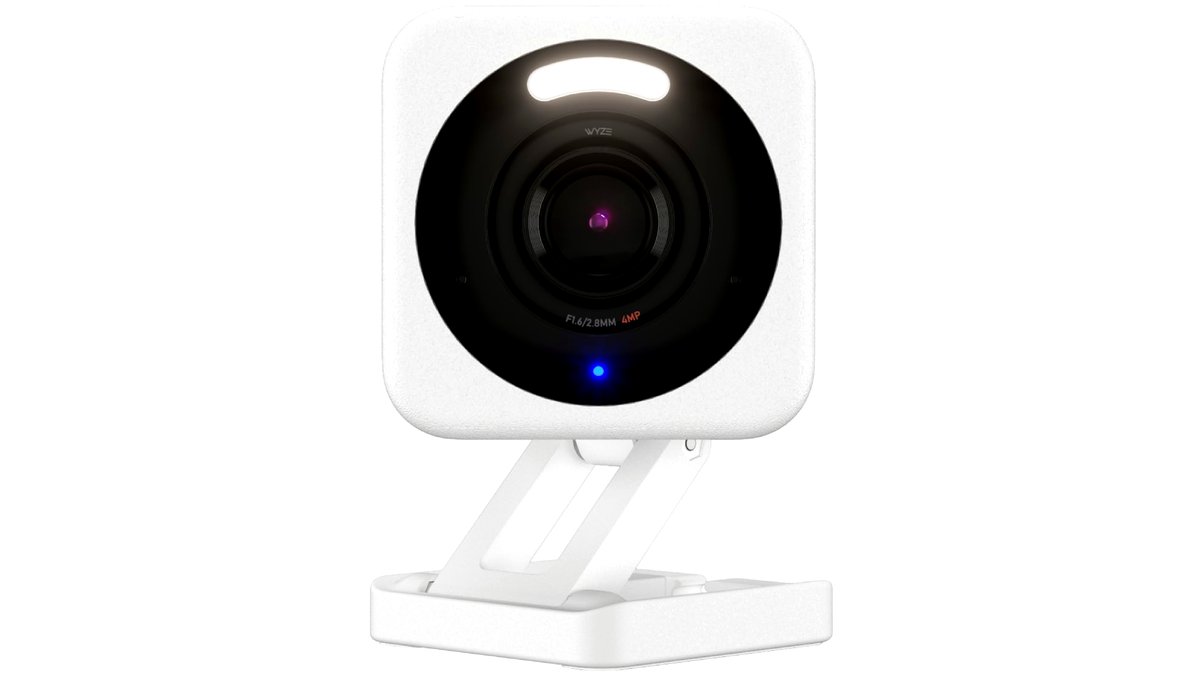
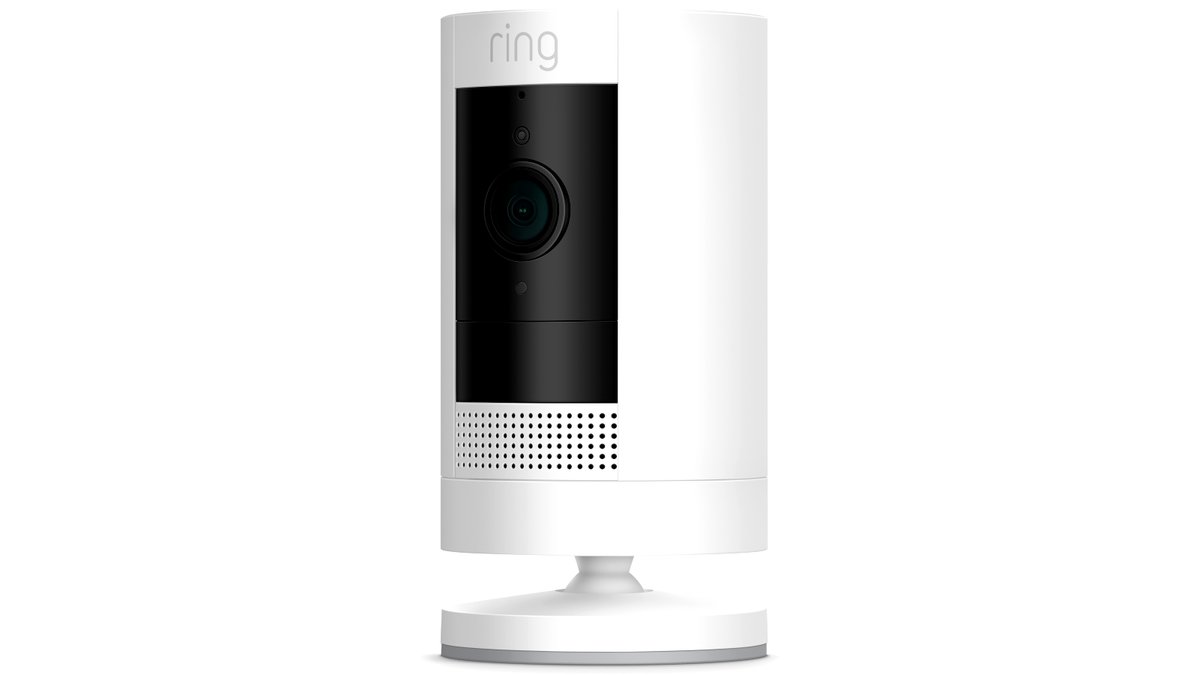
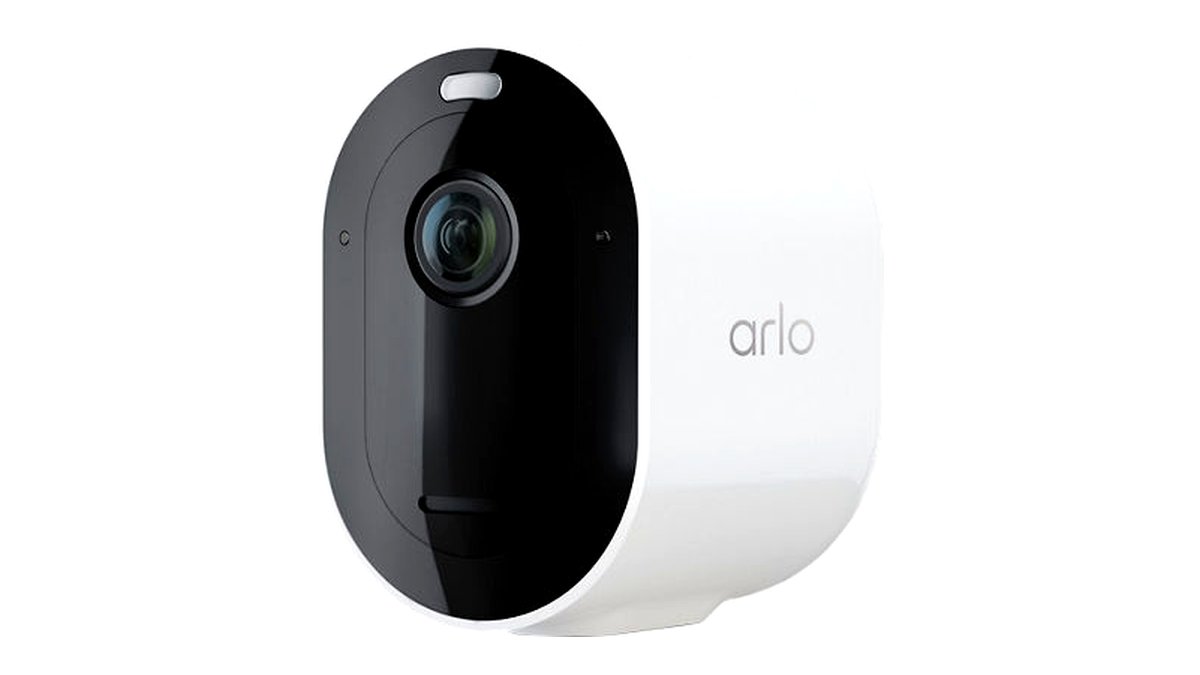
Pick the One That Fits
| If you… | Pick this |
|---|---|
| Just want to confirm the garage door is closed from your phone | Camera-equipped smart garage controller compatible with your opener |
| Want flexible camera placement not tied to a specific door brand | Standalone indoor Wi-Fi camera |
| Have a detached garage without easy access to power outlets | Battery-powered wireless camera |
| Already use a whole-home smart security system | A garage-facing camera node from the same ecosystem |
| Have weak Wi-Fi signal reaching the garage | A model supporting a Wi-Fi extender or local/offline recording as backup |
Fit and Compatibility Notes
If choosing a camera-equipped smart garage controller, check compatibility with your existing garage door opener model first; many of these controllers are designed for specific opener brands or a defined compatibility list, and installing one on an unsupported opener can mean the door-control feature won’t work even if the camera does.
Check the camera’s stated field of view and mounting height recommendations against your garage’s layout — a wide-angle lens mounted too close to the door may distort the image or miss activity near the edges, while a narrow-angle camera mounted far away may not clearly identify faces or license plates.
Wi-Fi signal strength in the garage should be tested before committing to a Wi-Fi-dependent camera; a signal strength app or the router’s own diagnostics can confirm whether the garage gets a reliable connection, and a mesh extender node placed closer to the garage is a common fix for weak signal.
Features Worth Checking
- Local vs. cloud storage: Local storage (SD card or home hub) avoids subscription fees but risks losing footage if the camera itself is damaged or stolen; cloud storage usually requires an ongoing subscription for extended history.
- Motion zones and smart alerts: Useful in a garage to reduce false alerts from a parked car’s headlights, moving shadows, or a garage-stored pet.
- Night vision quality: Garages are often dim or fully dark; check the maker’s stated night vision range and whether it uses infrared or a built-in spotlight.
- Two-way audio: Lets you speak through the camera, useful for addressing a delivery person or deterring an intruder remotely.
- Integration with existing smart home platforms: Check listed compatibility with your voice assistant or smart home app if you want the garage camera to work alongside other devices.
Privacy and Placement Considerations
A garage camera often captures more than the door itself, including vehicles, stored belongings, and anyone who enters through a side door or connecting entrance to the house. Positioning the camera to cover the areas that matter most for security while avoiding unnecessary views into living spaces through a connecting door helps balance monitoring needs with household privacy.
If the camera shares footage to a cloud account, reviewing the manufacturer’s stated data retention and sharing policy is worth doing before setup, particularly for households with shared or multi-user access to the camera app. Setting up user-specific permissions, where the app supports it, keeps footage access limited to people who actually need it.
Alternatives Worth Considering
Simple door-position sensors (without a camera) suit buyers who only need a yes/no alert on whether the garage door is open or closed, without video monitoring at all.
Outdoor security cameras aimed at the garage from outside work for buyers who want to monitor the exterior approach to the garage rather than the interior space.
Dash or trunk-mounted cameras with a parking-assist feature can help with precise parking inside a tight garage, a different problem than general security monitoring.
Frequently Asked Questions
Do smart garage cameras need a subscription to work?
It depends on the model; some include local storage options with no ongoing fee, while others primarily rely on cloud storage that requires a subscription for extended video history. Check the specific product’s storage options and subscription terms before buying if ongoing cost matters.
Can a garage camera also control my garage door?
Only camera-equipped smart garage controllers combine both functions, and these are generally designed to work with specific compatible garage door opener models. A standalone camera will only monitor the space and will not operate the door itself.
Will the camera work if my garage has weak Wi-Fi?
Performance depends on signal strength; a weak connection can cause delayed alerts, poor video quality, or dropped footage. Testing signal strength in the garage beforehand and adding a Wi-Fi extender if needed are standard ways to address this before installation.
How does night vision work in a dark garage?
Most smart cameras use infrared illumination for night vision, which is invisible to the human eye but allows the camera to capture black-and-white footage in darkness. Some higher-end models add a built-in spotlight for color night vision; check the maker’s stated range and type for your specific model.
Can I place a garage camera to monitor the driveway as well?
Some indoor garage cameras can be angled to see out through a window or open door to cover part of the driveway, but a dedicated outdoor camera is generally better suited for full driveway coverage. Check the camera’s stated field of view and weatherproofing rating if any part of its view extends outdoors.
Is a battery-powered camera as reliable as a wired one?
Battery-powered cameras avoid the need for a nearby outlet but require periodic recharging or battery replacement, and heavy motion-triggered recording can shorten battery life faster than the maker’s stated estimate. A wired or plug-in camera avoids this maintenance step but needs accessible power at the mounting location.








