
Key takeaways
- APS-C EOS R bodies use RF-S or RF lenses; full-frame EOS R bodies use RF lenses only, so a lens bought for one may need to be checked for sensor coverage before use on the other.
- Vari-angle screens that flip fully to the side and forward are the feature to check for if self-recording while facing the camera is the main use case; some lower-tier bodies use a tilt-only screen that does not face forward.
- Battery life on compact vlogging cameras is typically shorter than on EOS R bodies; creators filming long sessions should plan on a spare battery regardless of which camera they choose.
- Most current Canon vlogging-oriented bodies support an external microphone through a 3.5mm input or Canon’s accessory shoe with digital audio support; confirm which style of hot shoe a given body uses before buying a shotgun or wireless mic kit.
A creator who vlogs mostly handheld and wants the simplest setup should look at a compact Canon PowerShot with a flip-out screen, someone who wants interchangeable lenses and better low-light footage should look at an entry or mid-range Canon EOS R-series body, and anyone planning long-form talking-head content with minimal fuss should weigh a mid-range EOS R body against the extra bulk it adds to a gimbal or tripod rig.
As an Amazon Associate, we earn from qualifying purchases made through links on this page.
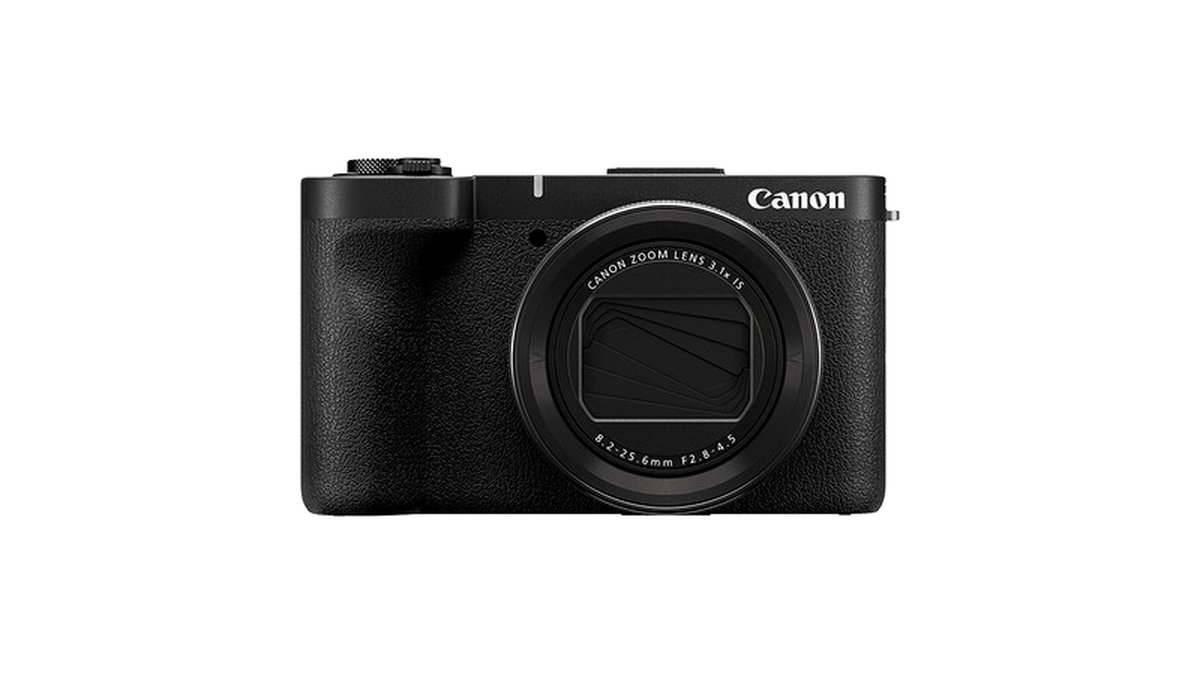
Canon’s vlogging-relevant lineup splits into two groups: fixed-lens compacts built specifically for content creators, and mirrorless EOS R-series bodies that trade pocketability for interchangeable lenses and larger sensors. Both groups share Canon’s well-regarded Dual Pixel autofocus system, which is one of the main reasons vloggers gravitate toward the brand, since it tends to track faces reliably even when a creator is moving the camera themselves rather than relying on a second operator.
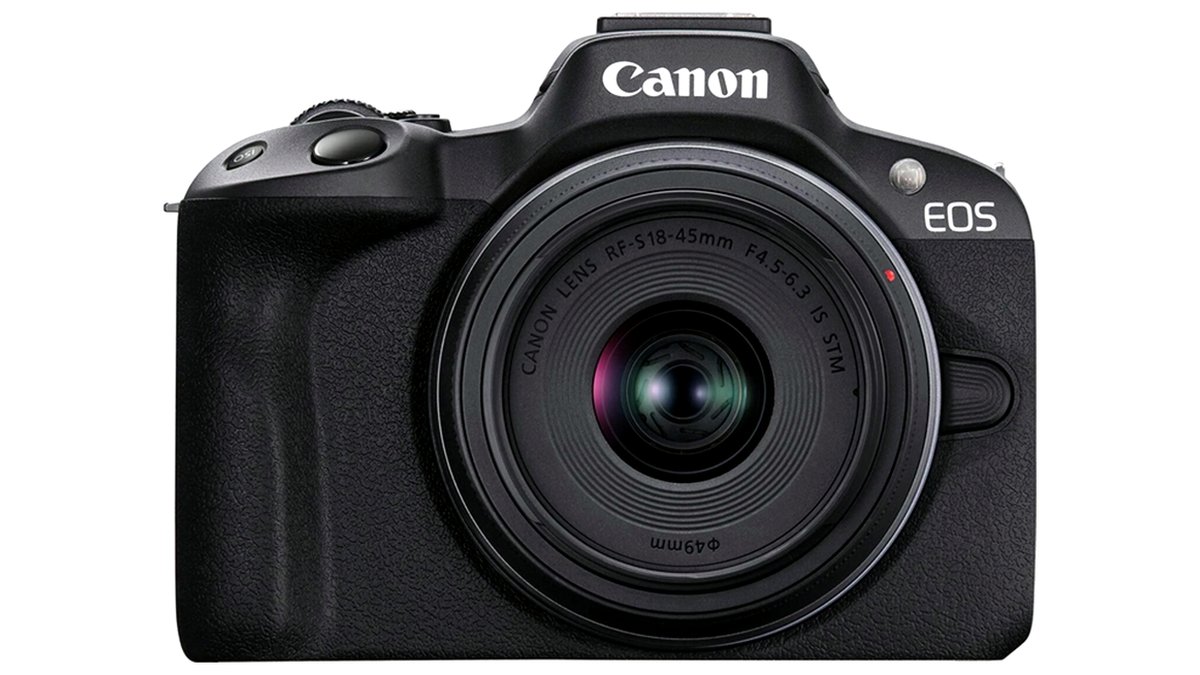
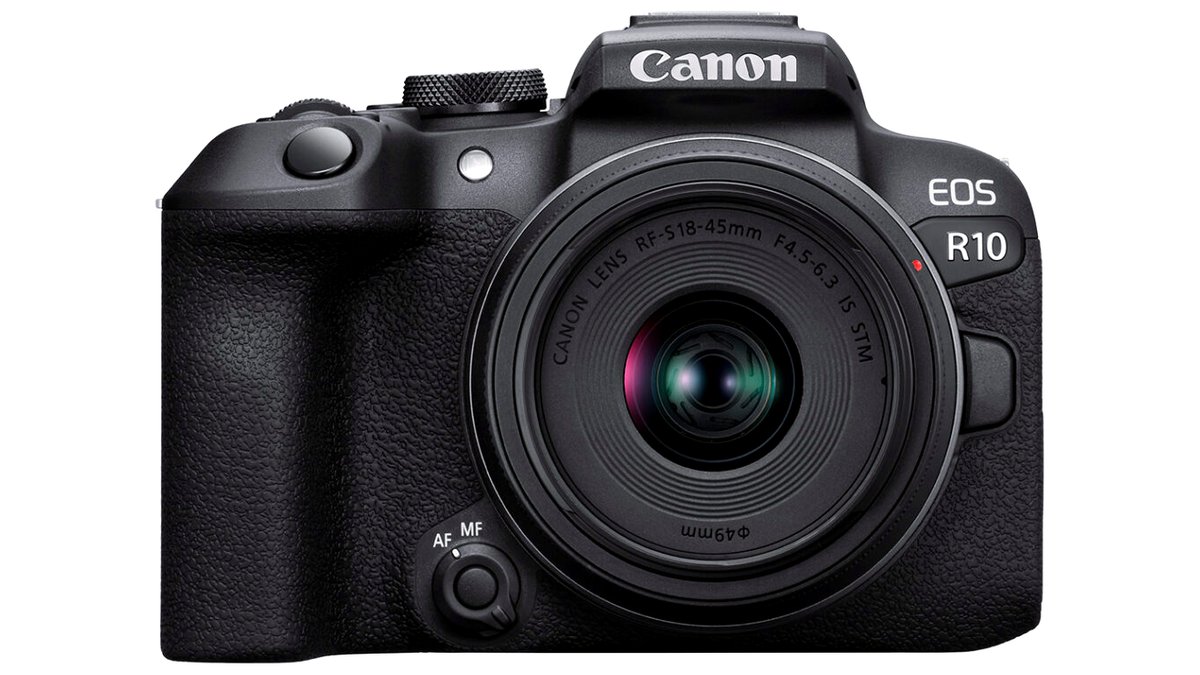
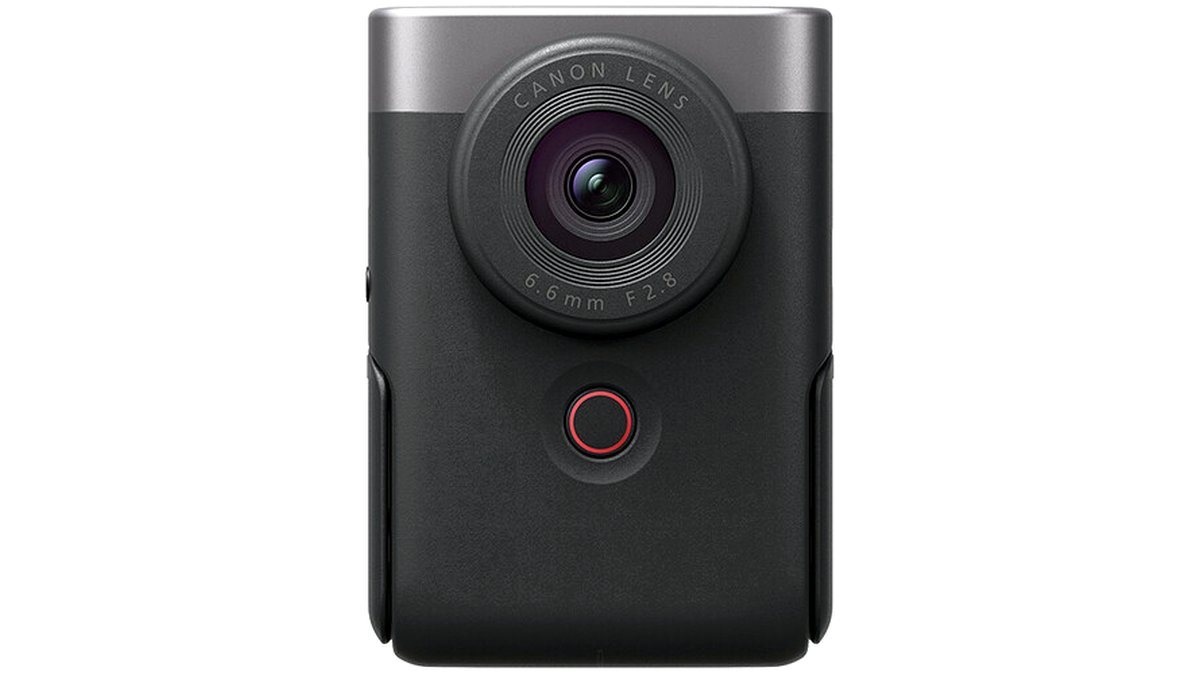
Quick picks at a glance
| Camera type | Best for | Key stated specs | Limits |
|---|---|---|---|
| Compact vlogging PowerShot | Solo creators wanting grab-and-go simplicity | Fixed wide lens, flip screen, built-in stabilization modes, 4K video | No lens swapping, smaller sensor than EOS R bodies |
| Entry-level EOS R body | Creators moving up from a phone or compact | APS-C sensor, interchangeable RF-mount lenses, vertical video mode, vari-angle screen | Kit lens often not wide enough for close vlogging without an adapter |
| Mid-range EOS R body | Hybrid shooters who vlog and shoot stills or run-and-gun video | Full-frame sensor, in-body stabilization on some models, advanced autofocus tracking | Heavier and costlier than APS-C options |
| Wide-angle RF or EF-M lens | Any interchangeable-lens body used for close-range talking-head shots | Short focal length needed to stay in frame at arm’s length | Separate purchase from the camera body |
| External mic and mount kit | Anyone using a camera’s built-in mic for primary audio | Shoe-mount or wireless mic compatible with the camera’s hot shoe | Adds another accessory to carry and charge |
Compact PowerShot-style vlogging cameras
Canon’s dedicated vlogging compacts are built around a fixed, moderately wide lens, a fully articulating or flip-style screen, and video-specific features like a background-blur toggle and a product-showcase autofocus mode that quickly shifts focus to an object held up to the lens. These cameras are the simplest entry point: there is no lens to choose, the body is light enough for extended handheld use, and in-camera stabilization is tuned specifically for walking shots. The tradeoff is a smaller sensor than any EOS R body, which shows up as comparatively weaker low-light performance and less background blur at a given distance.
Entry-level and mid-range EOS R bodies
Stepping up to an interchangeable-lens EOS R body buys a larger sensor, access to Canon’s RF lens lineup, and in most cases a vari-angle screen that flips fully forward for self-recording. Entry-level APS-C bodies in this range are aimed at creators who want noticeably better image quality than a compact but still want a manageable size and price. Mid-range and full-frame EOS R bodies add stronger autofocus subject tracking, better low-light sensitivity, and on several models in-body image stabilization that reduces the need for a gimbal during walk-and-talk shots. The maker lists Dual Pixel CMOS AF II across these bodies as the autofocus system responsible for Canon’s reputation for reliable face and eye tracking in video.
The main practical catch with any interchangeable-lens body is lens choice. Canon’s standard kit lenses are usually mid-range zooms that are not wide enough to keep a creator’s face and surroundings in frame when vlogging at arm’s length indoors, so most reviewers recommend budgeting separately for a short, wide-angle RF or RF-S lens rather than relying on the kit zoom.
Fit and compatibility notes
- APS-C EOS R bodies use RF-S or RF lenses; full-frame EOS R bodies use RF lenses only, so a lens bought for one may need to be checked for sensor coverage before use on the other.
- Vari-angle screens that flip fully to the side and forward are the feature to check for if self-recording while facing the camera is the main use case; some lower-tier bodies use a tilt-only screen that does not face forward.
- Battery life on compact vlogging cameras is typically shorter than on EOS R bodies; creators filming long sessions should plan on a spare battery regardless of which camera they choose.
- Most current Canon vlogging-oriented bodies support an external microphone through a 3.5mm input or Canon’s accessory shoe with digital audio support; confirm which style of hot shoe a given body uses before buying a shotgun or wireless mic kit.
Pick this if…
| Situation | Recommended option |
|---|---|
| Want the smallest, simplest setup with no lens decisions | Compact vlogging PowerShot |
| Moving up from a phone, want room to grow into better lenses | Entry-level APS-C EOS R body with a wide prime or zoom |
| Also shoot stills, travel, or low-light interiors regularly | Mid-range or full-frame EOS R body |
| Mostly film outdoors in good light, want to minimize gimbal use | EOS R body with in-body stabilization |
| Tight budget, casual hobby vlogging only | Compact vlogging PowerShot or a lower-tier APS-C body |
Alternatives worth considering
Creators who are not committed to Canon specifically should also look at Sony’s compact vlogging cameras, which cover similar ground with a comparable fixed-lens, flip-screen format and are frequently compared against Canon’s compacts in reviewer roundups. Micro four-thirds options from other brands offer a middle ground between compact cameras and full-frame EOS R bodies, with a smaller and lighter lens lineup than Canon’s RF system. For creators who only need talking-head footage at a desk and never film handheld, a basic USB webcam paired with proper lighting can outperform a budget camera for that single use case, though it loses the mobility that makes a dedicated vlogging camera worthwhile outdoors.
Audio and stabilization add-ons
Built-in microphones on any camera, including Canon’s vlogging-focused models, pick up handling noise and wind more than a dedicated mic. Reviewers consistently recommend an external shotgun or wireless lapel mic as the single highest-impact accessory purchase for vlogging, ahead of any lens or body upgrade, since viewers tolerate average video quality far more than they tolerate poor audio. For stabilization, in-camera modes handle moderate walking motion acceptably on most current Canon bodies, but a small handheld gimbal remains the more reliable option for running shots or quick direction changes.
Frequently Asked Questions
Do I need a full-frame camera to vlog well, or is APS-C enough?
APS-C is enough for the large majority of vlogging use cases, including most indoor and outdoor talking-head and walk-and-talk content. Full-frame mainly helps in low light and for stronger background blur, which matters more for cinematic b-roll than for straightforward vlogging.
Which Canon lens should I buy for close-range vlogging?
Look for a short focal length lens, generally in the wide end of the range the maker lists for the camera’s sensor size, since standard kit zooms are often not wide enough to keep a creator in frame at arm’s length. Confirm the lens mount matches the camera’s sensor format before buying.
Can I use a PowerShot-style vlogging camera for photos too?
Yes, these compacts can take still photos, but their smaller sensor and fixed lens mean image quality and creative flexibility fall short of an interchangeable-lens body. Creators who care equally about photography and video are better served by an EOS R body.
Is in-camera autofocus reliable enough to vlog solo without a second person checking focus?
Canon’s Dual Pixel autofocus system is widely cited by reviewers as one of the more dependable face and eye tracking systems for solo creators, though performance can vary with lighting and how much of the face is visible to the lens. Testing autofocus behavior with your specific lens and typical filming conditions before relying on it for an important shoot is a reasonable precaution.
How much battery life should I expect while vlogging?
Video recording drains batteries faster than still photography, and exact runtime depends on resolution, stabilization settings, and screen brightness. Creators planning sessions longer than roughly thirty to forty minutes of continuous recording should carry at least one spare battery regardless of which Canon model they choose.
Do I need an external microphone if the camera has one built in?
For any vlogging that happens outdoors or involves camera handling noise, yes. Built-in microphones sit close to the lens and body, which picks up wind, finger movement, and mechanical sound far more than a mounted external mic does.








