Key takeaways
- A lightweight action camera with a low-profile helmet mount suits climbers who want footage without adding noticeable weight or snag risk, while a chest-mount or body-worn camera suits climbers whose helmet design or local gym/crag rules discourage attaching hardware directly…
A lightweight action camera with a low-profile helmet mount suits climbers who want footage without adding noticeable weight or snag risk, while a chest-mount or body-worn camera suits climbers whose helmet design or local gym/crag rules discourage attaching hardware directly to the helmet shell; the right setup depends mainly on the helmet’s design and what mounting the camera and helmet makers both state is safe.
As an Amazon Associate, we earn from qualifying purchases made through links on this page.
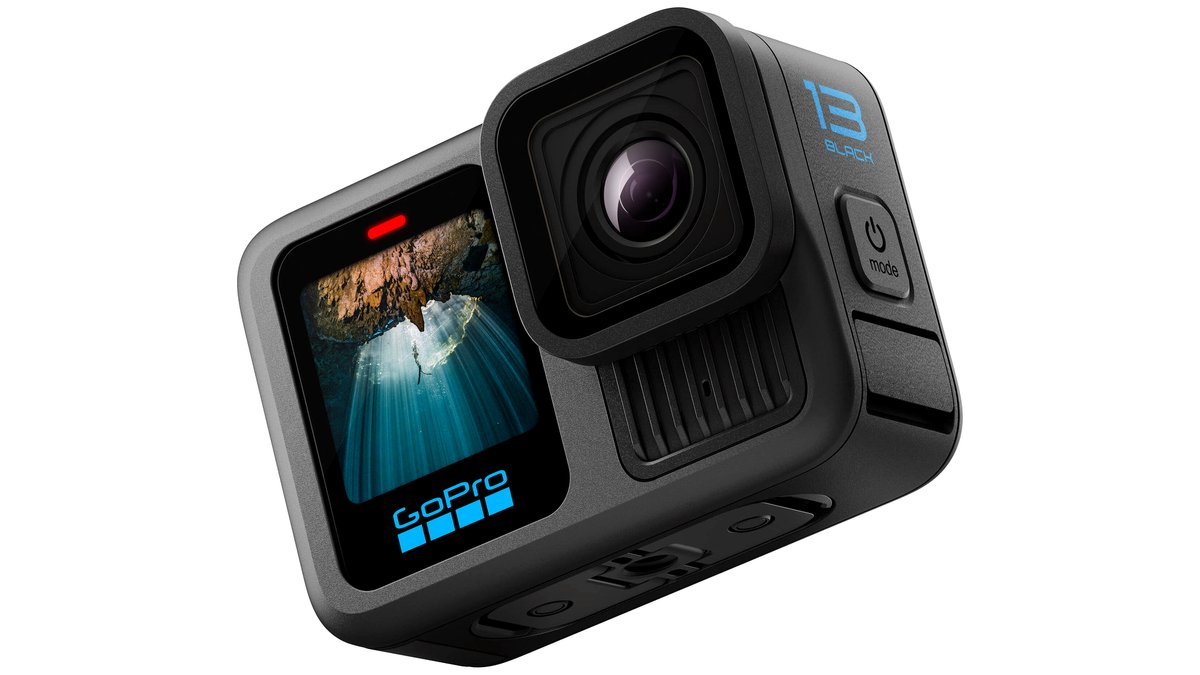
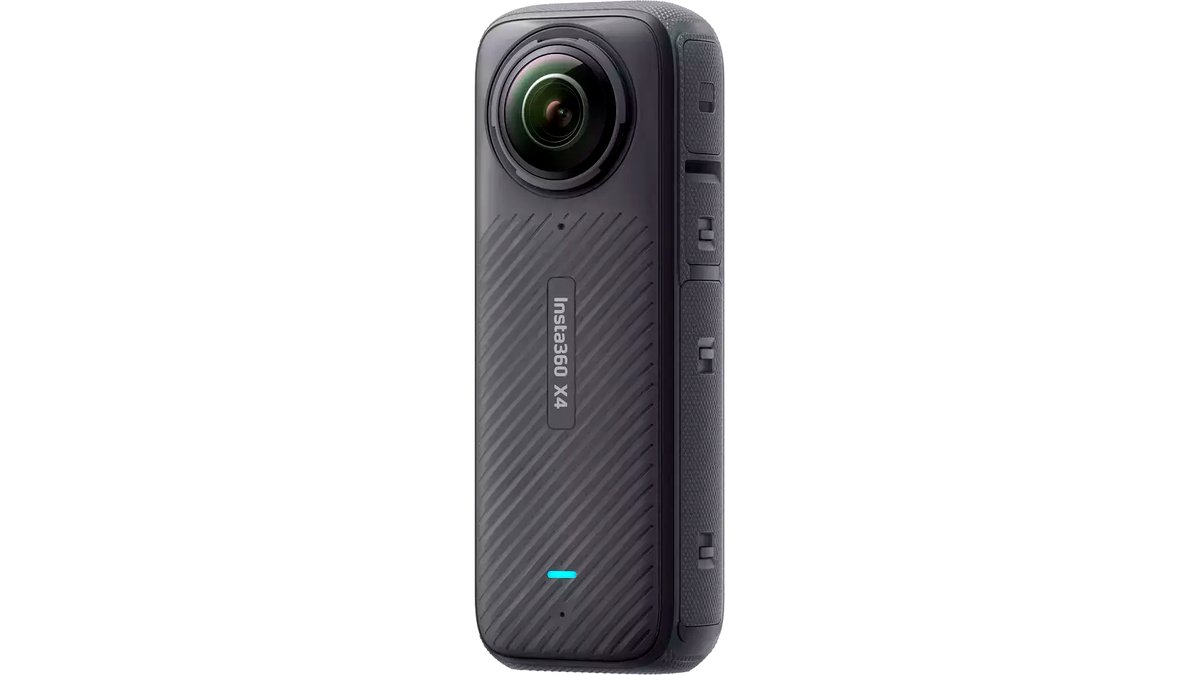
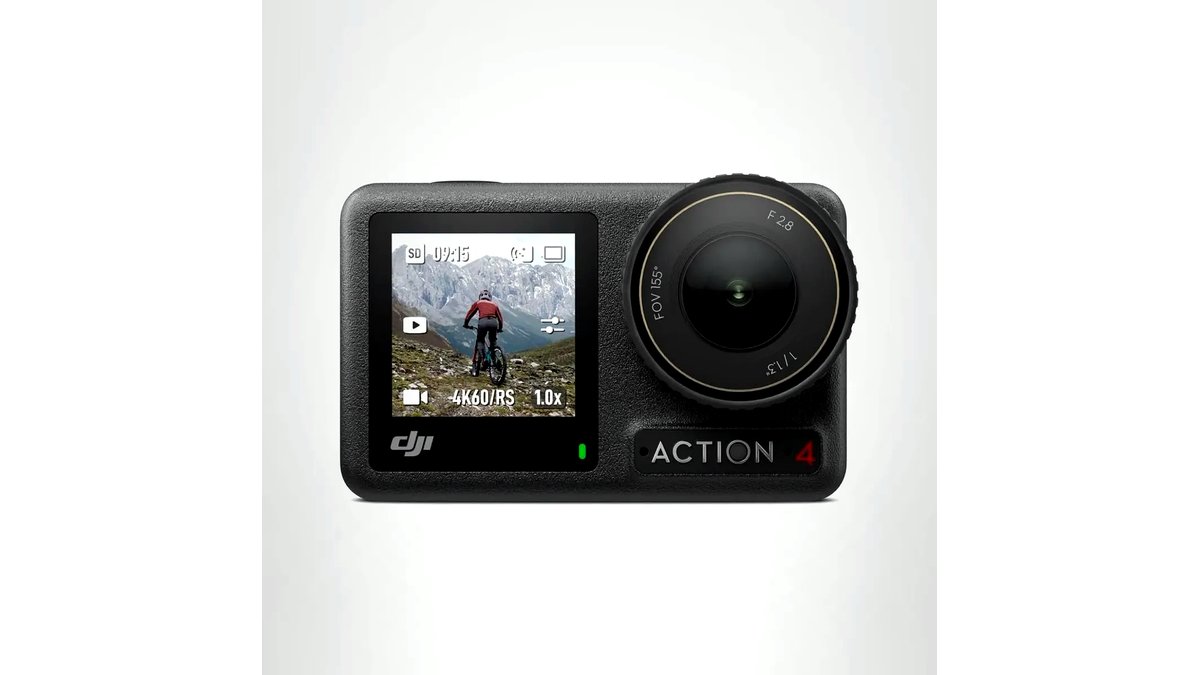
“Climbing helmet camera” usually describes a small action camera paired with a helmet-compatible mount, rather than a single dedicated product, since very few cameras are built exclusively for climbing. This guide covers how to choose a camera and mount combination without compromising the helmet’s protective function.
Helmet Safety Comes Before Camera Features
A climbing helmet is a safety device certified to specific impact standards, and modifying it by drilling, gluing, or attaching rigid hardware not approved by the helmet manufacturer can affect its certified protection and may void its warranty. Climbers should check the helmet manufacturer’s own guidance on accessory mounting before attaching any camera mount, and should never drill or permanently alter a certified climbing helmet to fit a camera mount unless the helmet maker explicitly states that specific mounting method is supported.
Many helmet and mount makers recommend low-profile adhesive mounts placed away from the helmet’s primary impact zones, and some climbing helmets include a small accessory slot or clip point specifically designed by the maker for lights or cameras. Using the mounting method the helmet manufacturer actually designed in or endorses is the safest approach, rather than improvising an attachment point.
Camera Size and Weight
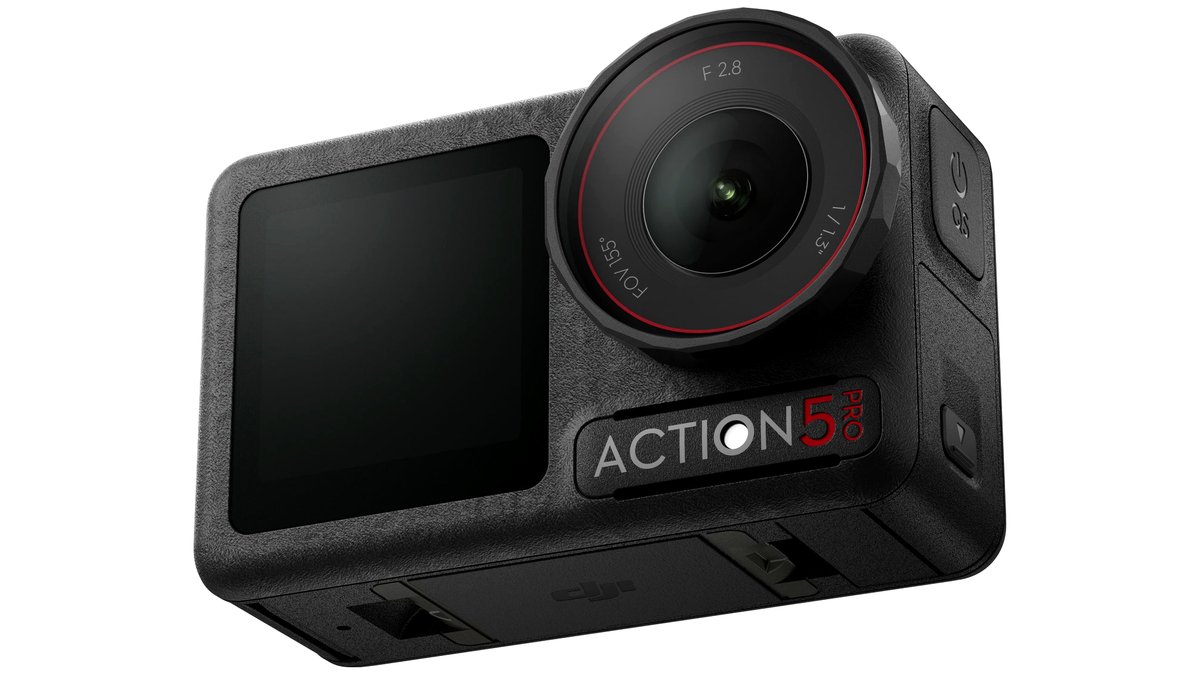
A smaller, lighter action camera reduces strain on the helmet’s retention system and lowers the risk of the camera catching on rock, ropes, or gear during a fall or awkward movement. Compact action cameras in roughly the 50-150 gram range (as listed by various makers) are generally a more sensible choice for helmet mounting than larger cameras or those with bulky accessory cases, since added weight and profile both increase snag risk on route.
Camera shape also matters: a rounded, low-profile housing is less likely to catch on an overhang, crack, or gear sling than a camera with a boxy case or protruding accessories like an external microphone or battery grip. Climbers who also use the camera for other sports may need to decide between a protective case (adding bulk) and a bare housing (less protected but lower profile) specifically for climbing use.
At a Glance
| Setup Type | Best For | Key Stated Specs | Limits |
|---|---|---|---|
| Action camera + low-profile adhesive helmet mount | Most climbers wanting POV footage without added bulk | Lightweight camera body, low-profile curved or flat adhesive mount | Mount placement must avoid the helmet’s primary impact zones per maker guidance |
| Action camera + helmet’s built-in accessory clip (where available) | Helmets specifically designed with a mount point | Maker-approved attachment, no adhesive or drilling needed | Only available on helmets that include this feature |
| Chest or body-mounted camera | Climbers who prefer not to mount anything on the helmet | Harness or chest-strap mount, same camera bodies as helmet setups | Different framing angle than a true helmet POV shot |
| Camera with built-in image stabilization | Reducing shake from climbing movement and rope work | Electronic or mechanical stabilization as stated by the maker | Stabilization quality varies significantly between camera models and price tiers |
Battery Life and Memory for Long Routes
Multi-pitch and long alpine routes can run many hours, which exceeds the continuous recording time of most compact action cameras on a single charge; checking the maker’s stated battery life for the resolution and frame rate actually planned for use (higher resolution and frame rate drain batteries faster) helps avoid running out of power mid-climb. Carrying a spare battery or an external battery pack is a common workaround, though added weight should be weighed against how important full-route footage actually is for a given climb.
Storage capacity should be matched to the camera’s bitrate at the chosen resolution; a long multi-hour day of continuous 4K recording consumes storage quickly, so climbers planning extended filming should check the camera manual’s storage-per-hour estimate before choosing a memory card size.
Pick This If…
| Climber Situation | Recommended Setup |
|---|---|
| Wants simple POV footage without altering the helmet | Lightweight action camera on a low-profile adhesive mount, placed per the helmet maker’s guidance |
| Owns a helmet with a built-in accessory mount point | That built-in mount, used with a compatible action camera |
| Prefers not to attach anything to the helmet at all | Chest or harness-mounted camera |
| Climbs long multi-pitch routes and wants full-route footage | A camera with strong stated battery life, plus a spare battery or power bank |
| Films in cold or high-altitude conditions | A camera the maker states is rated for the expected temperature range |
Weather and Temperature Considerations
Alpine and high-altitude climbing can expose a camera to cold temperatures that reduce battery performance and, in some cases, cause a camera to shut down if it falls outside the operating range the maker specifies. Checking the camera’s stated operating temperature range against the conditions expected on a given route is worth doing before a cold-weather trip, and keeping a spare battery warm in an inner pocket is a common way climbers work around cold-weather battery drain.
Alternatives Worth Considering
A climbing partner filming from a fixed or belay position avoids any helmet-mounting question entirely and can capture wider shots than a POV camera, though it depends on having a partner available and willing to film rather than climb. A smartphone secured in a chest harness mount is a lower-cost alternative to a dedicated action camera for casual, lower-intensity climbing, though phones are generally less rugged and more exposed to drop damage than purpose-built action cameras. For gym climbing specifically, a camera on a tripod at the base of the wall is a simpler and mounting-free way to capture footage.
Frequently Asked Questions
Is it safe to attach a camera mount to a climbing helmet?
It depends entirely on the mounting method and whether the helmet manufacturer endorses it; drilling, gluing in unapproved locations, or otherwise permanently altering a certified climbing helmet can affect its protective performance and should be avoided. Low-profile adhesive mounts placed away from impact zones, or a helmet’s own built-in accessory point where available, are the approaches most helmet and mount makers describe as acceptable.
Will a helmet-mounted camera void my helmet’s certification?
This depends on the specific helmet manufacturer’s stated policy, and climbers should check that manufacturer’s guidance directly rather than assume any mounting method is fine. Some makers explicitly address accessory mounting in their manuals, while others may not address it at all, in which case the more conservative approach is to avoid permanent modification.
How much does a camera’s weight matter for helmet comfort and safety?
Added weight on a helmet shifts its balance and can increase strain on the retention system, and a heavier or bulkier camera also increases the chance of catching on rock features, ropes, or gear during a fall. Choosing the lightest, lowest-profile camera that meets the climber’s footage needs is generally the safer approach for helmet-mounted use.
What camera settings are best for climbing footage?
This depends on priorities: higher resolution and frame rate produce more detailed, smoother footage but drain battery and storage faster, while a lower resolution setting extends recording time for long routes. Climbers planning multi-hour climbs often choose a lower resolution or frame rate specifically to stretch battery life and storage across the full route.
Can I use a helmet camera in cold or high-altitude conditions?
Many action cameras have a stated minimum operating temperature, and cold conditions can reduce battery performance or trigger an automatic shutdown outside that range. Checking the camera’s specifications against expected trip conditions, and keeping spare batteries warm, are practical ways to reduce cold-related camera issues on alpine routes.
Is a chest mount a good alternative to a helmet mount?
Yes, a chest or harness-mounted camera avoids any question about modifying the helmet and can still produce usable POV-style footage, though the framing angle differs somewhat from a true helmet-mounted shot. This is a reasonable choice for climbers who prefer not to attach anything to their helmet at all.