
Key takeaways
- A battery-powered, adhesive or tension-mount camera suits renters who cannot drill into walls or run wiring, while a plug-in indoor camera that sits on a shelf or windowsill suits renters who want continuous power and don’t need to avoid any…
A battery-powered, adhesive or tension-mount camera suits renters who cannot drill into walls or run wiring, while a plug-in indoor camera that sits on a shelf or windowsill suits renters who want continuous power and don’t need to avoid any wall marks at all.
As an Amazon Associate, we earn from qualifying purchases made through links on this page.
What Renters Need to Check Before Buying Any Camera
The biggest constraint for apartment dwellers is not features but installation: lease terms often restrict drilling, mounting hardware, or anything that leaves a hole in drywall, siding, or a door frame. This pushes renters toward cameras designed for no-drill mounting, such as adhesive strips, tension-fit door and window sensors, or simple tabletop placement, rather than the screw-mounted options common in homeowner-focused marketing. It is worth checking a specific lease and any building or HOA rules before installing even an adhesive-mount camera outside a unit’s own door, since some buildings restrict devices in shared hallways regardless of mounting method.
Renters also tend to prioritize portability, since the same camera may need to move to a new apartment when a lease ends. Battery-powered and WiFi-only cameras that don’t require a hardwired doorbell connection or an electrician are generally easier to take along than anything wired into existing building infrastructure.
Picks by Use Case
Indoor Plug-In Cameras
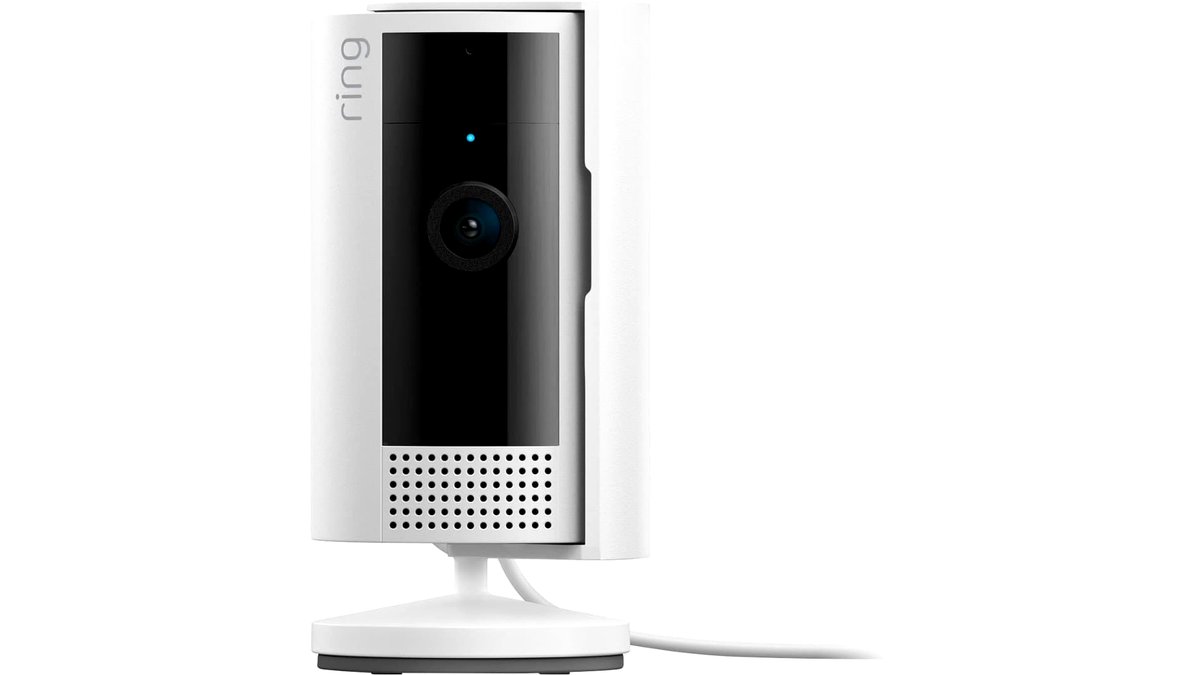
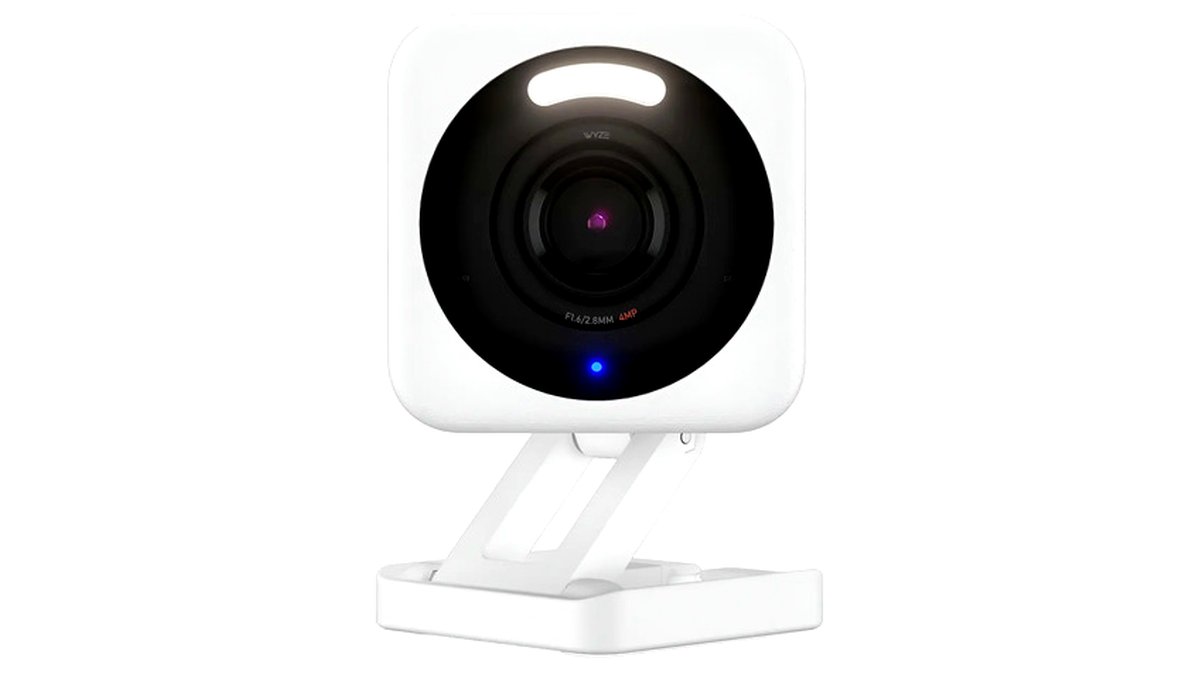
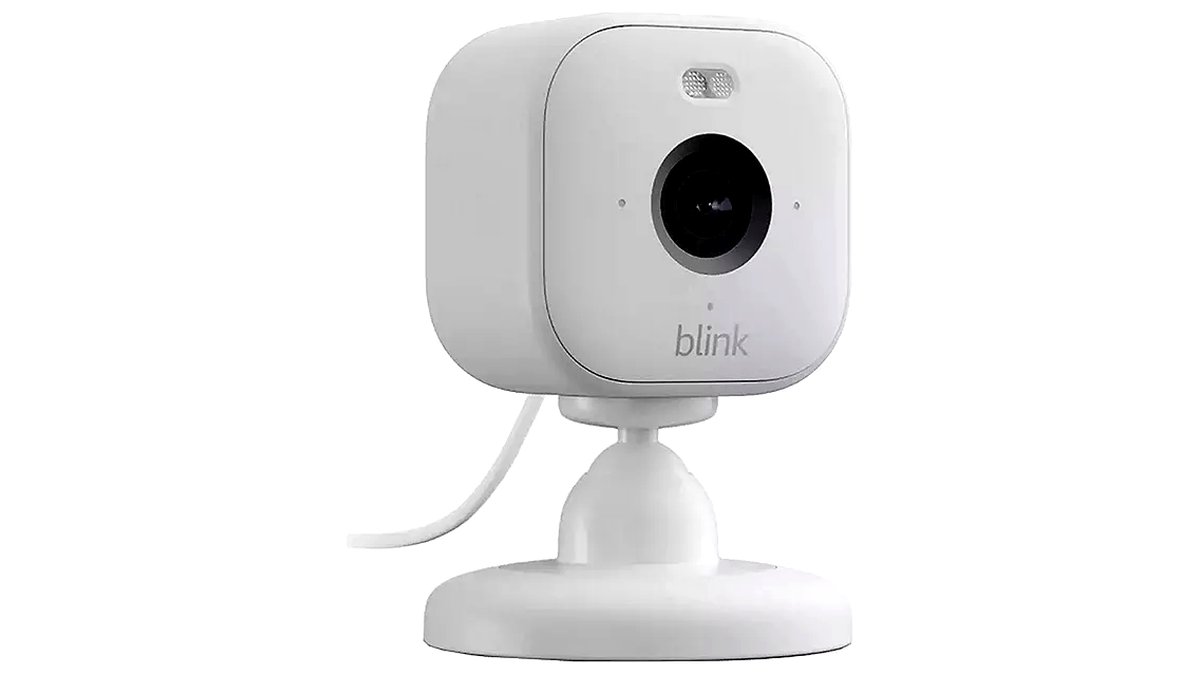
These sit on a shelf, bookcase, or windowsill and plug into a standard outlet, which avoids any wall penetration and keeps the camera powered continuously rather than relying on battery life. Ring and Wyze both sell compact plug-in indoor cameras the makers describe as suited to apartments and small spaces, often with two-way audio and motion-zone settings to reduce false alerts from a street-facing window.
Battery-Powered Door and Entry Cameras
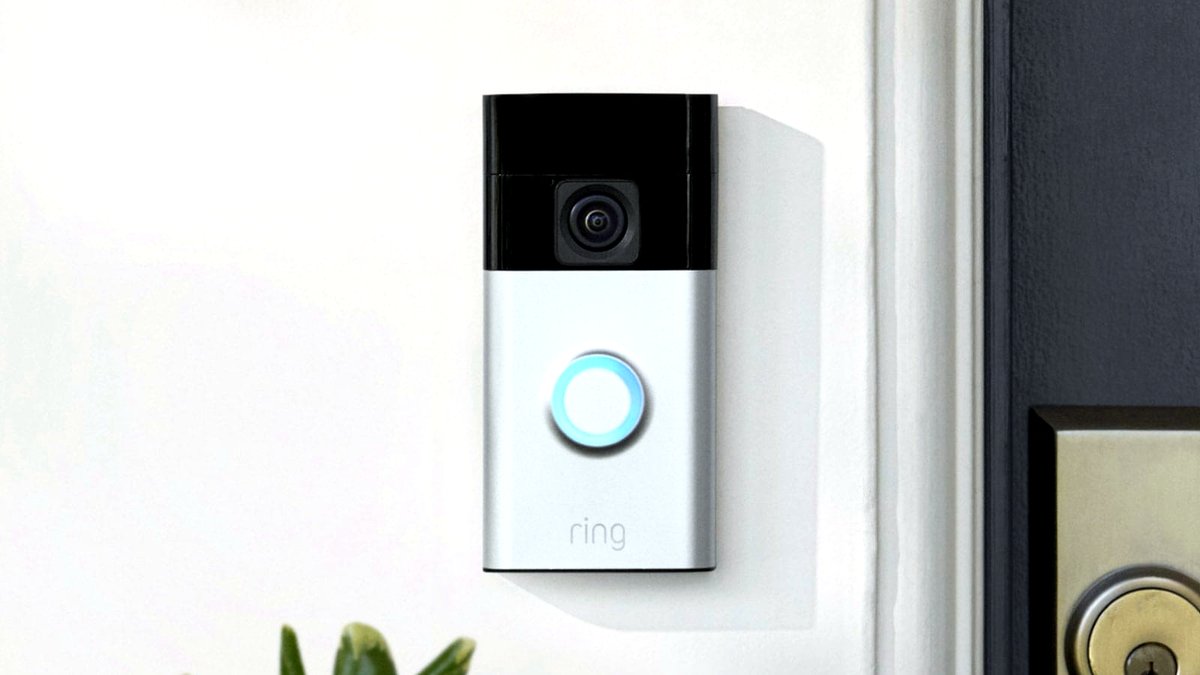
For monitoring a unit’s own front door without a hardwired doorbell connection, battery-powered video doorbells mount with adhesive tape or a small no-drill bracket rather than screws into a frame, and some ship with a wedge kit to adjust the camera angle without altering the door itself. These generally need periodic battery charging, with manufacturers listing battery life ranging from a few weeks to a few months depending on usage and settings.
Window and Balcony-Facing Cameras
Renters on a ground floor or with balcony access often want a camera aimed outward through a window or at a balcony door, which raises glare and night-vision considerations specific to shooting through glass. Indoor cameras placed facing outward through a window can work, though the maker’s own guidance and independent reviewers commonly note that infrared night vision performs worse through glass due to reflection, so a camera positioned to avoid direct glass reflection, or one with adjustable IR, tends to perform better in this setup.
Compact Multi-Room Camera Systems
Renters wanting coverage of more than one room or a small apartment’s entry and living area sometimes choose a multi-camera starter kit from the same ecosystem, which simplifies the app and subscription setup compared with mixing brands. These are easier to pack up and move than any system requiring a dedicated hub wired into the building.
At a Glance Comparison
| Camera Type | Best For | Key Stated Specs | Limits |
|---|---|---|---|
| Indoor plug-in camera | Living room, nursery, general indoor monitoring | Continuous power, two-way audio, motion zones | Needs a nearby outlet, visible cord |
| Battery-powered door camera | Front door monitoring without hardwiring | No-drill adhesive or bracket mount, rechargeable battery | Periodic recharging, smaller field of view than hardwired doorbells |
| Window/outward-facing camera | Ground-floor units, balconies | Adjustable angle, night vision (reduced through glass) | Glare and IR reflection issues shooting through glass |
| Multi-camera starter kit | Covering several rooms or small apartments | Shared app/subscription, consistent camera family | Higher upfront cost than a single camera |
Fit, Mounting, and Lease Compatibility Notes
Mounting method should be the first filter when shopping as a renter. Adhesive mounts work on smooth, clean surfaces like painted drywall or glass but can damage paint or wallpaper on removal if left too long, so checking the specific adhesive’s removal guidance and testing on a small hidden area first is a reasonable precaution. Tension or wedge mounts that clip onto a door or window frame without any adhesive or screws leave the least trace but may offer fewer angle adjustments than a screwed bracket.
Power source affects both placement flexibility and maintenance: battery cameras can go anywhere within WiFi range but need periodic recharging, which becomes more noticeable the more motion events a camera records, since rechargeable battery life is generally tied to how often the camera wakes up and streams or records. Plug-in cameras avoid recharging entirely but are limited to locations near an outlet, and an extension cord used to reach a better vantage point should be routed safely rather than left as a trip hazard.
Subscription requirements are worth checking before buying, since many camera brands store video clips in the cloud only with a paid plan, while local storage via a memory card or hub varies by brand and model. Renters who expect to cancel a subscription after moving, or who want to avoid recurring fees entirely, should confirm what functionality, if any, remains available without a subscription.
Pick X If…
| Choose This | If You… |
|---|---|
| Indoor plug-in camera | Have a nearby outlet and want continuous, no-recharge monitoring |
| Battery-powered door camera | Want to monitor your front door without hardwiring or drilling |
| Window/outward-facing camera | Are on a ground floor or have balcony access to watch |
| Multi-camera starter kit | Need to cover multiple rooms and want one consistent app |
| Local-storage-only camera | Want to avoid an ongoing cloud subscription fee |
Alternatives Worth Considering
Renters who want entry monitoring without even an adhesive-mount camera might consider a standalone door or window contact sensor paired with a smart chime, which alerts to an opened door without recording video at all. A smart peephole camera that replaces the existing peephole viewer, rather than mounting beside the door, is another option for units where the lease restricts anything attached to the door frame itself, though not every door is compatible with this style. Finally, some renters simply ask a landlord or property manager for written permission to use adhesive or small-screw mounts, which, once granted, opens up a wider range of standard camera options.
Privacy, Storage, and Shared-Space Considerations
Apartment living also raises privacy questions that homeowners in a detached house rarely face, since a camera aimed outward can easily capture a shared hallway, a neighbor’s window, or common walkway without the owner intending it. Positioning a camera to cover only the renter’s own entry or window, and checking the field of view in the app before leaving a camera running long-term, helps avoid recording footage of neighbors who have not consented to it. Some buildings have explicit rules about this, and a property manager can usually clarify what is and isn’t acceptable before a dispute arises.
Data storage location is worth a quick check as well: most consumer camera brands store clips in the cloud, tied to an account rather than the physical apartment, which is convenient for renters who move frequently since historical footage and settings typically transfer with the account rather than staying behind with the unit. Cameras that rely on local storage, such as a memory card inside the camera itself, keep footage physically with the device, which some renters prefer for privacy reasons but which also means the footage is lost if the camera itself is damaged, stolen, or left behind during a move.
Frequently Asked Questions
Can renters install security cameras without violating their lease?
Many leases allow devices that don’t damage the unit, such as battery-powered cameras using adhesive or tension mounts, but rules vary widely by landlord and building, and some restrict any device aimed at shared hallways or common areas regardless of mounting method. Checking the specific lease language and, when in doubt, asking the landlord directly is the safest approach before installing anything.
Do apartment security cameras require a subscription?
Many brands offer basic live-viewing and motion alerts without a subscription, but cloud video storage and some advanced features, such as person detection or longer clip history, typically require a paid plan. The specific features included free versus behind a subscription vary by brand and should be checked on the maker’s current plan details before buying.
How long do battery-powered cameras last before needing a recharge?
Manufacturers commonly state a range from a few weeks to a few months per charge, though actual battery life depends heavily on how much motion the camera detects and how often it streams or records, since each triggered event uses power. Placing a camera where it captures relevant motion without constant false triggers, such as passing cars on a busy street, generally extends battery life.
Will adhesive mounts damage apartment walls or doors?
Most mounting adhesives are designed to remove cleanly from smooth painted surfaces when taken down following the manufacturer’s removal instructions, but textured walls, wallpaper, or older paint can be more prone to marking or peeling on removal. Testing the adhesive on a small, inconspicuous area first, and removing it slowly as instructed, reduces the risk of damage.
Can a camera see well through a window at night?
Infrared night vision generally performs worse when shooting through glass, because the camera’s own infrared light reflects back off the window rather than illuminating the scene outside, often producing a washed-out or glare-filled image. Positioning the camera close to the glass at an angle that reduces reflection, or using a camera with adjustable infrared settings, can reduce but not fully eliminate this issue.
What should a renter do with a camera system when moving out?
Battery-powered and plug-in cameras using no-drill mounts are generally designed to be removed and reinstalled in a new location, making them more portable between apartments than hardwired systems. Checking whether the camera’s app ties footage or settings to a specific address, and backing up any desired clips before deactivating a device, helps avoid losing recorded history during a move.








