Key takeaways
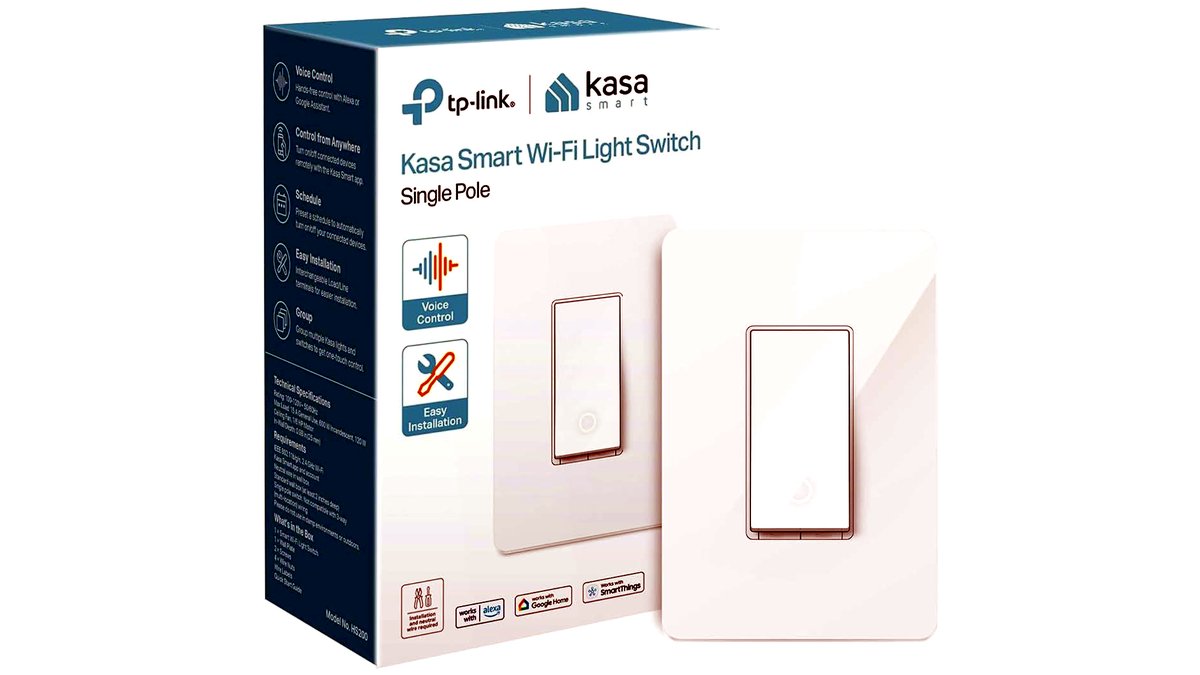
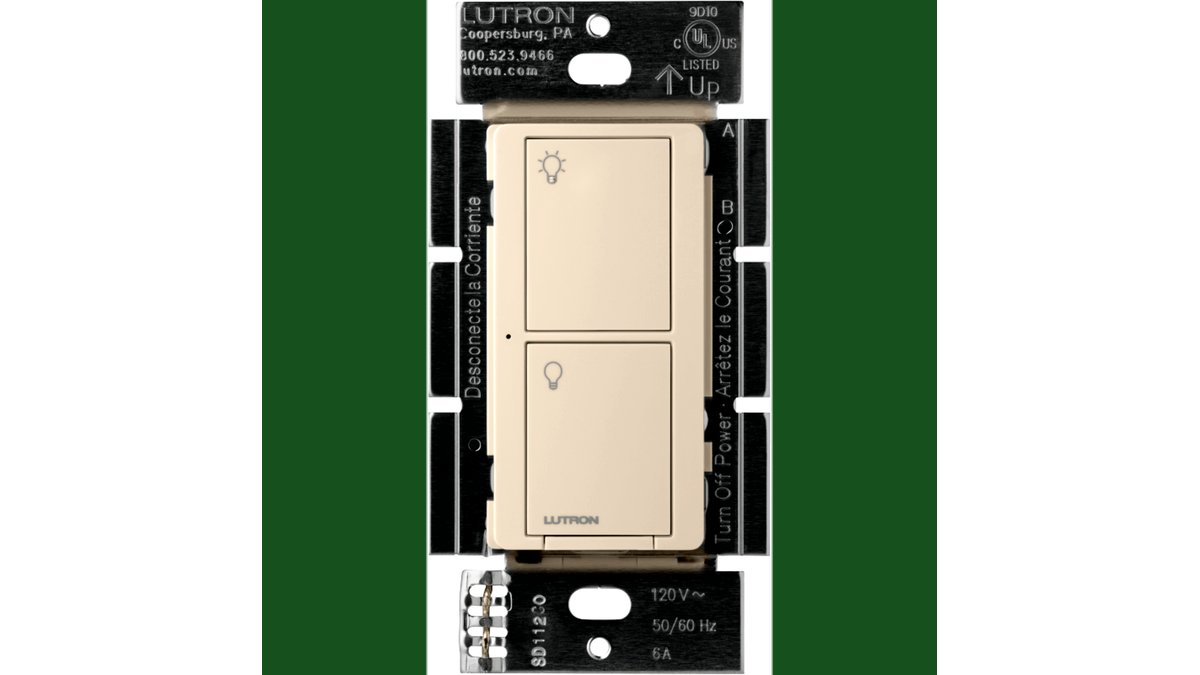
- Is there a neutral wire in the box? Many older homes, especially those wired before the 2010s, only ran line, load, and ground to switch boxes, with no neutral present. Several smart switch lines, including certain Lutron Caseta models, are designed to work without a neutral, while most Wi-Fi switches from brands like TP-Link Kasa and Leviton require one.
- Is the circuit single-pole or multi-location (3-way/4-way)? A single light controlled from one switch is the simplest case. A hallway or stairway light controlled from two or more switches needs either a smart switch paired with a compatible companion/remote switch at the other location, or a smart switch explicitly listed as 3-way capable.
- What is connected to the switch? Standard LED or incandescent lighting is the easiest load. A switch intended for a ceiling fan needs fan-speed control circuitry, and a switch on a shared light/fan combo needs separate smart controls for each function, which usually means a different product entirely.
A basic single-pole smart switch suits anyone replacing a standard toggle on a single light, while a buyer with 3-way staircase or hallway wiring needs a switch explicitly rated for multi-location circuits, and anyone without a neutral wire at the switch box needs a model built for no-neutral installs. In-wall smart switches control wired lighting (and in many cases ceiling fans) from an app, a voice assistant, or a schedule, without the bulky look of a plug-in smart outlet or the limited range of a smart bulb that only works when the physical switch stays on.
As an Amazon Associate, we earn from qualifying purchases made through links on this page.
What an In-Wall Smart Switch Actually Replaces
These devices mount inside the existing switch box in place of a mechanical toggle or decora-style switch, so the wiring, the wall plate opening, and the physical footprint all need to match what is already there. Unlike a smart plug or a smart bulb, a smart switch keeps the physical wall control fully functional alongside app and voice control, which matters in households where not everyone wants to use a phone to turn on a light. The tradeoff is installation: this is a mains-voltage job that involves working inside a junction box, so comfort with basic electrical work (or hiring a licensed electrician) matters more than it does for a plug-in device.
The Wiring Questions to Answer First
Before comparing any specific switch, a buyer needs to know the answers to three wiring questions, because they eliminate most of the models on the market immediately.
- Is there a neutral wire in the box? Many older homes, especially those wired before the 2010s, only ran line, load, and ground to switch boxes, with no neutral present. Several smart switch lines, including certain Lutron Caseta models, are designed to work without a neutral, while most Wi-Fi switches from brands like TP-Link Kasa and Leviton require one.
- Is the circuit single-pole or multi-location (3-way/4-way)? A single light controlled from one switch is the simplest case. A hallway or stairway light controlled from two or more switches needs either a smart switch paired with a compatible companion/remote switch at the other location, or a smart switch explicitly listed as 3-way capable.
- What is connected to the switch? Standard LED or incandescent lighting is the easiest load. A switch intended for a ceiling fan needs fan-speed control circuitry, and a switch on a shared light/fan combo needs separate smart controls for each function, which usually means a different product entirely.
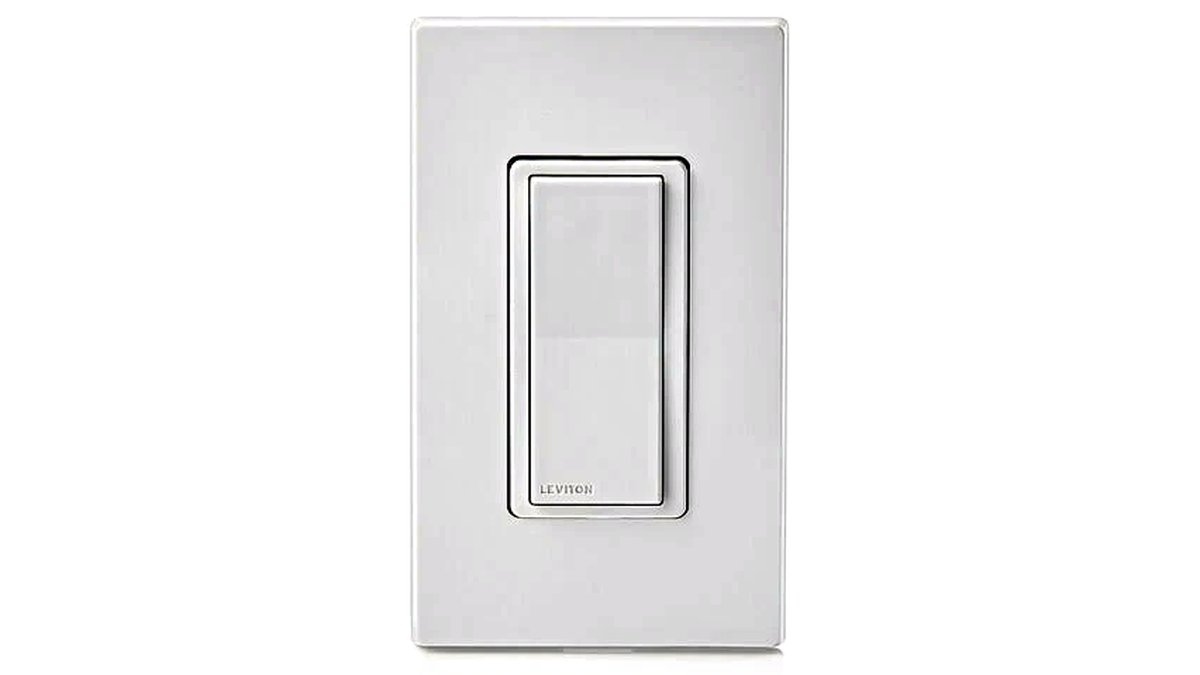
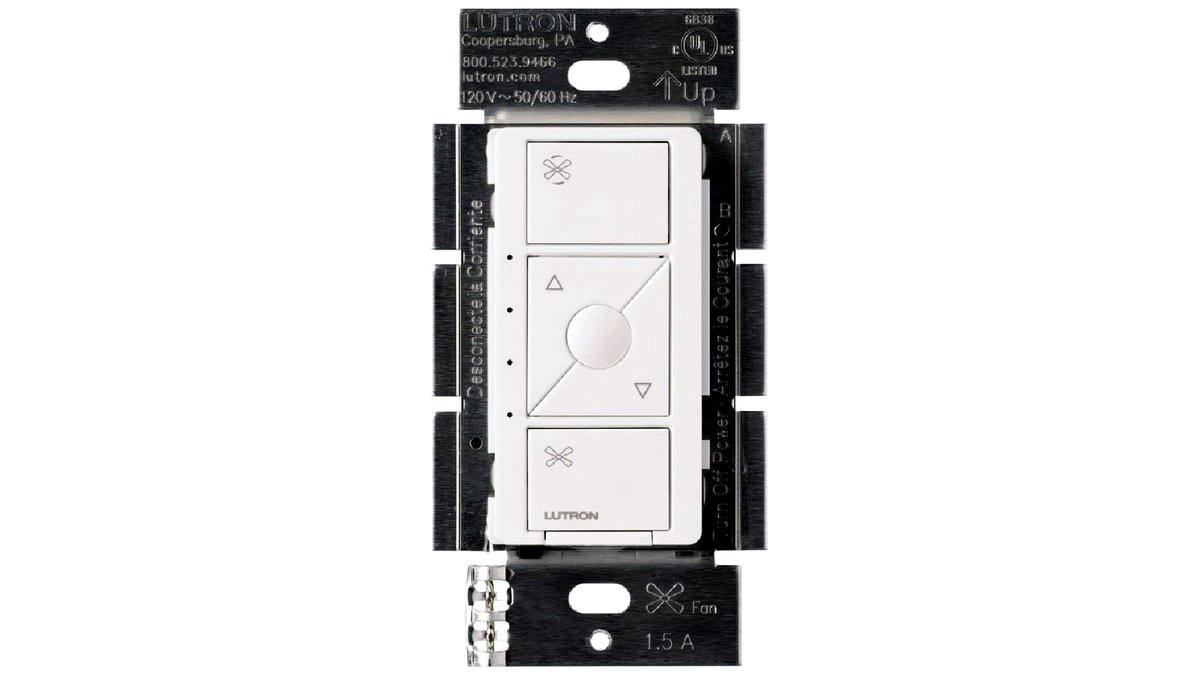
At a Glance: Smart Switch Types
| Type | Best for | Key stated specs | Limits |
|---|---|---|---|
| Wi-Fi smart switch (no hub) | Buyers who want app/voice control without extra hardware | Direct Wi-Fi connection, companion app, voice assistant skills | Usually needs a neutral wire; relies on home Wi-Fi strength |
| Hub-based smart switch | Buyers already using or planning a smart-home hub | Proprietary low-power radio (e.g., Lutron’s protocol), hub required | Extra hub purchase and setup; locked to that ecosystem |
| No-neutral smart switch | Older homes without a neutral wire at the switch box | Designed to draw power through the load wire | Fewer models to choose from; some require a specific companion dimmer/switch for 3-way |
| Smart dimmer switch | Dimmable LED or incandescent fixtures | Adjustable brightness via app, voice, or physical slider | Not all LED bulbs dim smoothly; check bulb compatibility |
| Smart fan/light combo switch | Ceiling fans with a separate light kit | Independent fan-speed and light control | Must match the fan’s wiring configuration; not universal |
Pick-X-If Decision Table
| Situation | Pick this type |
|---|---|
| Standard single-pole switch, neutral wire present, want simplest setup | Wi-Fi smart switch (no hub) |
| Already running a hub-based smart-home system (e.g., a Lutron or Z-Wave/Zigbee setup) | Hub-based smart switch matched to that ecosystem |
| Older home, no neutral wire confirmed at the box | No-neutral-rated smart switch, often paired with a matching companion switch for 3-way runs |
| Dimmable lighting, want brightness scheduling | Smart dimmer switch rated for the bulb type installed |
| Ceiling fan with separate light | Dedicated smart fan/light combo switch, not a standard on/off smart switch |
| Not comfortable opening a switch box or unsure about wiring | Hire a licensed electrician for installation regardless of which switch is chosen |
Fit, Size, and Compatibility Notes
In-wall smart switches are bulkier behind the wall plate than a standard mechanical switch because they contain a small radio and sometimes a capacitor for no-neutral designs. In a shallow or crowded switch box with many wires (common in older multi-gang boxes), physical fit can be tight; some buyers need a deeper box or a box extender before the switch will sit flush. Decora-style wall plates generally fit smart switches designed for that footprint, but toggle-style plates typically will not, so a wall plate swap is often part of the job. Voltage and amperage ratings printed on the switch and on the circuit breaker should match; a switch rated for standard LED loads is not automatically rated for high-draw loads like some older incandescent fixtures or certain fan motors.
Ecosystem and Voice Assistant Considerations
Most current in-wall smart switches list compatibility with the major voice assistants, but the depth of integration varies. A switch that only offers basic on/off voice commands behaves differently from one that also reports status back to an app reliably. Buyers already committed to a specific smart-home hub or voice assistant should confirm the switch’s listed compatibility on the maker’s own product page before buying, since “works with” claims can mean anything from full two-way control to a one-way IFTTT-style trigger.
Installation and Safety Notes
This is mains-voltage wiring work. The circuit breaker for the relevant circuit should be switched off and verified with a non-contact voltage tester before any wire is touched, and the existing switch should be photographed before removal so the original wiring configuration is easy to recreate if something goes wrong. Manufacturers generally include an in-box wiring diagram and a companion app setup guide; following that documentation, rather than generic online wiring diagrams, avoids mismatches between a specific switch’s terminal labeling and a different model’s layout. Anyone unsure about any step, especially around multi-location wiring or a missing neutral, should hire a licensed electrician rather than guess.
Alternatives Worth Comparing
- Smart bulbs: No wiring work at all, but they only offer smart features while the physical wall switch stays in the “on” position, and roommates or guests who flip the switch off disable the smart features entirely.
- Smart plugs: Useful for lamps and small appliances on a standard outlet, but they do not work for hardwired ceiling or wall fixtures.
- Smart light switch covers / add-on modules: Some lines offer a sensor or module that attaches near the existing switch rather than replacing it, which can suit renters who cannot modify permanent wiring.
Frequently Asked Questions
Do I need a neutral wire for every smart switch?
No. Most Wi-Fi smart switches do require a neutral wire in the box, but several manufacturers, including Lutron with its Caseta line, make switches specifically designed for boxes without one. Checking the box’s wiring before buying avoids returning a switch that will not install.
Can I use a regular smart switch on a 3-way circuit?
Not usually without a matching companion product. A standard single-pole smart switch typically cannot simply replace one half of a 3-way circuit; the maker’s own compatibility page will list which companion switch or remote is required for multi-location control.
Will a smart switch work with any LED bulb?
Basic on/off control generally works with any bulb, but smart dimmer switches can cause flickering or buzzing with LED bulbs that are not rated as dimmable. Checking both the switch’s and the bulb’s dimming compatibility avoids that issue.
Is it safe to install an in-wall smart switch myself?
Many homeowners install these switches themselves after turning off the breaker and confirming no voltage is present, following the included wiring diagram. Anyone uncomfortable working inside an electrical box, or dealing with aluminum wiring, knob-and-tube wiring, or an unclear circuit, should hire a licensed electrician instead.
Does a smart switch still work if the internet goes down?
The physical wall toggle continues to operate the connected light or fan during an outage with most designs, since that part of the circuit is mechanical. App control, voice control, and scheduling typically require an active internet or hub connection, so those features pause until service is restored.
Can one smart switch control a ceiling fan and its light separately?
Only a switch specifically designed as a fan/light combo switch can do this; a standard single-function smart switch cannot split fan speed from light control. The fan’s own wiring configuration also needs to support separate control before any combo switch will work correctly.