Key takeaways
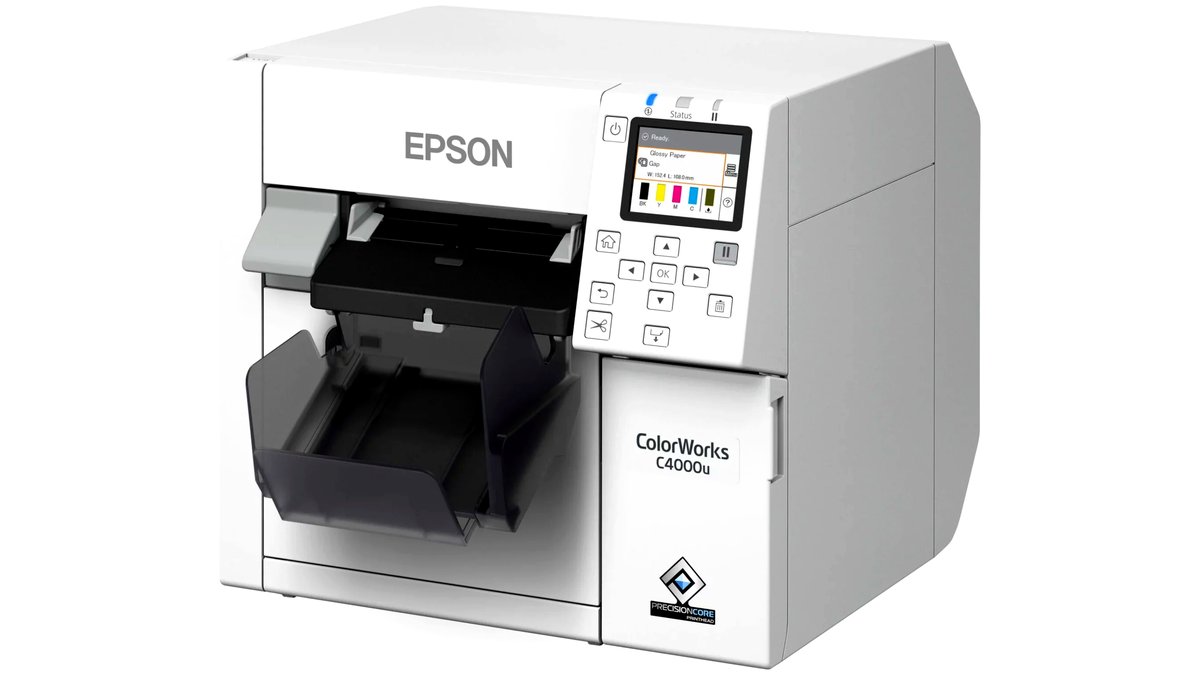
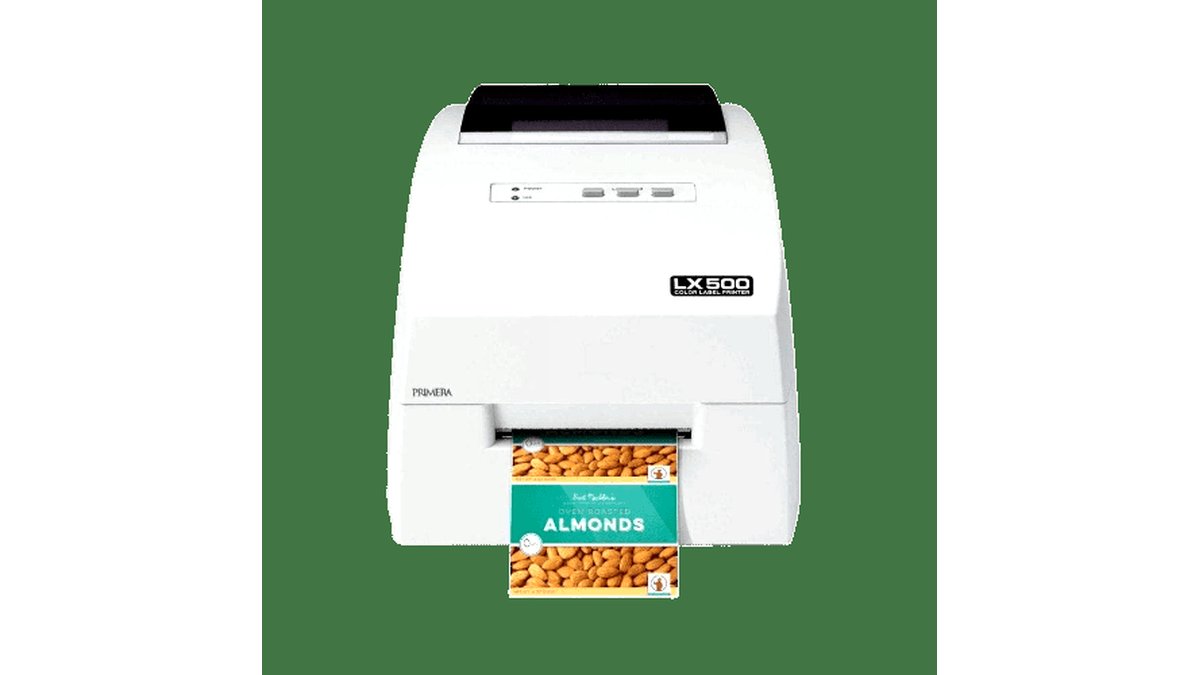
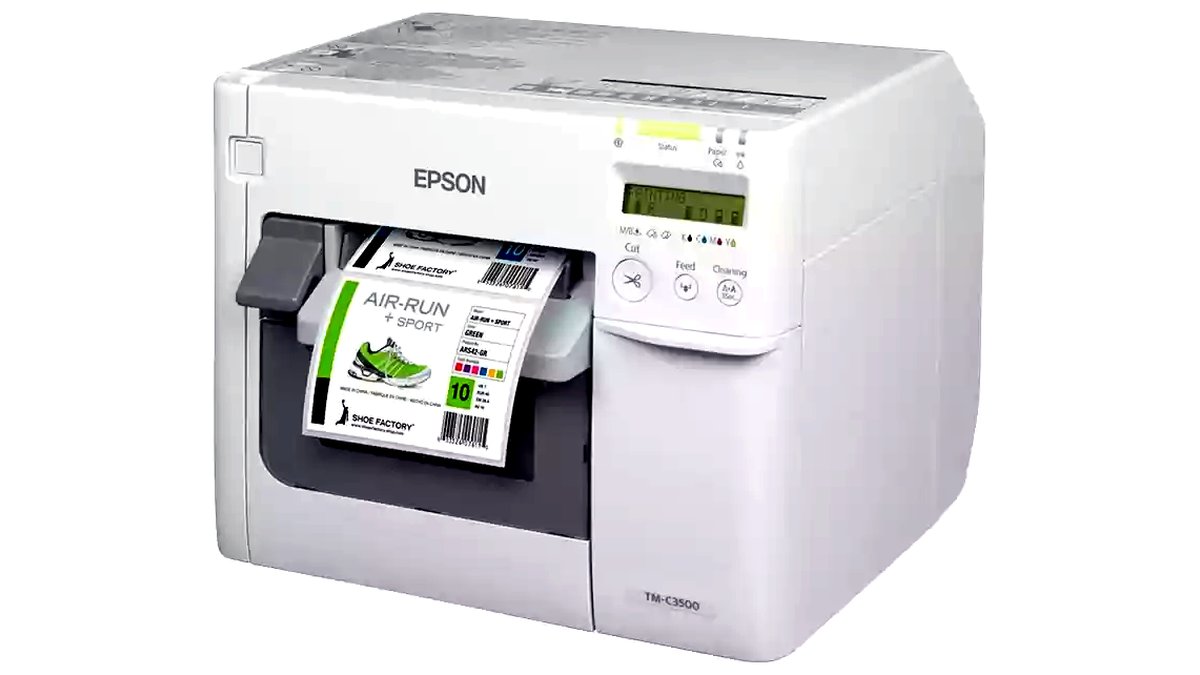
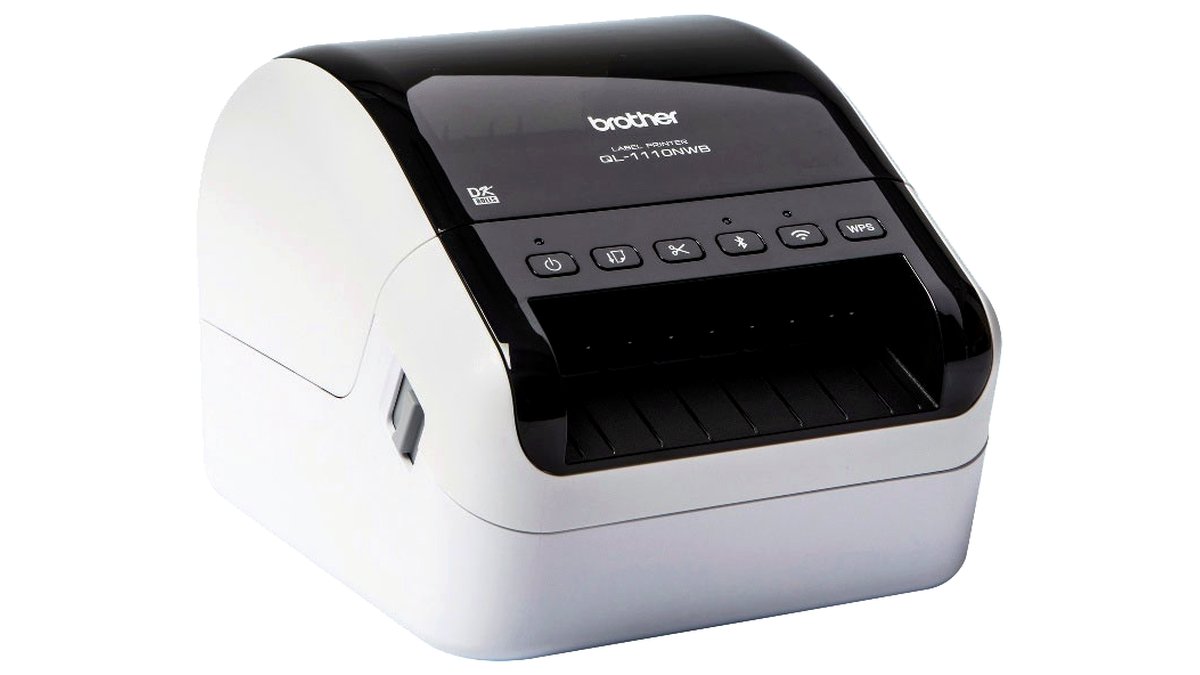
- Desktop color label printers: print directly onto blank label rolls or sheets using inkjet or laser/toner technology; some use specialized durable label media rated for moisture and handling. Good for runs where label design changes often or run sizes stay in the dozens-to-low-hundreds range.
- Manual/handheld label applicators: simple tools that help apply a pre-printed label straight and centered by hand; low cost, no power required, but slower per-bottle and more dependent on operator consistency.
- Semi-automatic labeling machines: motorized units that wrap a label around a bottle once it’s placed and the printed label stock fed in, speeding up application significantly over hand-applying while still requiring an operator to load each bottle.
- Automatic labeling machines: integrate bottle feeding, label dispensing and application into one continuous line, aimed at higher-volume production where throughput matters most; these need more floor space and a larger budget tier.
Pick a desktop color label printer paired with a handheld or semi-automatic label applicator for small-batch bottle labeling (home brewers, small-batch food producers, candle and cosmetics makers), and step up to a full semi-automatic or automatic labeling machine once you’re applying labels to more than a few hundred bottles per run. The right setup depends far more on your run volume and bottle shape consistency than on any single “best” machine.
As an Amazon Associate, we earn from qualifying purchases made through links on this page.
Printing vs. Applying: Two Separate Jobs
“Bottle label printing machine” usually covers two distinct pieces of equipment: a label printer that puts ink or toner on blank label stock, and a label applicator that wraps or presses the printed label onto the bottle. Some all-in-one machines combine both steps, but many small producers use a separate desktop label printer alongside a manual or semi-automatic applicator, which keeps costs lower and offers more flexibility as label designs change.
Equipment Categories
- Desktop color label printers: print directly onto blank label rolls or sheets using inkjet or laser/toner technology; some use specialized durable label media rated for moisture and handling. Good for runs where label design changes often or run sizes stay in the dozens-to-low-hundreds range.
- Manual/handheld label applicators: simple tools that help apply a pre-printed label straight and centered by hand; low cost, no power required, but slower per-bottle and more dependent on operator consistency.
- Semi-automatic labeling machines: motorized units that wrap a label around a bottle once it’s placed and the printed label stock fed in, speeding up application significantly over hand-applying while still requiring an operator to load each bottle.
- Automatic labeling machines: integrate bottle feeding, label dispensing and application into one continuous line, aimed at higher-volume production where throughput matters most; these need more floor space and a larger budget tier.
Key Features to Compare
Label media compatibility
Check what label stock each machine or printer accepts: roll width and diameter limits, label material (paper, vinyl, polypropylene) and adhesive type. Bottles exposed to moisture, refrigeration or handling (drinks, sauces, cosmetics) generally need a water- and smudge-resistant label material and a printer or ink/toner combination rated for that durability.
Bottle shape and size range
Applicators and labeling machines state a bottle diameter range they can handle; round, consistently sized bottles are the easiest to automate, while tapered, square or irregularly shaped bottles may need a specific applicator design or more manual adjustment per batch. Check the stated size range against your actual bottle lineup, especially if you run multiple bottle shapes through the same process.
Print resolution and color accuracy
For branded products, print resolution and color consistency across a run matter for a professional look. Compare stated DPI and color-management features between printer models, and check whether the printer supports the label design software or file format you plan to use.
Throughput and run size
Manufacturers generally state a labels-per-hour or bottles-per-minute figure for applicators and automatic machines. Compare this against your typical batch size and how often you run labeling sessions; a high-throughput automatic machine is wasted capacity for someone labeling a few dozen bottles a week, while a slow manual setup becomes a bottleneck for anyone scaling past small-batch production.
Footprint and power requirements
Desktop printers and manual applicators fit on a standard worktable and need only a standard outlet; semi-automatic and automatic machines take up significantly more floor space and some models need higher-capacity electrical circuits. Check stated dimensions and power draw against your workspace before buying a larger machine.
At a Glance
| Equipment Type | Best For | Key Stated Specs | Limits |
|---|---|---|---|
| Desktop color label printer + manual applicator | Small-batch producers, frequent design changes | Compatible label roll/sheet sizes; stated print resolution | Slower per-bottle; application consistency depends on operator |
| Desktop printer + semi-automatic applicator | Growing small producers needing faster, more consistent application | Stated bottle diameter range; motorized wrap/apply mechanism | Still requires manual bottle loading; higher cost than manual-only setup |
| Automatic labeling machine | Higher-volume production runs | Stated bottles-per-minute throughput; integrated feed and apply | Larger footprint and budget tier; overkill for small runs |
Fit and Compatibility Notes
Before buying, confirm the label stock size and material you plan to use is listed as compatible with the specific printer model, since not all printers accept every label roll width, thickness or adhesive backing. For applicators and automatic machines, check the stated bottle diameter and height range against your actual product lineup, and ask the manufacturer or an authorized dealer about adjustment options if your bottles vary in shape across different product lines.
Pick X If…
| If you… | Choose… |
|---|---|
| Label a few dozen bottles at a time with changing designs | A desktop color label printer plus a manual applicator |
| Run consistent bottle shapes in batches of a few hundred | A desktop printer paired with a semi-automatic applicator |
| Need to label thousands of bottles per run | An automatic labeling machine sized to your bottle range and throughput needs |
| Use irregularly shaped or tapered bottles | An applicator specifically rated for that bottle shape, confirmed with the manufacturer before buying |
Alternatives to Consider
- Pre-printed label services: outsourcing label printing to a specialty printer removes the need for in-house printing equipment entirely, worth considering if label design stays fixed for long runs and in-house application is still desired.
- Shrink-sleeve labeling systems: a different labeling method entirely, wrapping a printed sleeve around the bottle and heat-shrinking it, which can cover irregular bottle shapes more fully than a flat adhesive label but requires its own dedicated equipment.
- All-in-one print-and-apply machines: combine printing and application into a single unit for buyers who want to skip managing two separate pieces of equipment, generally at a higher cost tier than a comparable separate printer-plus-applicator setup.
Workflow and Setup Tips
Run a small test batch any time label stock, bottle shape or printer settings change, rather than committing a full production run to an untested setup, since minor misalignment or smudging is far cheaper to catch on a handful of bottles than on a full batch. Keep a log of the exact label media, ink or toner combination, and applicator settings that worked well for a given bottle and design, since reordering the same consumables and reusing proven settings saves setup time on repeat runs. For seasonal or multi-product lines, label and store leftover partial rolls clearly, since mismatched label stock is a common source of wasted material and misapplied labels in small production operations.
Frequently Asked Questions
What’s the difference between a label printer and a label applicator?
A label printer puts the design and text onto blank label media; an applicator takes that printed label and applies it to the bottle, either by hand guidance or motorized wrapping. Many small producers use the two as separate pieces of equipment rather than a single combined machine.
Can one labeling setup handle different bottle shapes and sizes?
Some applicators and automatic machines offer adjustable guides or fixtures rated for a stated size range, but highly irregular or tapered bottles may need a specific applicator design or manual adjustment between batches. Check the manufacturer’s stated compatibility range against your actual bottle lineup before buying.
Do I need waterproof labels for drink or cosmetic bottles?
If the bottle will be refrigerated, handled with wet hands, or exposed to condensation, a water- and smudge-resistant label material and compatible ink or toner is generally recommended to keep the label legible and attached. Check the label stock manufacturer’s stated moisture resistance rating for your specific use case.
How many bottles per hour can a semi-automatic labeling machine handle?
This varies by model and by how quickly an operator can load bottles into the machine, since semi-automatic units still require manual loading even though the wrap/apply step is motorized. Check the manufacturer’s stated throughput figure and compare it against your typical batch size and labeling frequency.
Is an automatic labeling machine worth it for a small home-based business?
Usually only once run sizes regularly exceed what a semi-automatic setup can comfortably handle, since automatic machines cost significantly more and need more floor space. Compare your actual monthly bottle volume against the throughput and cost of a semi-automatic step-up before committing to a full automatic line.
What label software do I need for a bottle label printer?
This depends on the specific printer model; check whether it supports standard design file formats or requires the manufacturer’s own labeling software. Confirm compatibility with any design tool you already use for branding before buying, especially if you plan to update label designs frequently.